CDOT cameras are live traffic and weather monitoring devices managed by the Colorado Department of Transportation through the COtrip.org platform. They provide travelers with visual snapshots and data on road conditions across the state's highways, mountain passes, and urban corridors to enhance safety, facilitate trip planning, and provide situational awareness during Colorado's volatile weather events.
Navigating the diverse geography of Colorado—from the high-altitude peaks of the Continental Divide to the sprawling plains of the Eastern Slope—presents unique challenges for motorists. The Colorado Department of Transportation (CDOT) maintains an extensive network of closed-circuit television (CCTV) cameras and Road Weather Information Systems (RWIS) to bridge the gap between weather forecasts and real-world pavement conditions. As of 2026, this network has expanded significantly, offering higher-resolution imagery and more frequent updates than ever before.
The Role of CDOT Cameras in Colorado Travel
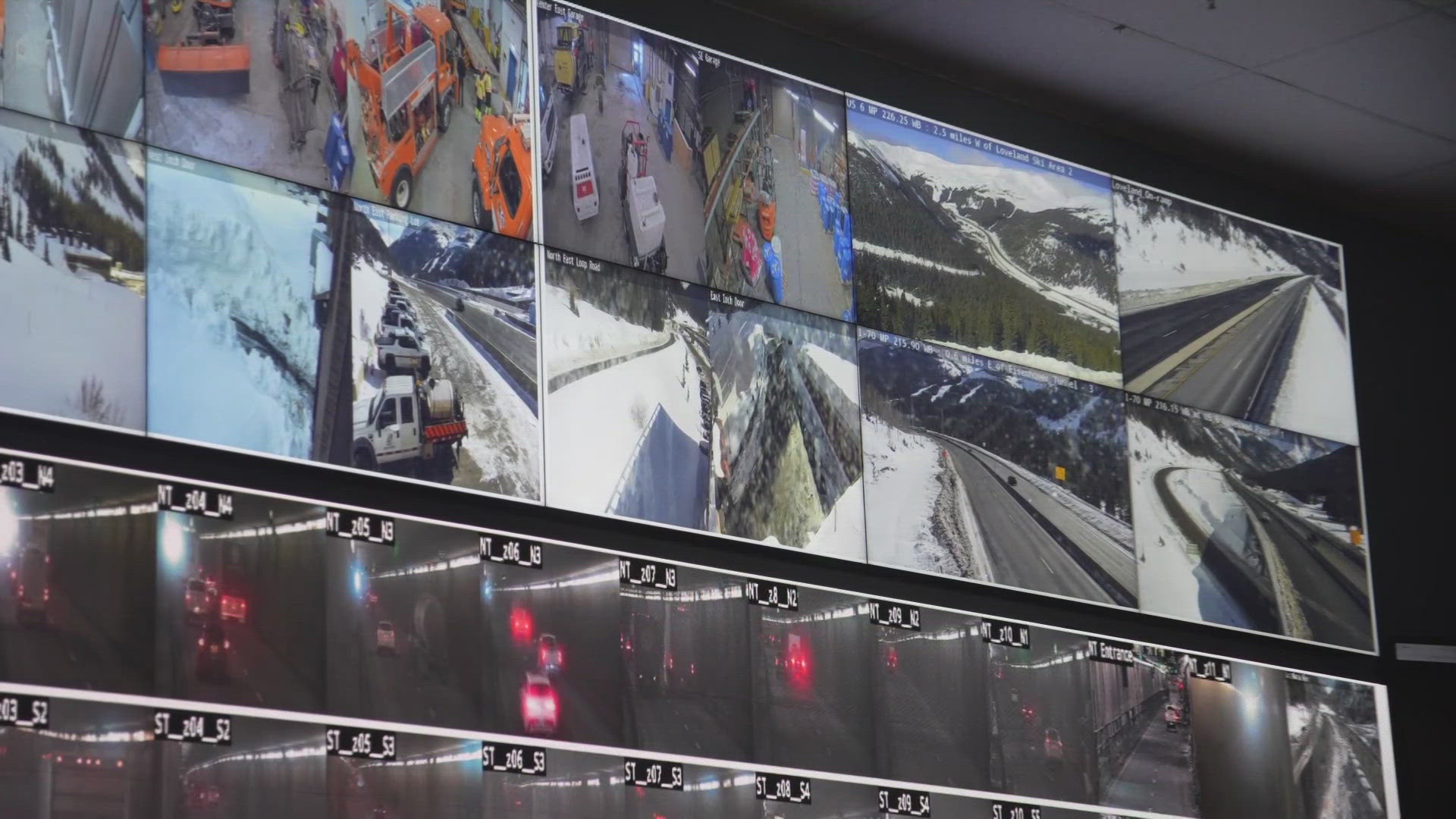
The primary purpose of the CDOT camera network is operational efficiency and public safety. For the agency, these cameras allow dispatchers and engineers to identify accidents, stalled vehicles, or debris in real-time without waiting for a 911 call. For the public, they serve as a "visual check" that supplements digital maps and GPS data.
In Colorado, "road conditions" can change within a few miles. A dry road in Silverthorne might be a complete whiteout just five miles away at the Eisenhower-Johnson Memorial Tunnels. By accessing a CDOT camera, drivers can see the actual accumulation of snow on the shoulder, the spray from tires (indicating wet vs. icy roads), and the density of traffic. This visual verification is a critical component of the state's "Know Before You Go" safety campaign, which encourages motorists to check the COtrip system before departing.
How to Access CDOT Camera Feeds
Accessing the camera network is free and available through several official channels. While third-party apps often scrape this data, the official sources provide the most reliable and up-to-the-minute information.
The COtrip.org Web Portal
The flagship resource for CDOT cameras is the COtrip.org website. In 2026, the portal features a high-performance interactive map. Users can toggle "Cameras" on the map layers to see hundreds of icons representing available feeds. Clicking an icon opens a window with the latest snapshot, the direction the camera is facing, and a timestamp. It is vital to check the timestamp, as extreme weather or technical outages can occasionally cause a feed to "freeze" on an older image.
The COtrip Planner Mobile App
For travelers on the go, the COtrip Planner app (available on iOS and Android) provides a mobile-optimized version of the camera network. The app includes a "Nearby Cameras" feature that uses the device's GPS to show the feeds most relevant to the driver's current location. It also integrates with Colorado’s Express Lanes and provides alerts for Traction Law activations.
511 Colorado
While the 511 phone system is primarily audio-based, it remains a pillar of CDOT's communication strategy. By calling 511, drivers can receive verbal reports on road conditions that are verified by the same camera operators who manage the visual feeds. This is an essential backup for areas where cellular data is too weak to load high-resolution images.
Understanding Camera Types and Technical Specifications
Not all CDOT cameras are created equal. Depending on the location and the specific needs of the corridor, you may encounter different types of visual monitoring technology.
Standard Traffic Cameras (CCTV)
Most cameras seen on I-25 and I-70 are standard CCTV units. These are often mounted on high poles and can be remotely panned, tilted, and zoomed (PTZ) by CDOT operators in the Traffic Management Center (TMC). During major incidents, operators will point these cameras directly at the scene to assist emergency responders. For the public, these cameras provide a broad view of traffic flow and congestion levels.
Road Weather Information Systems (RWIS)
RWIS stations are more sophisticated than standard cameras. In addition to a visual lens, they include sensors embedded in the pavement and atmospheric sensors on-site. These stations provide data on:
- Pavement Temperature: Crucial for determining if rain will turn to black ice.
- Sub-surface Temperature: Helps engineers predict how long a road will stay frozen.
- Wind Speed and Direction: Vital for high-profile vehicles on routes like I-25 near Monument Hill or US-285.
- Chemical Concentration: Measures the amount of de-icing salt or liquid currently on the road surface.
High-Definition and Infrared Upgrades
By 2026, much of the I-70 mountain corridor has been upgraded to high-definition sensors. Older analog systems have been phased out in favor of digital IP cameras that provide clearer images in low-light conditions. Some critical passes also utilize infrared or "thermal" imaging to detect heat signatures, helping operators spot vehicles that may have gone off the road in areas with zero ambient light.
Key Monitoring Locations for Colorado Drivers
While there are over 1,500 cameras across the state, certain "choke points" are prioritized by the CDOT network. These areas are most prone to rapid weather changes and heavy congestion.
| Location Name | Highway/Route | Significance | Typical Elevation |
|---|---|---|---|
| Eisenhower-Johnson Tunnels | I-70 | Highest point on the Interstate System; critical for mountain transit. | 11,158 ft |
| Vail Pass | I-70 | Frequent closures due to steep grades and heavy snowfall. | 10,662 ft |
| Monument Hill | I-25 | Major divide between Denver and Colorado Springs; prone to ground blizzard conditions. | 7,352 ft |
| Wolf Creek Pass | US-160 | Extreme annual snowfall; critical for Southwest Colorado travel. | 10,857 ft |
| Monarch Pass | US-50 | Central crossing of the Rockies; essential for transit to Gunnison. | 11,312 ft |
| Rabbit Ears Pass | US-40 | Key route to Steamboat Springs; often experiences high winds. | 9,426 ft |
The I-70 Mountain Corridor
The stretch of I-70 between Golden and Dotsero is the most heavily monitored road in the state. CDOT cameras here are positioned every few miles. Key spots include Floyd Hill, where congestion often begins, and the Mount Vernon Canyon area. During ski season (Friday afternoons through Sunday evenings), these cameras are indispensable for timing a trip to avoid the "I-70 crawl."
The I-25 Front Range
In the urban corridor spanning Fort Collins, Denver, and Pueblo, cameras focus more on incident management and Express Lane monitoring. These cameras help drivers decide whether the toll for the Express Lane is worth the cost based on the visible congestion in the general-purpose lanes.
Using CDOT Cameras for Safety and Law Compliance
Beyond simple convenience, checking CDOT cameras is a matter of legal and physical safety. Colorado has specific laws that are often triggered by the conditions visible on these feeds.
The Passenger Vehicle Traction Law (Code 15)
When weather conditions deteriorate, CDOT may activate Code 15. This requires all motorists to have either 4WD/AWD, snow tires, or tires with a specialized rating (M+S or mountain-snowflake). By checking the cameras at the base of a climb (such as Morrison or Silverthorne), drivers can see if the "Traction Law" signs are illuminated before they reach a point where they cannot safely turn around.
Commercial Vehicle Chain Law
For truckers, CDOT cameras provide a look at the "Chain Up" stations. If these areas are full or if the road ahead is visibly covered in unplowed snow, drivers can make the call to wait at a truck stop rather than risking a jackknife on a steep grade.
Verification of Road Closures
During winter, CDOT frequently implements "Safety Closures." This isn't always because of an accident; sometimes it is for avalanche mitigation or because the road ahead is impassable. Before heading out, checking the camera at the closure gate can help you understand the severity of the delay.
Technical Limitations and Troubleshooting
While the CDOT camera system is robust, users should be aware of certain limitations to avoid misinformation.
- Static Snapshots vs. Live Video: Most public-facing CDOT cameras provide still images that refresh every 2 to 5 minutes. They are not continuous live streams. This is done to preserve bandwidth, as thousands of users may be accessing the site simultaneously during a storm.
- Lens Obstruction: In heavy wet snow or freezing rain, the camera lens may become obscured. If you see a gray or white blurry image, it usually means the camera dome is covered in ice. CDOT crews clean these as part of their maintenance cycles, but it can take time.
- Night Visibility: While many cameras have been upgraded, cameras in very remote areas (like the "Stretches of Nothing" on the Eastern Plains) may show a pitch-black image at night unless a vehicle's headlights are passing through the frame.
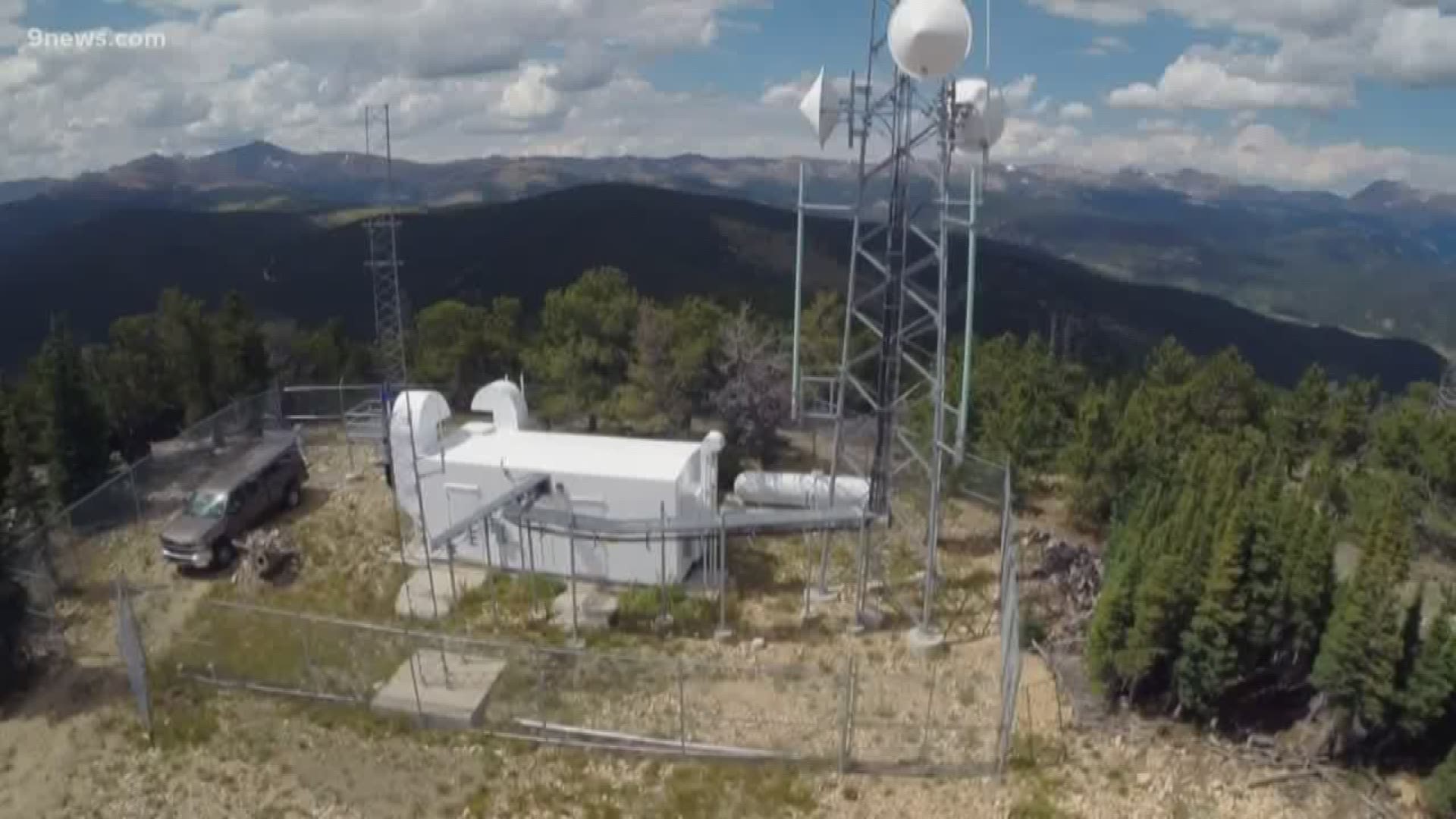
- "Camera Offline": This message usually indicates a power failure at the site or a loss of the microwave/fiber-optic link. In the high mountains, lightning strikes and high winds frequently damage the transmission equipment.
Practical Expert Tips for Using the System
To get the most out of the CDOT camera network, consider these expert strategies:
- Look at the "History" or "Loop": Many versions of the COtrip map allow you to view the last few frames. This is incredibly helpful for seeing which way a storm is moving or if traffic is starting to clear or worsen.
- Check the Ground, Not Just the Air: A camera might show a clear sky, but look closely at the road surface. If the road is dark and shiny, it may be "black ice." If you see "rooster tails" of water behind cars, the road is wet; if there is no spray, the water may have frozen.
- Cross-Reference with the Weather Layer: On COtrip.org, you can overlay the weather radar. Position your view so you can see the camera and the radar simultaneously to predict when the road conditions will change.
- Identify Snow Plows: If you see the flashing lights of a CDOT plow in a camera feed, look at the road behind it vs. the road in front. This gives you a clear indication of how effective the current clearing operations are.
Frequently Asked Questions
Can I see live video of my commute on CDOT cameras?
Most cameras available to the public are high-frequency snapshots rather than live video streams. These snapshots refresh approximately every few minutes. Continuous live video is generally reserved for internal CDOT Traffic Management Center use to ensure the website remains functional for thousands of simultaneous users during major weather events.
Do CDOT cameras record footage for police use or accidents?
CDOT cameras are primarily used for real-time monitoring and are not typically archived for long-term storage. While some footage may be temporarily cached for traffic study purposes, CDOT does not generally provide video recordings to the public or insurance companies for accident investigations. For legal evidence, drivers should rely on their own dashcams or police reports.
Why do some cameras disappear from the map during a storm?
If a camera icon disappears or shows as "offline," it is likely due to technical issues caused by the storm itself, such as power outages, snow-covered lenses, or communication link failures. CDOT technicians prioritize restoring these feeds, especially on high-traffic routes like I-70 and I-25.
Are these cameras used to issue speeding tickets?
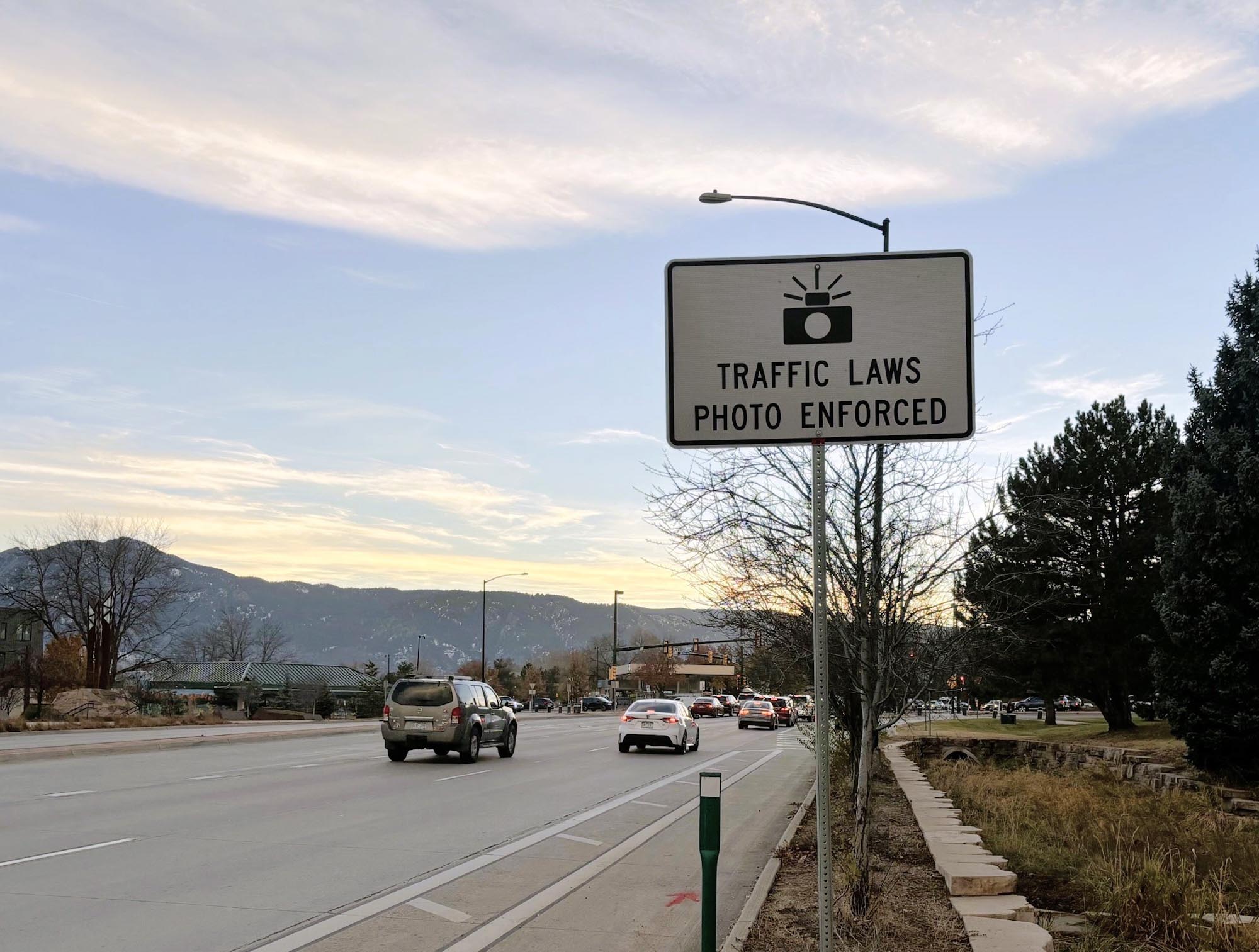
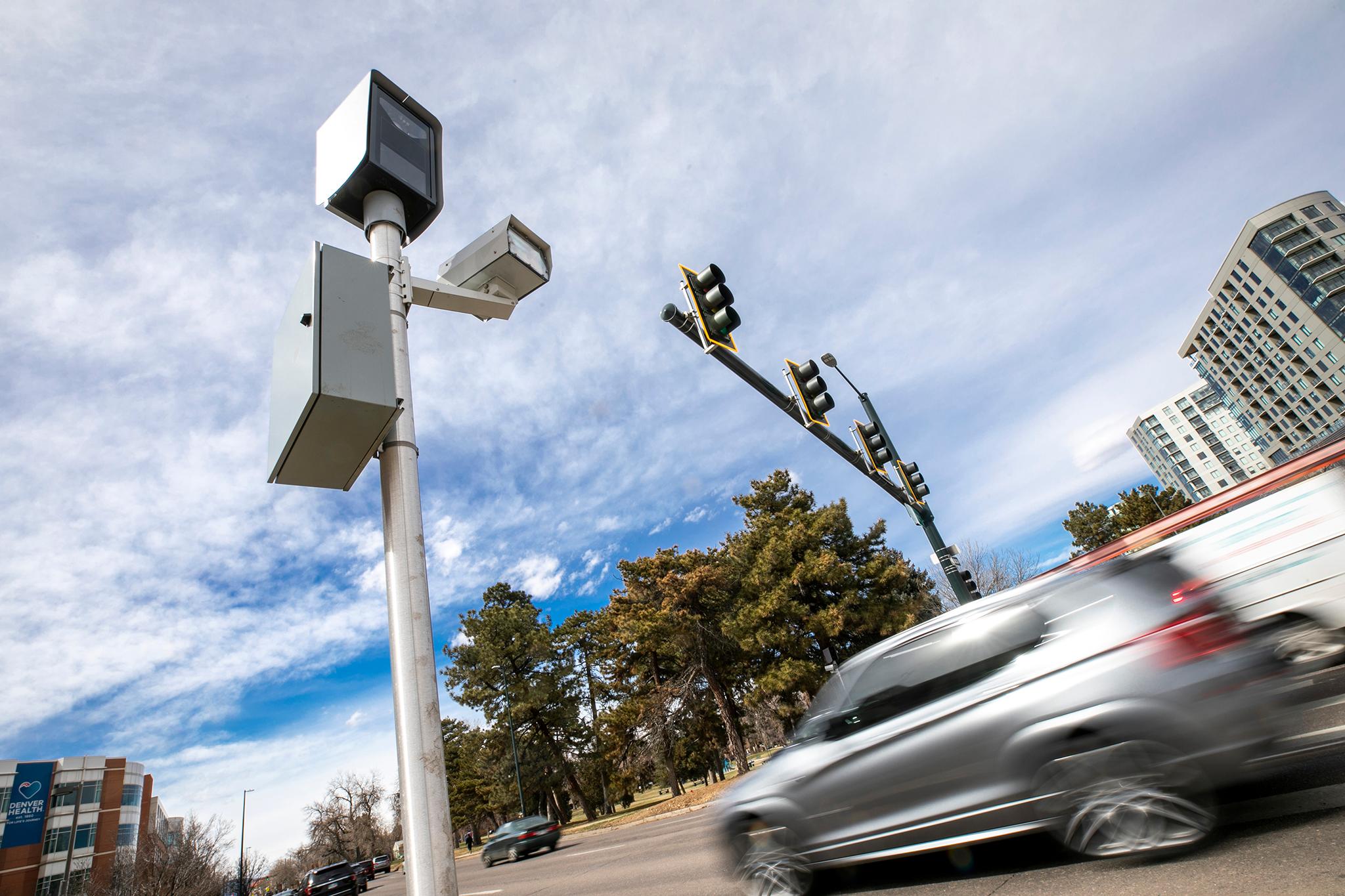
No, CDOT traffic cameras are not used for automated speed enforcement or red-light tickets. Their sole purpose is traffic management, incident response, and providing road condition information to the public. Speed enforcement in Colorado is handled by local law enforcement agencies and the Colorado Highway Patrol using different technology.
How accurate are the "Road Surface" descriptions next to the cameras?
The descriptions (e.g., "Dry," "Wet," "Icy in Spots") are generated by a combination of automated RWIS sensors and manual reports from plow drivers and state troopers. While generally very accurate, conditions can change faster than the text can be updated. Always prioritize the visual evidence in the camera image and your own observations.
Summary and Next Actions
The CDOT camera network is the most powerful tool available for navigating Colorado's unpredictable environment. By providing a direct window into the state's infrastructure, it empowers drivers to make informed decisions about whether to travel, which route to take, and what safety gear is necessary.
As a next action, motorists should download the COtrip Planner app and familiarize themselves with the camera locations along their most frequent routes. Before your next trip into the mountains or across the plains, make it a habit to check at least three cameras: one at your starting point, one at the highest elevation point of your journey, and one at your destination. This simple 60-second ritual can be the difference between a safe arrival and becoming stranded in a Colorado winter storm.