When your Primo water cooler stops dispensing water, fails to heat or cool, or begins to leak, understanding the root cause can save you time and money. Most common operational failures stem from air locks, mineral scale accumulation, faulty electronic components, or simple user errors regarding bottle placement and power supply, all of which can be systematically diagnosed and repaired at home.
Understanding Your Primo Water Cooler: Architecture and Operation
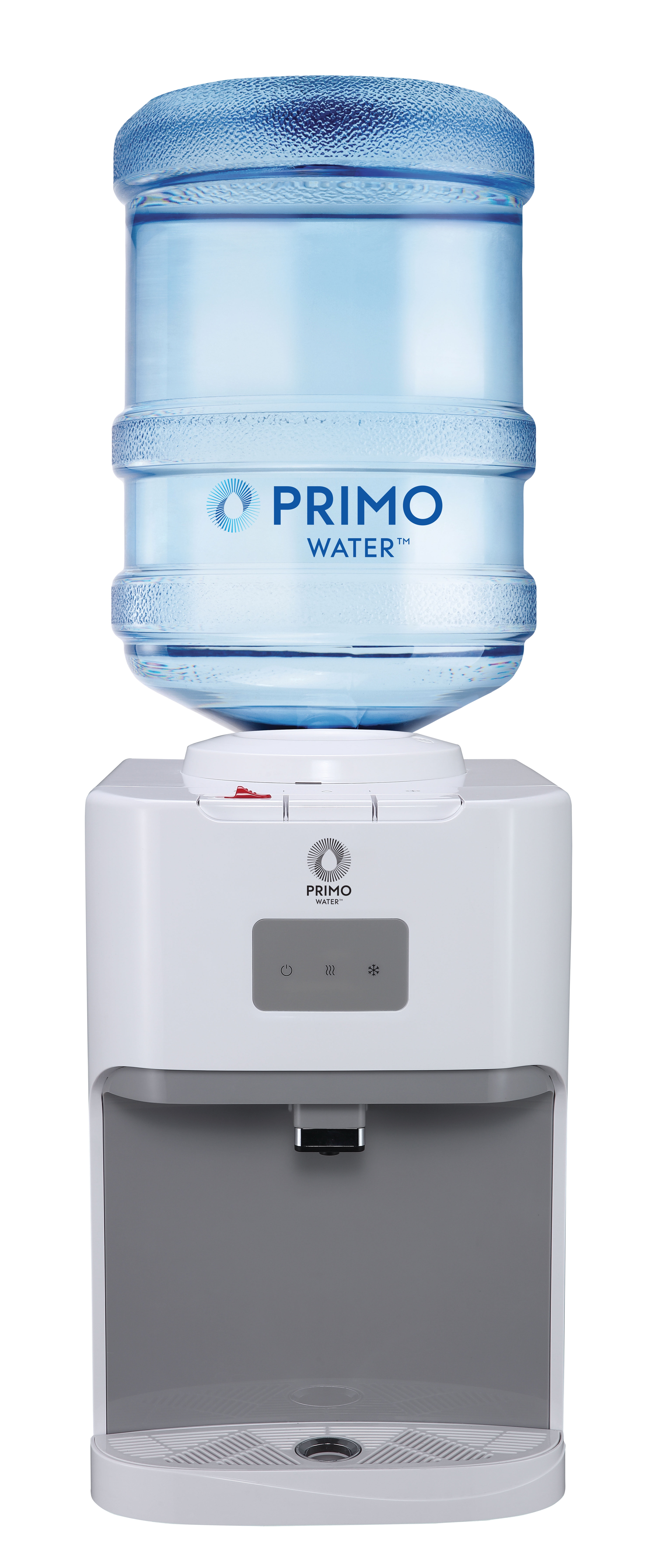
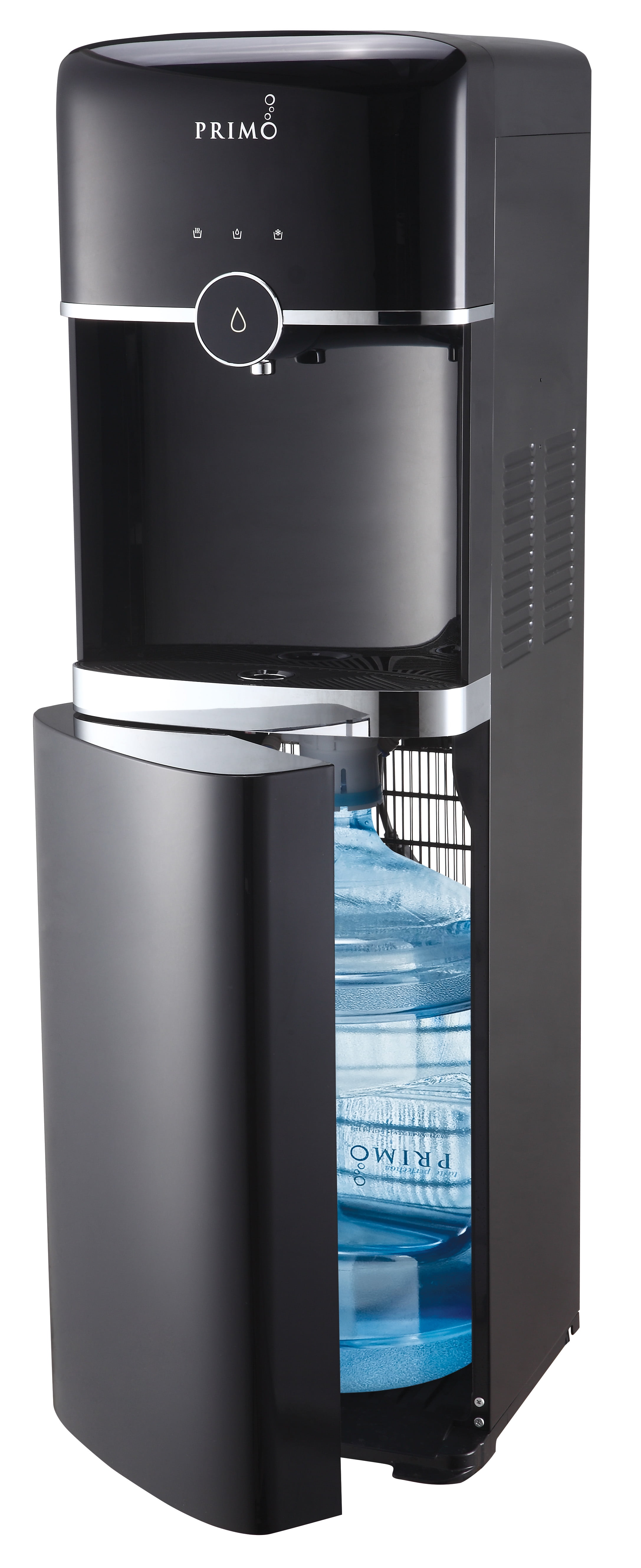
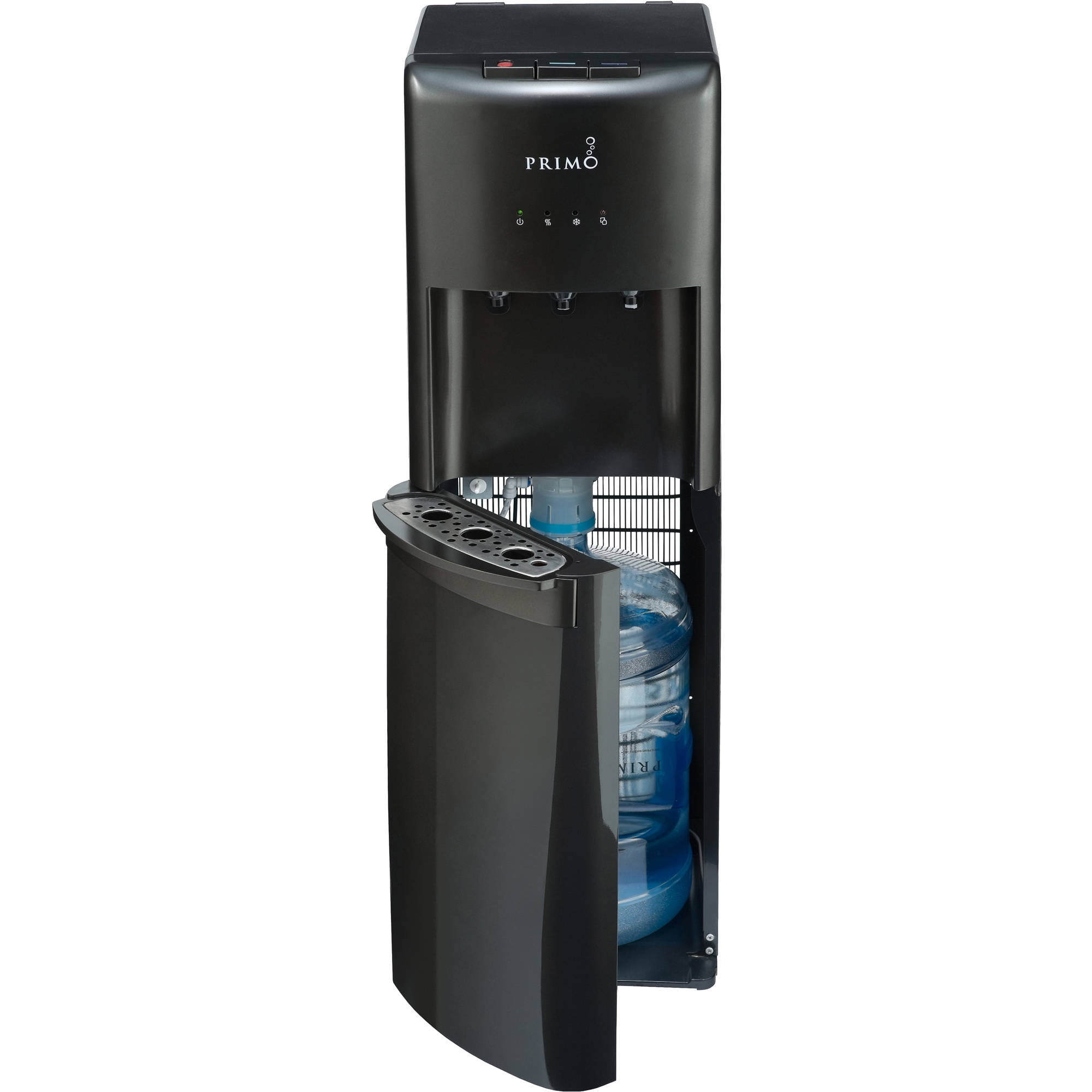
Primo water coolers are popular household and office appliances designed to dispense bottled water at room temperature, chilled, or heated. Whether you own a top-loading model, a bottom-loading model featuring Primo’s patented bottom-loading technology, or a direct-connect countertop unit, the internal architecture shares several fundamental systems.
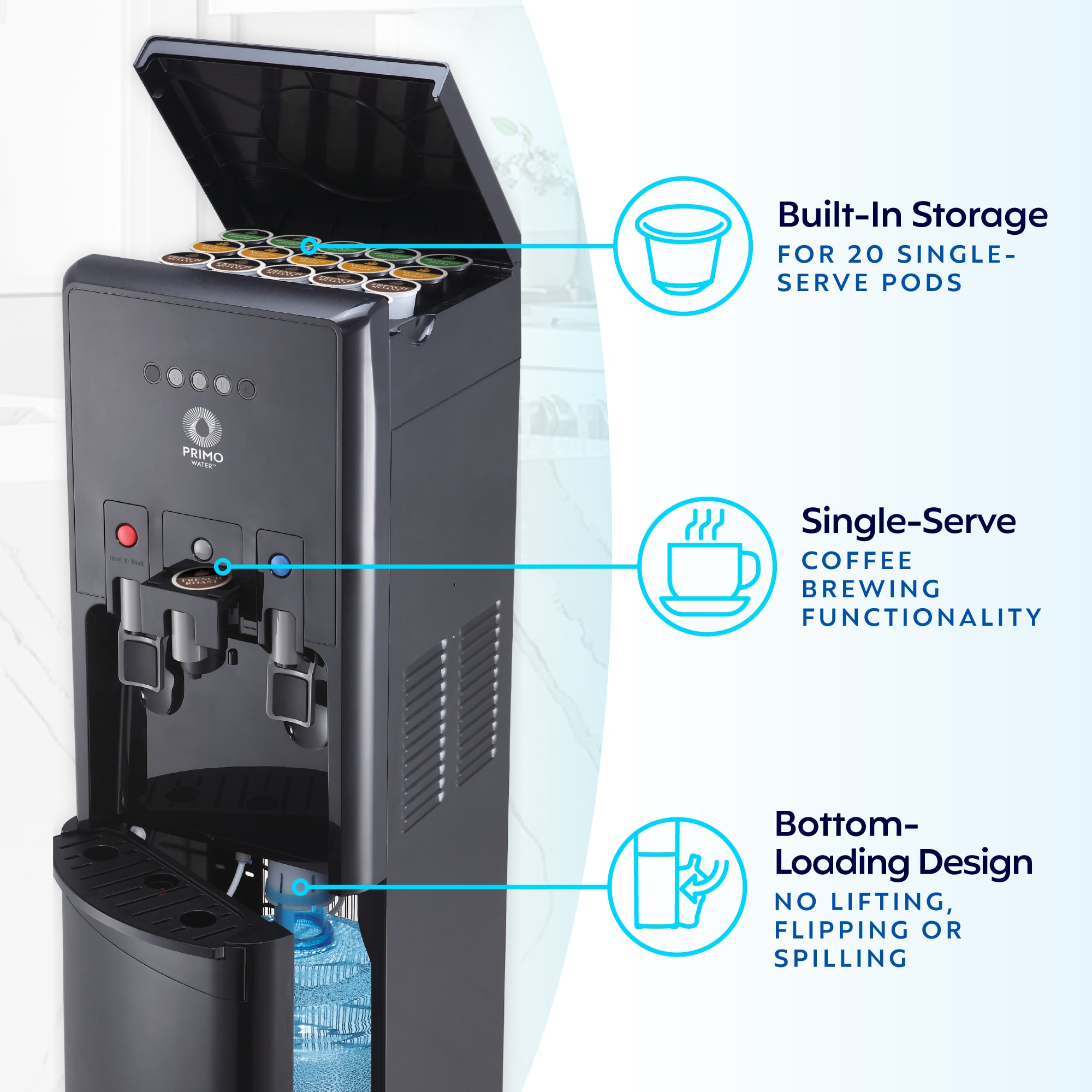
At the core of every cooler are the water reservoir (or tanks), the heating element, the refrigeration compressor system, and a series of silicone or food-grade plastic tubing lines. Top-loading units rely on gravity and a piercing valve inside the smart guard to release water from the inverted bottle into the reservoir. Bottom-loading models incorporate an intake probe and an internal electric water pump that draws liquid upward from a concealed bottle resting in the base cabinet.
Familiarizing yourself with these basic components is the first step toward effective troubleshooting. Because these units handle both electricity and water, safety must remain a top priority throughout any diagnostic or repair procedure. Always unplug the unit from the electrical outlet before removing any panels, cleaning internal reservoirs, or testing internal components with a multimeter.
Pre-Diagnostic Safety and Preparation
Before embarking on any hands-on repair work, you must establish a safe working environment. Water and electricity create a hazardous combination, making adherence to proper preparation protocols essential.
Essential Safety Protocols
- Disconnect Power: Always pull the power plug directly from the wall receptacle. Turning off the switches on the back of the unit does not cut off power to the entire circuit board or terminal blocks.
- Drain the Reservoirs: Empty both the hot and cold tanks completely to prevent accidental scalding or electrical shorts when internal lines are disconnected.
- Clear the Workspace: Set up the cooler on a stable, dry surface with adequate lighting and a towel underneath to catch residual drips.
- Gather Appropriate Tools: Keep a set of insulated screwdrivers, needle-nose pliers, a digital multimeter, clean microfiber towels, and food-grade white vinegar or citric acid for descaling on hand.
Identifying and Fixing Common Primo Water Cooler Problems
Most operational issues fall into a few predictable categories. Reviewing the symptoms below allows you to match your cooler's behavior to the appropriate corrective action.
1. The Cooler Does Not Dispense Water
If you press the paddles or buttons and nothing comes out, the issue is typically related to air flow, bottle water level, or pump functionality.
- Air Locks: When a new bottle is loaded, an air bubble can sometimes become trapped in the intake tube, preventing water from flowing into the internal reservoirs. For top-loading units, lift the bottle slightly, let it settle, and ensure the probe pierces the cap cleanly. For bottom-loading units, check that the intake probe is pushed down completely and that the silicone tubing is free of kinks.
- Empty Bottles: Verify that the bottle is not actually empty. In bottom-loading units, an empty bottle will cause the pump to run dry or fail to engage.
- Pump Malfunctions (Bottom-Loading Units): If you do not hear the pump humming when you press the dispense button, check the float switch inside the reservoir or examine the power connection to the internal pump assembly. If the pump motor is burned out, it will require replacement.
2. Water Is Not Chilled or Heated
Temperature regulation issues usually point toward switch settings, thermostat failures, or heating/cooling element malfunctions.
- Power Switches: Check the individual power switches located on the back of the cooler. It is common for the green (cooling) or red (heating) switches to get turned off accidentally during cleaning or bottle replacement.
- Thermostat Calibration: If the water is lukewarm, the thermostat may be set incorrectly or failing. Adjust the cold control dial (usually located on the back panel) to a colder setting.
- Scale Buildup: Hard water minerals coat the internal heating elements and cooling coils, acting as a thermal insulator. This drastically reduces the unit's ability to transfer heat or cold to the water. Descaling the reservoirs resolves this issue.
- Tripped Thermal Overload Switch: Primo water coolers feature a reset button for the heating tank on the back panel. If the hot water tank ran dry while the heater was switched on, the thermal safety switch trips automatically. Unplug the cooler, let it cool down, drain the tank, refill it with water, and press the reset button.
3. Leaks and Puddles Around the Base
Water pooling on the floor can originate from several different sources, ranging from minor bottle defects to cracked internal fittings.
- Cracked Water Bottles: Micro-cracks in plastic water bottles expand under pressure, leaking water into the cabinet or down the sides of the unit. Replace the bottle immediately to test if the leak stops.
- Loose Spigots or Faucets: Over time, the dispense spigots can loosen or their internal silicone gaskets can degrade. Tighten the retaining nut behind the spigot or replace the faucet assembly.
- Damaged Internal Tubing: If the tubing connected to the reservoirs or valves has slipped off a barb fitting or developed a split, water will leak inside the chassis. Remove the top or back panel to inspect all hose connections.
Step-by-Step Maintenance and Descaling Guide
Mineral scale buildup is the leading cause of premature component failure in water coolers. Performing a routine deep clean and descaling every three to six months extends the lifespan of your appliance significantly.
| Maintenance Step | Frequency | Required Materials | Purpose |
|---|---|---|---|
| Sanitization & Wipe Down | Monthly | Mild dish soap, warm water, microfiber cloth | Prevents exterior dust accumulation and keeps the smart guard hygienic. |
| Reservoir Descaling | Every 3–6 Months | Food-grade white vinegar or citric acid, clean water | Dissolves calcium and mineral deposits on heating elements and coils. |
| Intake Probe Inspection | Every Bottle Change | Lint-free cloth | Ensures no paper seal fragments or dust block the intake valve. |
| Sanitizing Air Filters | Bi-Annually | Soap and water (if model equipped with air filter) | Maintains fresh airflow into the bottle during dispensing. |
The Descaling Procedure
- Unplug the water cooler from the electrical outlet and remove the water bottle.
- Place a bucket under the drain valve located on the back of the unit, open the valve, and drain all remaining water from the hot and cold tanks. Close the drain valve securely.
- Prepare a cleaning solution by mixing one part white vinegar with three parts warm water (or follow the specific ratio instructions for commercial descaling crystals).
- Pour the solution into the top reservoir opening until it is full.
- Allow the solution to sit inside the tanks for 20 to 30 minutes to break down mineral deposits.
- Drain the cleaning solution out through the drain valve and the dispense faucets into a bucket.
- Flush the system thoroughly by pouring clean tap water into the reservoir and draining it completely at least three times to remove any residual vinegar taste or odor.
- Plug the unit back in, load a fresh water bottle, and turn on the heating and cooling switches.
When to Repair vs. When to Replace
While most common Primo water cooler issues can be resolved with simple troubleshooting, cleaning, or minor part replacements (such as new spigots, power switches, or intake lines), certain failures indicate that the unit has reached the end of its operational lifecycle.
Consider replacing your water cooler rather than attempting repair if:
- The Compressor Has Failed: Refrigeration compressors are sealed systems. Replacing a failed compressor requires specialized HVAC tools, refrigerant recovery certification, and parts that often cost more than a brand-new water cooler.
- The Main Plastic Reservoir or Housing Is Cracked: Structural cracks in the main water tanks cannot be reliably patched under pressure and will inevitably leak again.
- Electrical Board Damage: If the internal printed circuit board (PCB) has suffered severe water damage or power surge burnout, sourcing the exact proprietary replacement board can be difficult and costly.
Frequently Asked Questions
Why is my Primo water cooler making a loud buzzing noise?
A loud buzzing or humming sound usually originates from the refrigeration compressor working overtime due to dirty condenser coils or low airflow around the unit. Ensure the cooler is placed at least four inches away from the wall to allow proper ventilation. If the noise is a high-pitched squeal from a bottom-loading unit, the internal water pump may be cavitating due to an empty bottle or a pinched intake tube.
How do I reset the hot water heater on a Primo cooler?
Unplug the water cooler from the wall outlet to ensure safety. Locate the reset button on the back panel of the unit, which is typically a small red or black button covered by a protective rubber cap. Press the button firmly. If you hear a click, the thermal overload switch has been successfully reset. Ensure the hot water tank is fully filled with water before plugging the unit back in and turning the heater switch on.
Can I use regular tap water in my Primo cooler reservoir during cleaning?
Yes, ordinary tap water is safe to use when flushing and rinsing the internal tanks during routine descaling procedures. However, you should always use bottled or purified water for daily drinking and dispensing to minimize future mineral scale accumulation inside the heating and cooling chambers.
What should I do if water is leaking from the bottom of a bottom-loading cooler?
First, remove the water bottle and inspect it for small cracks or pinholes. If the bottle is intact, remove the lower cabinet panel to inspect the connection between the intake probe assembly and the flexible silicone supply line. A loose hose clamp or a split tube is the most frequent culprit behind bottom-cabinet leaks.
How often should a Primo water cooler be sanitized?
Experts recommend performing a basic sanitization and cleaning cycle every three to six months. If your cooler is located in a high-traffic office environment with dozens of daily users, increase the cleaning frequency to every two months to prevent bacterial biofilm growth in the spigots and reservoirs.
Troubleshooting and repairing your Primo water cooler is a manageable task when approached methodically with proper safety precautions. By maintaining clean reservoirs, inspecting intake lines, and understanding basic electrical resets, you can ensure your appliance delivers clean, temperature-regulated water for years to come.