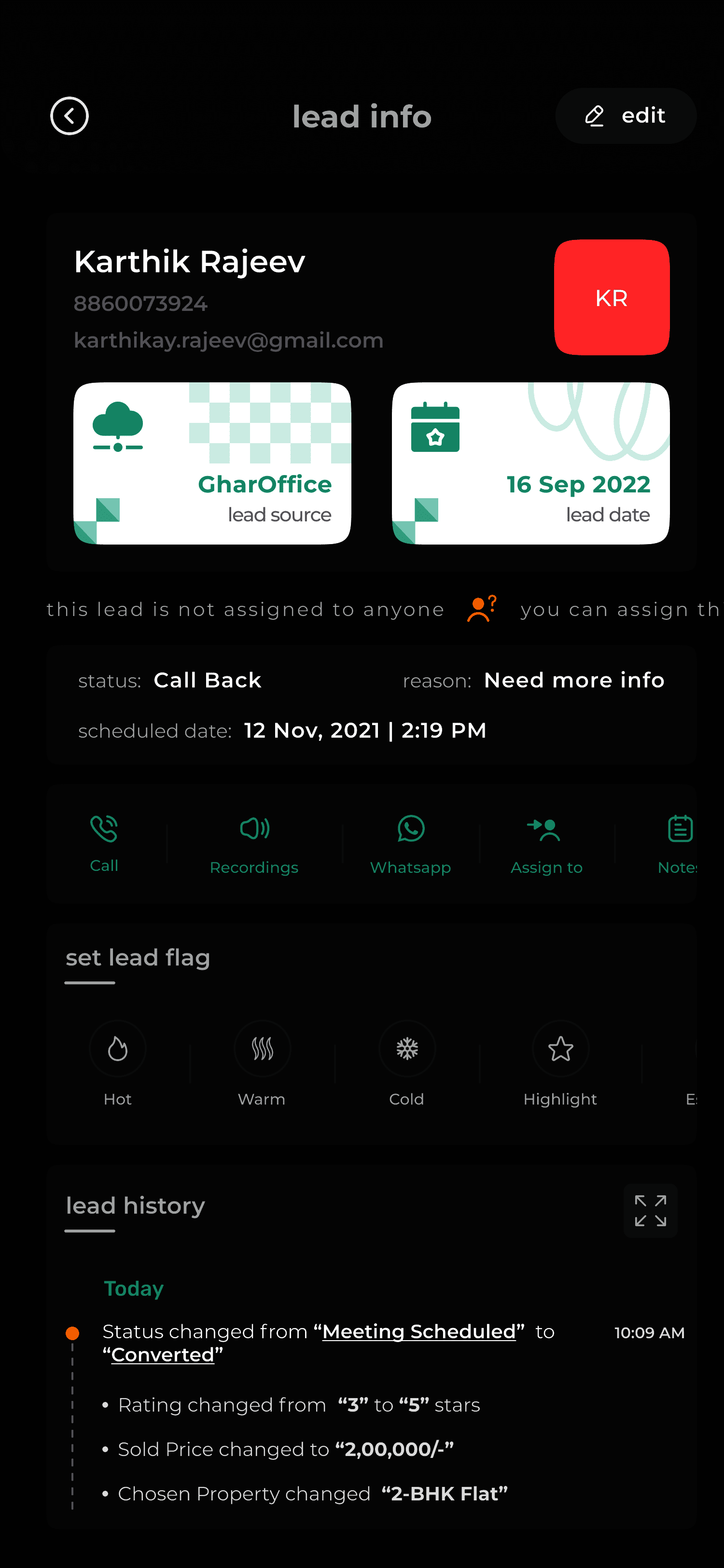
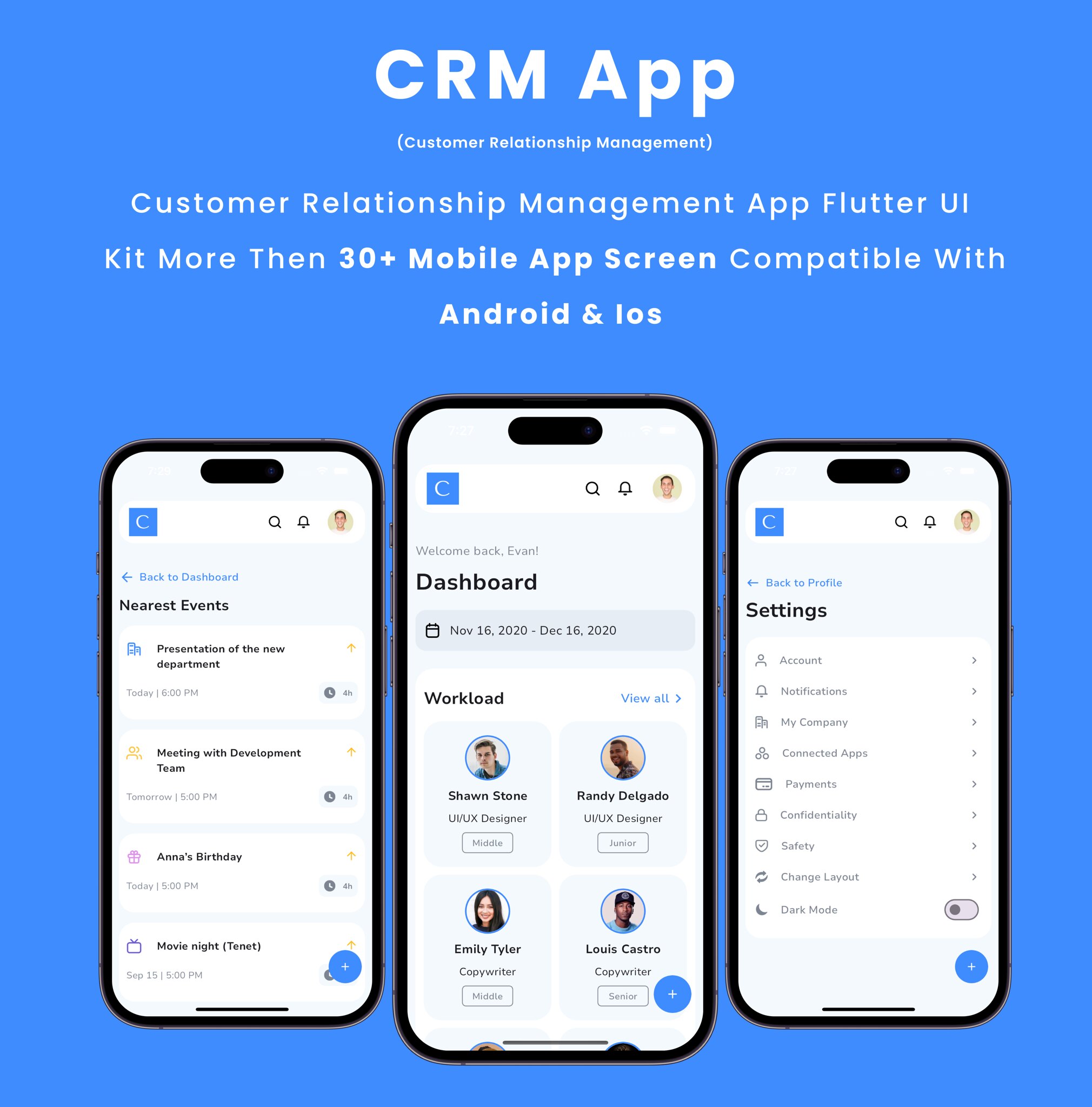
A CRM iOS app is a mobile application designed for iPhone and iPad that allows business professionals to manage customer relationships, sales pipelines, and communication history on the go. In 2026, these apps leverage advanced AI and deep system integration to provide real-time data access, ensuring field teams and remote workers maintain high productivity without being tethered to a desktop.
The shift toward hybrid work environments and mobile-first business strategies has transformed the Customer Relationship Management (CRM) landscape. No longer just a "lite" version of desktop software, a modern CRM iOS app serves as a comprehensive command center for sales, marketing, and support teams. By utilizing the unique hardware and software capabilities of Apple devices—such as biometric security, high-performance processors, and intuitive touch interfaces—businesses can close deals faster and provide superior customer service from any location.
The Strategic Importance of Mobile CRM in 2026
As of 2026, the global workforce relies more on mobile accessibility than ever before. The ability to update a lead’s status immediately after a meeting or pull up a client's purchase history while on a job site is a competitive necessity. Using a CRM iOS app eliminates the "data entry lag" that often occurs when representatives wait until the end of the day to log interactions into a computer.
Real-Time Data Accuracy
Data decay is a significant challenge for any growing business. When sales representatives use a CRM iOS app, they can record notes, update deal stages, and log calls instantly. This immediacy ensures that the data is accurate and fresh, allowing managers to view real-time analytics and make informed decisions based on current market conditions rather than week-old reports.
Enhanced Field Productivity
For field sales and service teams, the iPhone and iPad are essential tools. Modern iOS apps integrate with Apple Maps for route optimization, allowing users to visualize their daily appointments geographically. Furthermore, the integration with the iOS camera allows for instant document scanning and business card digitizing, which automatically populates contact fields within the CRM database.
Improved Customer Experience
Speed of response is often the deciding factor in winning a contract. With push notifications and integrated communication tools, a CRM iOS app ensures that no lead goes cold. Whether it is responding to a high-priority support ticket or sending a personalized follow-up after a trade show, the mobile interface allows for rapid action that demonstrates a commitment to the customer.
Core Features of a High-Performance CRM iOS App
When evaluating a CRM for the iOS ecosystem in 2026, certain features are non-negotiable for ensuring a seamless user experience and maximum return on investment.
Deep Integration with Apple Intelligence
By 2026, Apple Intelligence has become a foundational component of the iOS experience. A top-tier CRM app integrates with these system-level AI capabilities to offer predictive text for emails, automated summarization of long comment threads, and proactive suggestions for follow-ups based on Calendar events. Siri Shortcuts also allow users to perform complex CRM tasks—like "log a meeting with Acme Corp"—using only voice commands.
Native Performance and Offline Access
Hybrid apps that merely wrap a website into an app shell often suffer from latency and poor navigation. A native CRM iOS app, built using Swift, provides the fluid animations and responsiveness users expect. Crucially, these apps must offer robust offline functionality. If a salesperson is in a location with poor connectivity, such as a basement or a remote industrial site, they must be able to view and edit records, with the app syncing changes automatically once a connection is re-established.
Advanced Security and Privacy
Given the sensitivity of customer data, security is paramount. Modern apps utilize FaceID and TouchID for multi-factor authentication. Furthermore, they support iOS-specific security protocols such as Managed Open In, which prevents corporate data from being shared with personal apps on the same device. This is particularly vital for organizations with "Bring Your Own Device" (BYOD) policies.
Interactive Widgets and Live Activities
iOS widgets have evolved to become highly interactive. A CRM app in 2026 should offer Home Screen and Lock Screen widgets that display today’s sales targets, upcoming meetings, or recent high-value leads. Live Activities can track the progress of a specific deal or a support ticket in real-time, providing at-a-glance updates without the user needing to unlock their device and open the full application.
Top CRM iOS Apps for 2026: A Comparative Analysis
Choosing the right platform depends on your business size, industry, and specific workflow requirements. The following table compares the leading CRM iOS apps currently dominating the market in 2026.
| Feature | Salesforce Mobile | HubSpot CRM | Zoho CRM | Pipedrive | Monday.com |
|---|---|---|---|---|---|
| Target Audience | Enterprise | SMB to Enterprise | Small to Medium | Sales Teams | Project-heavy Orgs |
| Offline Mode | Advanced | Basic | Moderate | Limited | Basic |
| AI Capabilities | Einstein GPT | HubSpot Breeze | Zia AI | Sales Assistant | Monday AI |
| Customization | High (Complex) | Moderate | High | Moderate | Very High |
| Native iOS Tech | Siri/Shortcuts | Apple Business | Widgets/Focus | Handoff | Widgets/Shortcuts |
| Ease of Use | Moderate | High | Moderate | Very High | High |
Salesforce Mobile: The Enterprise Standard
Salesforce remains the dominant player for large-scale organizations. Its iOS app is highly customizable, allowing administrators to build "Mobile Cards" and custom layouts that match specific business processes. The 2026 version features deep integration with Einstein GPT, providing mobile users with AI-generated briefing notes before meetings and suggested actions based on historical data.
HubSpot CRM: Best for User Adoption
HubSpot is renowned for its intuitive interface, which translates perfectly to the iPhone. Its "freemium" model makes it accessible for startups, while its advanced features cater to scaling businesses. The app excels at tracking communication, automatically logging emails sent through the iOS Mail app and calls made via the cellular network.
Zoho CRM: The Value Leader
Zoho offers an impressive suite of features at a lower price point than many of its competitors. Its mobile app includes "Zia," an AI assistant that can be queried via voice to provide sales figures or contact details. Zoho also features a unique "Check-in" function for field agents, which uses GPS to verify on-site visits for audit purposes.
Pipedrive: Focused on the Deal
Pipedrive is designed specifically for sales professionals who want a visual representation of their pipeline. The iOS app is exceptionally fast and focuses on "Activity-Based Selling." It prompts users to schedule a follow-up immediately after every interaction, ensuring that no deal is left stagnant.
Technical Prerequisites and Implementation
To successfully deploy a CRM iOS app within an organization in 2026, several technical and operational steps must be followed.
- Hardware Compatibility: Ensure that staff are using devices capable of running the latest version of iOS. While CRM apps are optimized, the AI-heavy features of 2026 require the neural engine capabilities found in iPhone 15 and newer models.
- Network Infrastructure: Although offline modes exist, a consistent 5G or Wi-Fi 6E connection is recommended for real-time synchronization and high-definition video conferencing through the app.
- App Distribution: For enterprise-scale deployments, utilize Apple Business Manager (ABM) in conjunction with a Mobile Device Management (MDM) solution like Jamf or Microsoft Intune. This allows for silent installation of the app, remote configuration, and the ability to wipe corporate data if a device is lost.
- User Training: Mobile workflows differ from desktop workflows. Conduct training sessions specifically focused on mobile-only features like voice-to-text notes, document scanning, and utilizing the Share Sheet to push data from other apps into the CRM.
Security and Compliance Considerations
When moving customer data to mobile devices, compliance with international standards like GDPR, CCPA, and HIPAA is mandatory. In 2026, the responsibility for data protection is shared between the CRM provider and the business.
Data Encryption
Ensure the CRM app uses end-to-end encryption for data in transit and AES-256 encryption for data at rest on the iOS device. Apple’s Data Protection API provides a robust framework for this, ensuring that data is inaccessible if the device is not unlocked.
Containerization
Use MDM policies to containerize the CRM app. This ensures that a sales representative cannot copy customer contact information and paste it into a personal messaging app or save it to a personal iCloud account. This "sandboxing" is a critical layer of defense against insider threats and accidental data leakage.
Biometric Requirements
Enforce a policy within the CRM settings that requires FaceID or TouchID every time the app is opened, even if the phone itself is already unlocked. This provides a second layer of security in case a device is handed to a third party.
Troubleshooting Common iOS CRM Issues
Even the most advanced apps can encounter hurdles. Here are common issues and their 2026-standard resolutions:
- Sync Conflicts: These occur when a record is edited on both the desktop and the mobile app simultaneously while the mobile device is offline. Most modern CRMs resolve this by flagging the conflict for manual review or prioritizing the most recent change.
- Battery Drain: AI-intensive apps can consume significant power. Users should be encouraged to utilize the "Low Power Mode" settings within the app, which may reduce the frequency of background refreshes while preserving core functionality.
- Notification Fatigue: With constant updates, users may become overwhelmed. Use iOS Focus Filters to ensure that CRM notifications only appear during work hours, preventing burnout and ensuring that high-priority alerts are not ignored.
Frequently Asked Questions
Can I use a CRM iOS app for free?
Yes, several major providers offer free versions of their iOS apps. HubSpot and Zoho both provide robust free tiers that include contact management, lead tracking, and basic reporting. However, advanced features like AI-driven insights and extensive automation usually require a paid subscription.
Does a CRM app work if I don't have internet access?
Most premium CRM iOS apps offer an offline mode. This allows you to view previously synced records and create new ones. Once your iPhone or iPad reconnects to 5G or Wi-Fi, the app will automatically synchronize the changes with the central database. You should verify the specific "offline" capabilities of your chosen provider, as some may only offer read-only access.
How do I integrate my iOS contacts with a CRM app?
Almost all CRM apps for iOS include a "Contact Import" feature. During the initial setup, the app will request permission to access your Contacts. You can then select specific individuals or your entire address book to sync. In 2026, many apps also use AI to scan your email interactions and suggest new contacts to add automatically.
Is my data safe if I lose my iPhone?
If your organization uses Mobile Device Management (MDM) or if the app supports remote wipe, your data is very secure. Since the data is stored in the cloud and encrypted on the device, an unauthorized user cannot access the CRM without your FaceID/Passcode. Furthermore, administrators can revoke the device's access to the CRM server instantly through the Apple Business management console.
Can I run my entire business from an iPad CRM app?
In 2026, the answer is largely yes. With the power of iPadOS and the "Stage Manager" multitasking feature, a CRM app on iPad provides a near-desktop experience. When paired with a Magic Keyboard and Apple Pencil, you can perform deep data analysis, draft complex proposals, and manage team workflows entirely within the mobile ecosystem.
Strategic Recommendation for 2026
For businesses looking to implement or upgrade their mobile strategy in 2026, the choice of a CRM iOS app should be dictated by your existing ecosystem. If your organization is already heavily invested in the Apple ecosystem, prioritize apps that support Handoff (allowing you to start a task on your iPhone and finish on your Mac) and Siri Shortcuts.
Begin with a pilot program involving your most active field representatives. Gather feedback on the mobile interface's ease of use and the effectiveness of the offline sync. In 2026, the most successful companies are those that empower their employees with tools that are as intuitive and powerful as the consumer apps they use every day. By selecting a native, AI-enhanced CRM iOS app, you ensure that your team remains agile, informed, and ready to meet the demands of a high-speed global market.