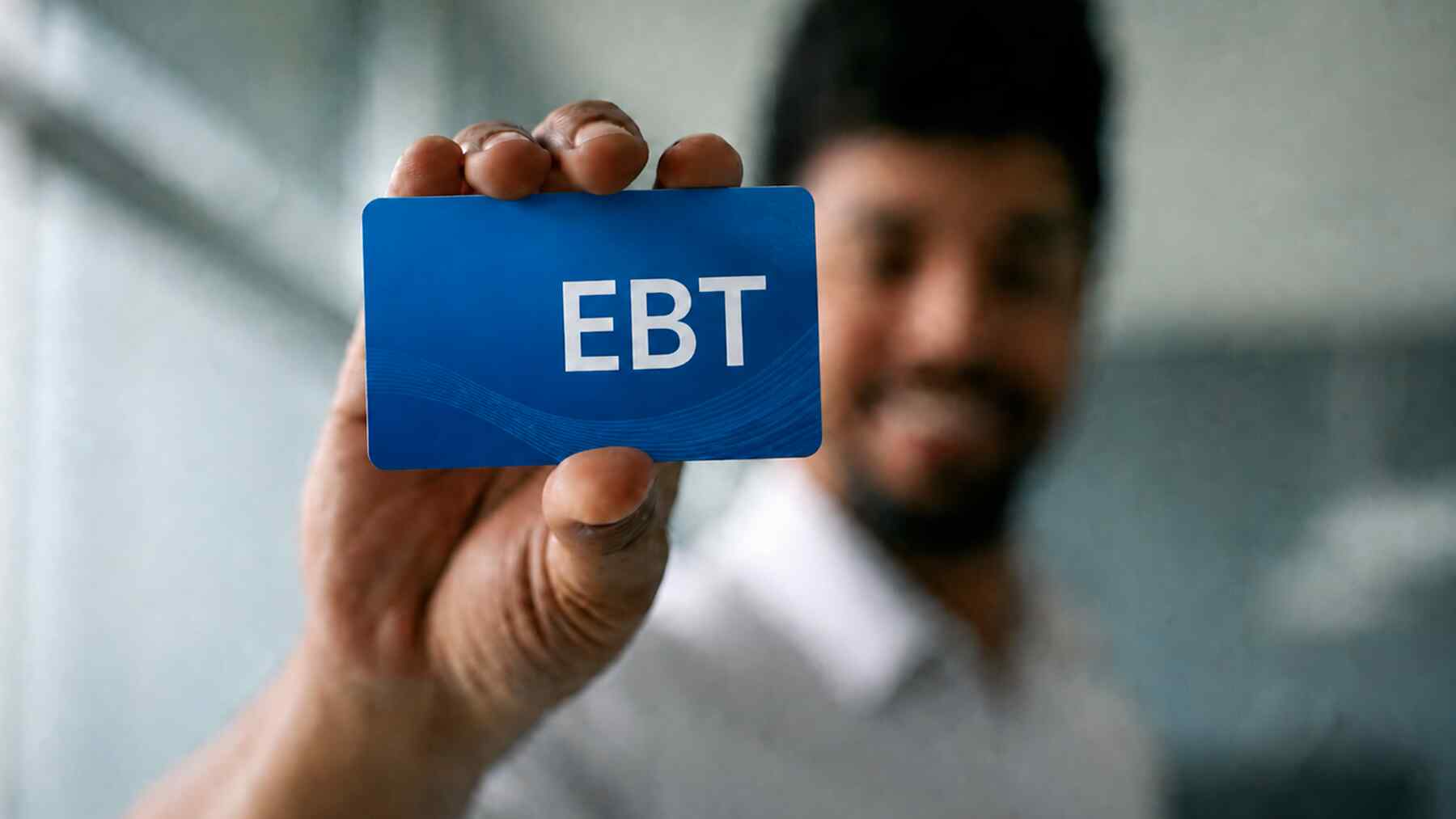
ConnectEBT is a secure web portal and mobile application that allows SNAP and TANF recipients to manage their Electronic Benefit Transfer (EBT) accounts online. Users can check their current balance, review transaction history, change their PIN, and report lost or stolen cards across various participating U.S. states and territories.
Managing government assistance has evolved significantly from the era of paper coupons. In 2026, the digital interface provided by ConnectEBT serves as the primary gateway for millions of households to monitor their nutritional and financial support. Whether you are a new recipient of the Supplemental Nutrition Assistance Program (SNAP) or have been receiving Temporary Assistance for Needy Families (TANF) for some time, understanding the nuances of the ConnectEBT system is essential for maintaining financial stability and ensuring your benefits are secure.
Understanding the ConnectEBT Ecosystem
ConnectEBT is a service provided by Conduent, a major technology-led business process solutions company. Conduent contracts with individual state governments to handle the technical infrastructure of the EBT system. This means that while your benefits are issued by your state’s Department of Human Services or Social Services, the technical "plumbing" that allows your card to work at a grocery store and allows you to check your balance online is managed through the ConnectEBT platform.
In 2026, the platform has become more robust, offering high-level encryption and multi-factor authentication to protect user data. It acts as a bridge between the state’s benefit issuance system and the cardholder. Because different states use different contractors, ConnectEBT is not a universal portal for all 50 states; rather, it serves a specific cohort of states that have chosen Conduent as their vendor.
The Role of EBT in 2026
The Electronic Benefit Transfer system operates much like a standard debit card. Monthly allotments are deposited into a central account, and the cardholder uses their plastic EBT card (and a personal identification number) to make purchases at authorized retailers. ConnectEBT provides the "back-office" visibility for the cardholder, allowing for transparency and accountability in how those funds are used.
Participating States and Territories
Before attempting to register an account, it is vital to confirm that your state utilizes the ConnectEBT portal. If your state uses a different vendor (such as FIS/ebtEDGE or Solutran), you will not be able to find your account details on the ConnectEBT website.
As of 2026, the following states and jurisdictions primarily utilize ConnectEBT for their benefit management:
| State/Jurisdiction | Primary Benefits Managed | Portal Access |
|---|---|---|
| Alabama | SNAP, TANF | ConnectEBT.com |
| Arkansas | SNAP, TANF | ConnectEBT.com |
| Delaware | SNAP, TANF | ConnectEBT.com |
| Florida | SNAP, TANF, SUNCash | ConnectEBT.com |
| Georgia | SNAP, TANF | ConnectEBT.com |
| Indiana | SNAP, TANF | ConnectEBT.com |
| Iowa | SNAP, TANF | ConnectEBT.com |
| Maryland | SNAP, TANF | ConnectEBT.com |
| New Jersey | SNAP, TANF | ConnectEBT.com |
| New York | SNAP, TANF | ConnectEBT.com |
| Ohio | SNAP, TANF | ConnectEBT.com |
| Oklahoma | SNAP, TANF | ConnectEBT.com |
| Pennsylvania | SNAP, TANF | ConnectEBT.com |
| South Carolina | SNAP, TANF | ConnectEBT.com |
| Tennessee | SNAP, TANF | ConnectEBT.com |
| Utah | SNAP, TANF | ConnectEBT.com |
| Virginia | SNAP, TANF | ConnectEBT.com |
| Washington, D.C. | SNAP, TANF | ConnectEBT.com |
Note: This list is subject to state contract changes. Always check the back of your EBT card for the specific website URL designated for your account.
Getting Started: Registration and Account Setup
To use the ConnectEBT portal or mobile app, you must first create a unique user account. This process links your physical EBT card to a digital identity.
Prerequisites for Registration
Before you begin the registration process on the ConnectEBT website or app, ensure you have the following information ready:
- EBT Card Number: The 16-digit number printed on the front of your plastic card.
- Personal Identification: Typically, this involves the Social Security Number (SSN) and Date of Birth of the primary account holder (the person whose name is on the card).
- Contact Information: A valid email address is often required for account recovery and security alerts.
Step-by-Step Registration Process
- Visit the Official Site: Navigate to the official ConnectEBT website or download the mobile app from the Apple App Store or Google Play Store.
- Select Your State: Use the dropdown menu to choose the state that issued your benefits.
- Click 'Create New Account': This will prompt you to enter your 16-digit card number.
- Verify Identity: Enter the requested SSN and Date of Birth. In 2026, some states may have implemented additional verification steps, such as a zip code check.
- Choose a User ID and Password: Select a User ID that is easy to remember but not easily guessed. Your password should be complex, containing uppercase and lowercase letters, numbers, and special characters.
- Set Up Security Questions: These are used if you ever forget your password. Choose questions with answers that will not change over time (e.g., "What was the make of your first car?").
Core Features and Tools
Once logged in, the ConnectEBT dashboard provides a comprehensive view of your benefit status. Understanding these tools helps in budgeting and protecting your household's resources.
Balance Inquiries
The most common reason for using ConnectEBT is to check the "Available Balance." It is important to distinguish between the Ledger Balance and the Available Balance. The Ledger Balance shows the total amount in the account, while the Available Balance subtracts any "pending" transactions that have not yet fully cleared but have been authorized at a retailer. Always rely on the Available Balance before heading to the checkout line to avoid card denials.
Transaction History
ConnectEBT provides a detailed log of every transaction made with the card. This includes:
- Store Name and Location: Where the purchase occurred.
- Transaction Type: Whether it was a "Purchase," a "Return/Credit," or a "Cash Withdrawal" (for TANF recipients).
- Amount: The exact total deducted from the balance.
- Date and Time: Essential for identifying unauthorized use.
Reviewing this history at least once a week is a recommended security practice. In 2026, with the rise of sophisticated electronic theft, spotting a small unauthorized transaction early can prevent the total loss of your monthly benefits.
PIN Management
Your Personal Identification Number (PIN) is the "key" to your funds. ConnectEBT allows you to change your PIN online without having to visit a local social services office. If you suspect someone has learned your PIN, or if you simply want to update it for security reasons, the "Change PIN" feature is instantaneous. You will usually need to know your current PIN to change it to a new one through the portal.
Reporting Lost or Stolen Cards
If your card is physically lost or stolen, time is of the essence. Through the ConnectEBT interface, you can "Deactivate" or "Report Lost/Stolen." Once this action is taken, the card is immediately disabled, and a request for a replacement card is typically triggered. Note that replacement cards are sent via mail and may take 7–10 business days to arrive.
The ConnectEBT Mobile App
In 2026, the mobile app version of ConnectEBT has become the preferred method for most users. It offers the same features as the web portal but with added mobile-centric conveniences.
Key Mobile Advantages
- Biometric Login: Instead of typing a password every time, users can utilize Face ID or Fingerprint scanning for faster, more secure access.
- Push Notifications: Users can opt-in to receive alerts when benefits are deposited or when a high-value transaction is made.
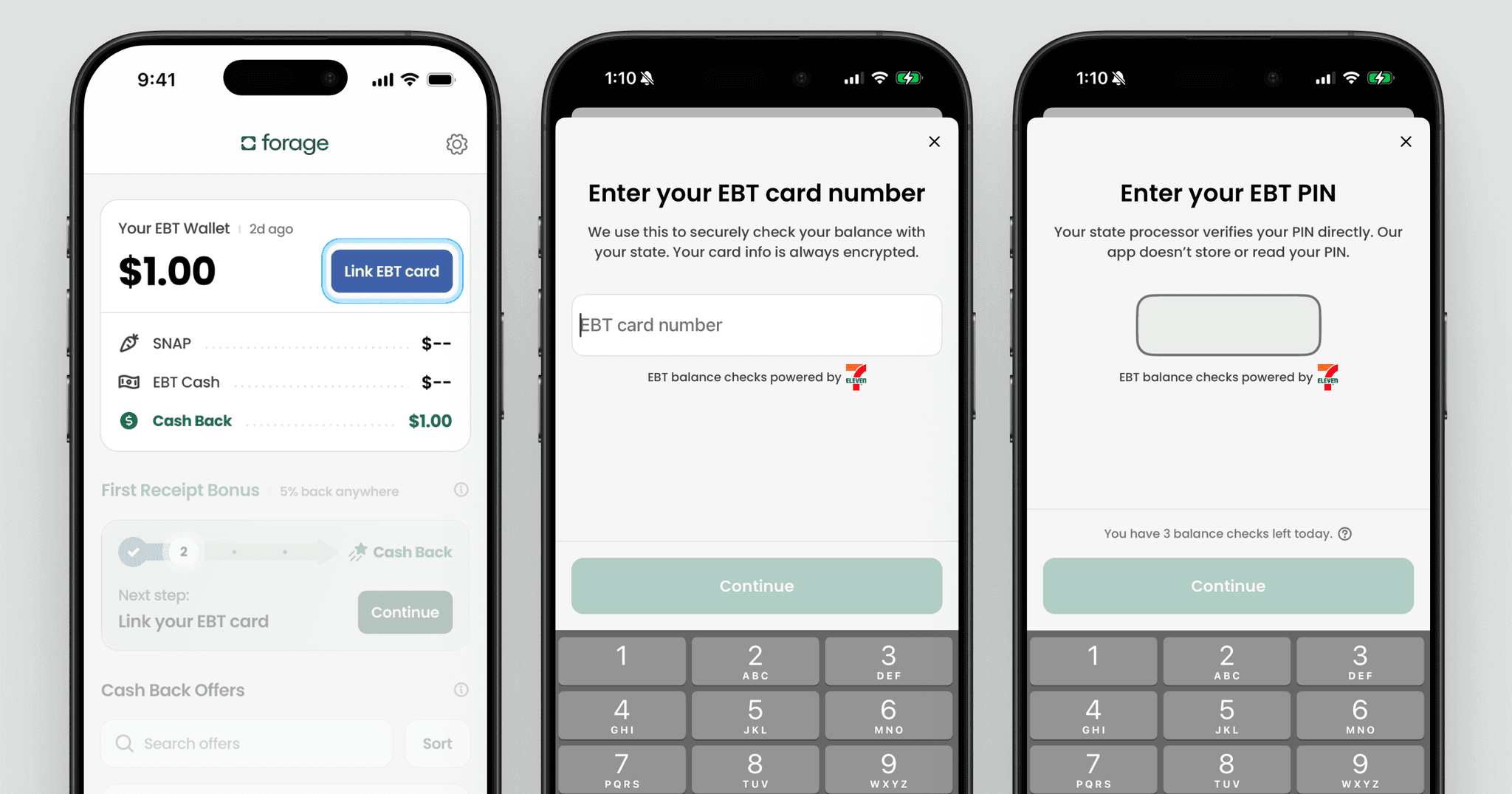
- On-the-Go Balance Checks: The ability to check a balance while standing in a grocery aisle prevents the embarrassment and logistical headache of a declined card at the register.
- Locate Retailers: Many versions of the app include a map feature that identifies nearby retailers authorized to accept SNAP or TANF.
Security and Fraud Prevention in 2026
EBT fraud, specifically "skimming," remains a significant challenge in 2026. Skimming occurs when criminals place a hidden device on a store's card reader to capture card data and PINs.
How ConnectEBT Helps Prevent Fraud
The ConnectEBT platform has introduced several features to combat these threats:
- Card Locking: Some states now allow users to "lock" their card through the ConnectEBT app when not in use. This prevents any transactions from going through until the user "unlocks" it immediately before checkout.
- PIN Best Practices: ConnectEBT's system prevents the use of "easy" PINs like 1234, 1111, or the last four digits of the card number.
- Transaction Alerts: By monitoring the app, users can see if a transaction occurs in a state where they are not currently located—a classic sign of a cloned card.
Protecting Your Account
- Never share your login credentials: No government agency or Conduent representative will ever ask for your ConnectEBT password or your PIN.
- Avoid Phishing: Be wary of text messages or emails claiming your benefits are "blocked" and providing a link. Always navigate directly to ConnectEBT.com or use the official app.
- Inspect Card Readers: Before swiping or inserting your card at a retailer, look for loose parts or overlays on the keypad.
Troubleshooting Common Issues
Even with a streamlined system, users may encounter technical difficulties.
Forgotten Password or User ID
If you cannot log in, use the "Forgot User ID/Password" links on the home screen. You will need to answer your security questions or verify your identity via the email address on file. If you are locked out after multiple failed attempts, the account may be temporarily disabled for 24 hours as a security measure.
Card Not Working at POS
If your card is declined even though ConnectEBT shows an available balance, it could be due to:
- Incorrect PIN: Entering the wrong PIN three times will usually lock the card for the remainder of the day.
- Ineligible Items: Attempting to buy non-food items (for SNAP) or restricted items.
- System Outage: Occasionally, the state or Conduent may experience a technical outage. You can check the "System Status" or "News" section on the ConnectEBT landing page for such updates.
Difficulty Registering
If the system does not recognize your card number or SSN, ensure you have selected the correct state. If the information is correct but still fails, you may need to contact your local county caseworker to ensure your information is updated in the state's master database.
Frequently Asked Questions
Can I use ConnectEBT to apply for benefits?
No. ConnectEBT is a management tool for existing benefits. To apply for SNAP or TANF, you must go through your state's specific Department of Human Services or Social Services application portal. ConnectEBT only becomes useful once you have been approved and issued a physical card.
Does ConnectEBT charge a fee for checking my balance?
Checking your balance through the ConnectEBT website or mobile app is free. However, some states may limit the number of times you can check your balance via a phone call to the customer service line or at an ATM, after which a small fee might be deducted from your cash (TANF) account.
How soon after a deposit can I see my balance on ConnectEBT?
Benefits are typically available by 6:00 AM on your scheduled deposit date. The ConnectEBT portal updates in real-time, so as soon as the state releases the funds, they will appear in your "Available Balance."
Can I use the ConnectEBT app in a state other than the one that issued my card?
Yes. Your EBT card works in all 50 states at authorized retailers. The ConnectEBT app will allow you to manage your account and view transactions regardless of where you are physically located, provided you have an internet connection.
What should I do if the ConnectEBT website is down?
If the website is undergoing maintenance, you can still check your balance by calling the toll-free Customer Service number found on the back of your EBT card. This automated phone system is available 24/7 and serves as the primary backup to the digital portal.
Practical Recommendation
For the most secure and efficient experience in 2026, download the ConnectEBT mobile app and enable biometric login. This eliminates the risk of forgetting a complex password while ensuring that only you can access your account details. Additionally, set a habit of checking your transaction history every Sunday morning; this allows you to catch any unauthorized activity before the start of a new week and ensures you are fully aware of your remaining budget for groceries. If your state offers the "Card Lock" feature within the app, keep your card locked at all times except for the brief moments you are at the checkout counter.