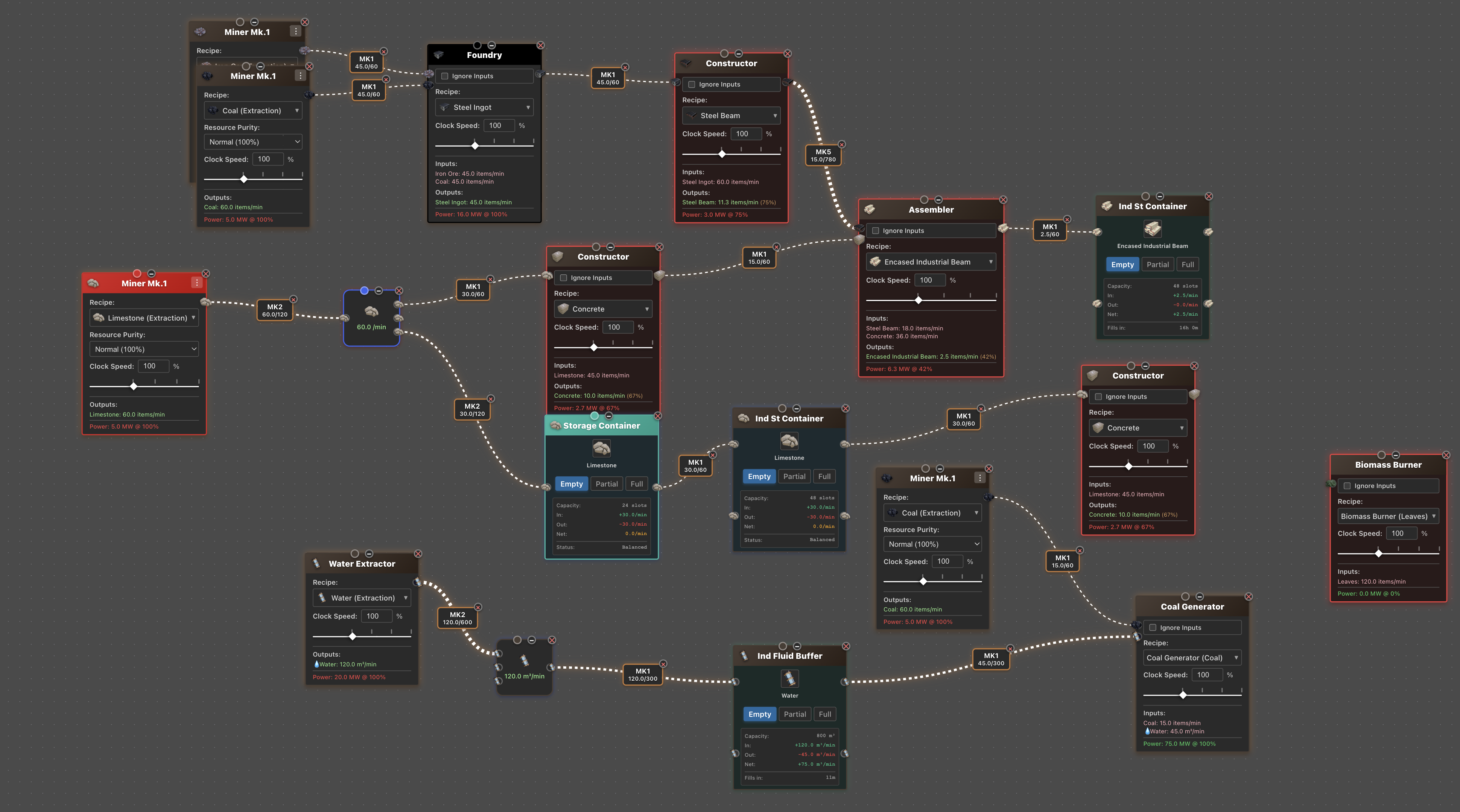
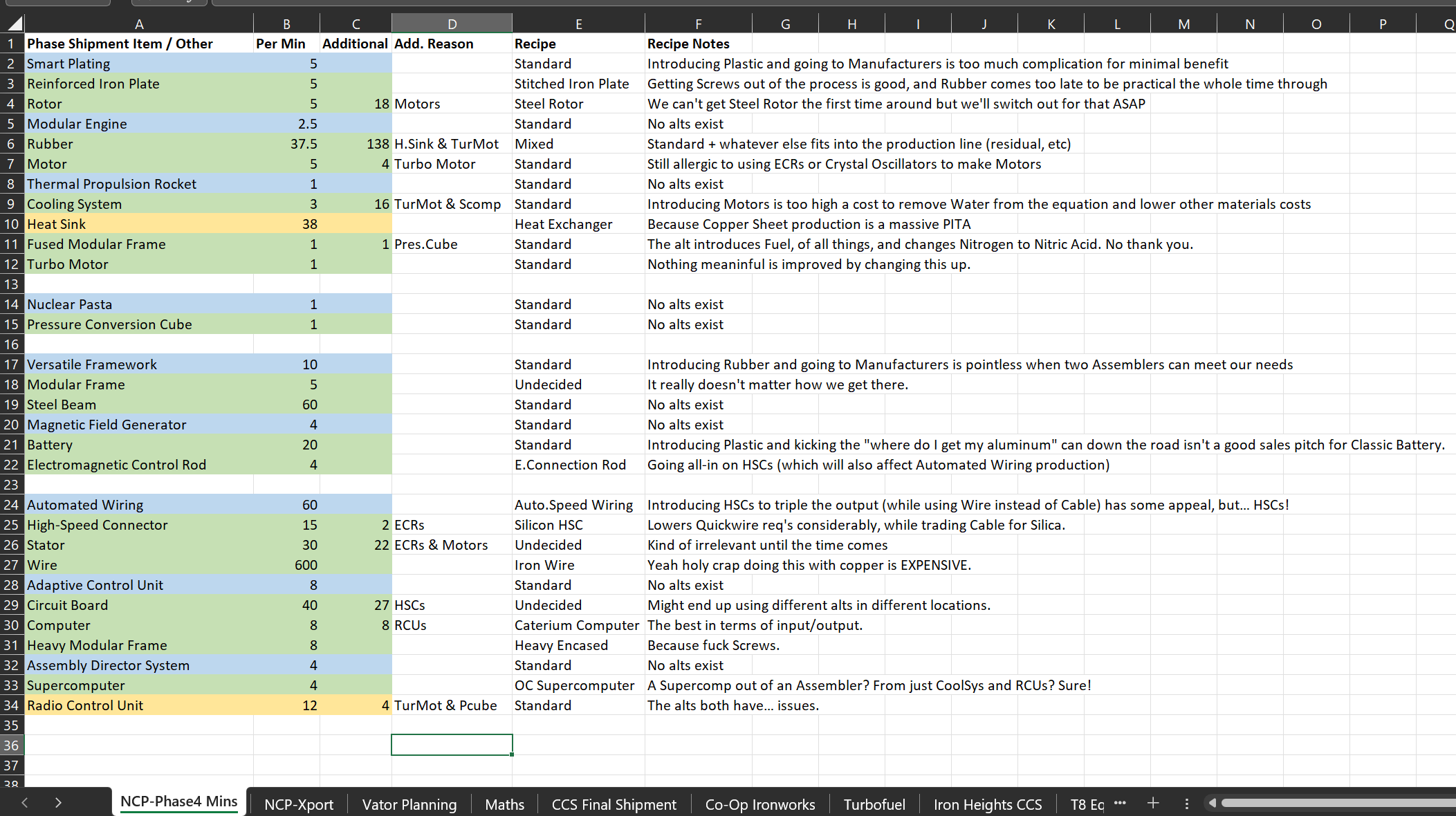
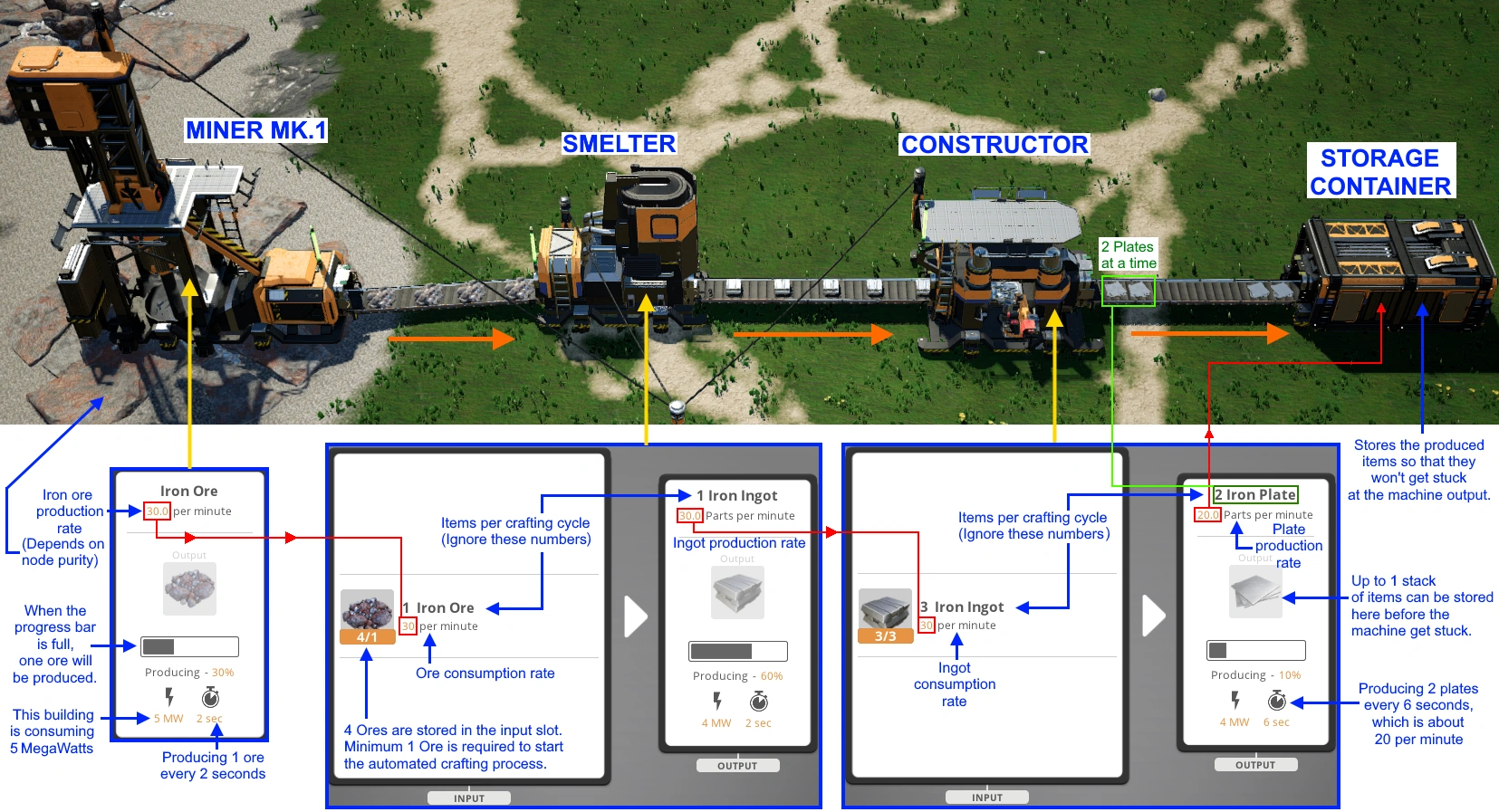
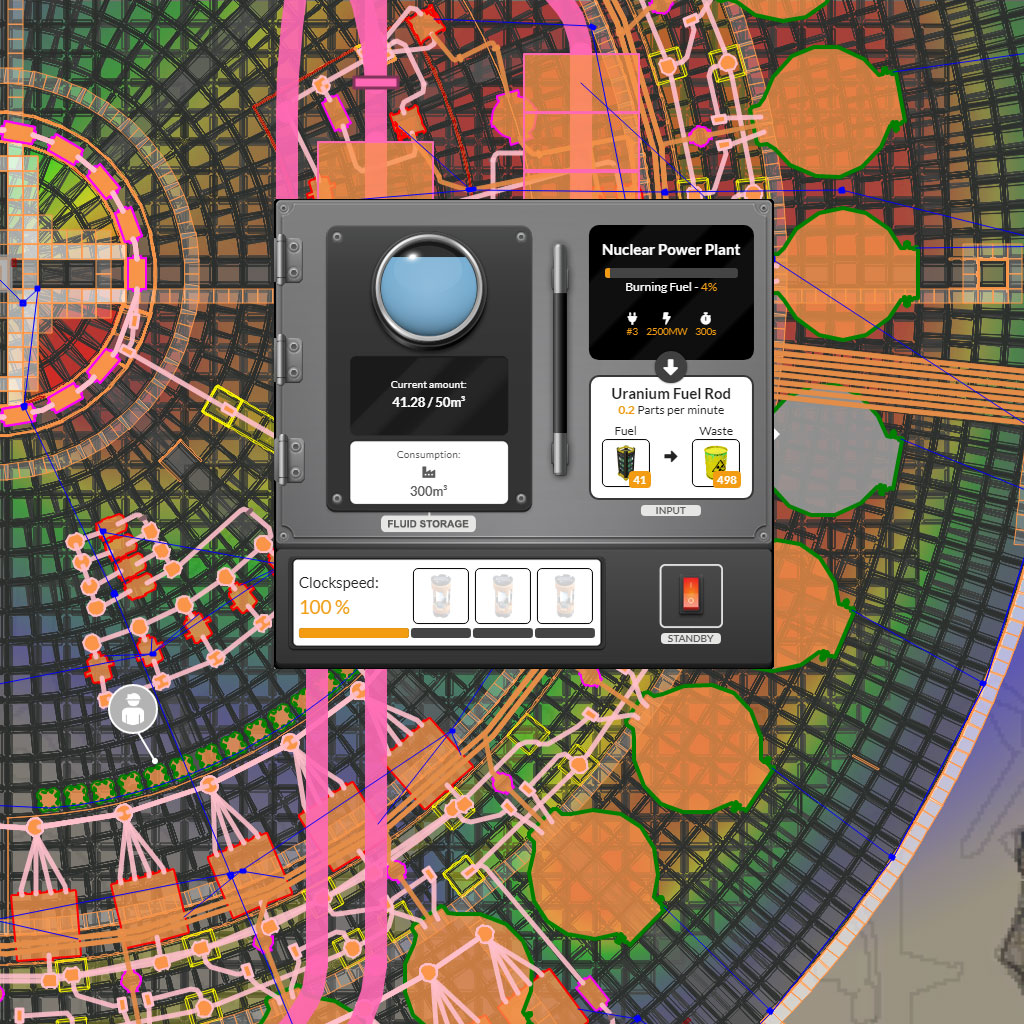
The "Satisfactory Planner" refers to the essential browser-based architectural tools designed for the factory-building game Satisfactory, developed by Coffee Stain Studios. These planners allow players to input desired output rates for specific resources and calculate the precise number of machines, raw material requirements, and belt logistics needed to achieve those production goals without manual trial-and-error.
Understanding the Role of Planning Tools in Satisfactory
In Satisfactory, complexity grows exponentially as you progress from simple iron smelting to complex manufacturing chains involving computers, supercomputers, and nuclear power. As of 2026, the game features an intricate web of alternative recipes, tiered production lines, and varying clock speeds. A Satisfactory planner acts as a decision-support system, translating a target output—such as "10 Heavy Modular Frames per minute"—into a granular build plan.
These tools are not merely calculators; they are logical engines that account for the game's core variables: resource nodes, machine efficiency, and recipe diversity. By using a planner, engineers can visualize bottlenecks before they exist, determine the necessary overclocking requirements, and calculate the exact power footprint of a proposed facility.
How Satisfactory Planners Operate
To use a planner effectively, you must understand the interplay between raw input and final output. Most industry-standard planners function by performing a recursive breakdown of recipes.
- Selection of End Product: You begin by specifying the item you wish to produce and the quantity required per minute.
- Recipe Configuration: If the game offers multiple ways to produce an item (e.g., Cast Screws vs. standard Screws), the planner allows you to toggle between these recipes. This is critical for optimizing for limited resource nodes.
- Machine Efficiency and Overclocking: Planners incorporate machine clock speeds. If you are constrained by space, you might input a 250% clock speed for a machine, and the planner will adjust the raw material requirements and energy consumption accordingly.
- Logistical Aggregation: Once the production chain is defined, the planner aggregates all raw material needs, showing you exactly how many miners and smelters are required at the start of the chain.
Core Components of a Successful Production Plan
When utilizing a planner, you must account for the physical and mechanical limitations of the game environment. A common mistake among new players is calculating for "perfect efficiency" without considering the reality of belt speeds or power grid stability.
The Hierarchy of Logistics
Every plan must start with the raw resource node. In 2026, the game’s late-game logistics often hinge on the throughput of Mk.5 or Mk.6 conveyor belts. When your planner informs you that you need 900 iron ore per minute, you must cross-reference this with the maximum belt speed available to you. If the belt speed is lower than your requirement, the planner’s "ideal" output will never be achieved in the live environment.
Power Grid Integration
Many planners provide a total power consumption estimate. This is one of the most vital metrics for avoiding mid-game brownouts. Before you commit to a new factory wing, the planner will display the incremental load on your grid. If the projected draw exceeds your current capacity, you must immediately pivot to a power production calculation—such as scaling up coal, fuel, or nuclear generators—before beginning construction.
Comparison of Planning Strategies
| Feature | Manual Calculation (Spreadsheets) | Interactive Web-Based Planners |
|---|---|---|
| Complexity Handling | High risk of human error | Automates complex recursive loops |
| Recipe Updates | Manual data entry required | Live updates via game patches |
| Visual Workflow | Static list | Interactive flowcharts/node trees |
| Sharing/Exporting | Difficult to format | URL-based sharing of build plans |
| Context Awareness | User-defined | Knows game-specific constraints |
Navigating Alternative Recipes
A significant portion of Satisfactory strategy involves hunting for Hard Drives to unlock "Alternative Recipes." These recipes often trade one set of raw materials for another to increase efficiency. A robust planner is indispensable here because the trade-offs are not always intuitive.
For instance, the "Steel Screw" recipe allows you to bypass the need for iron rods entirely. A planner allows you to simulate the entire factory with and without these alternates, providing a side-by-side comparison of the total power cost and the total number of machines required. Using a planner in this way transforms your factory design from a reactive process into a proactive, optimized architectural project.
Best Practices for Implementing Your Plan
Once you have generated a production scheme, the transition from the browser to the game world requires organization.
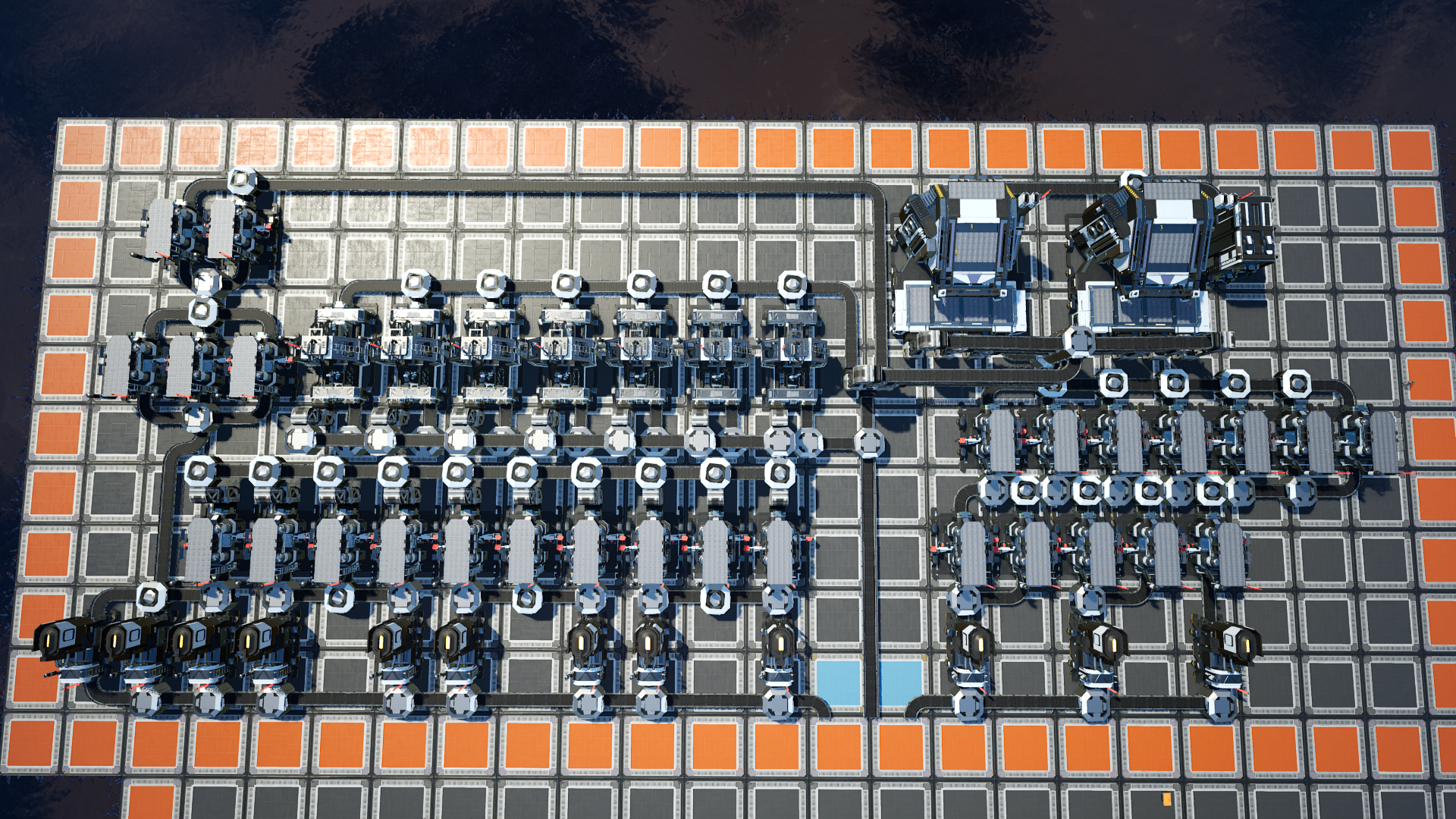
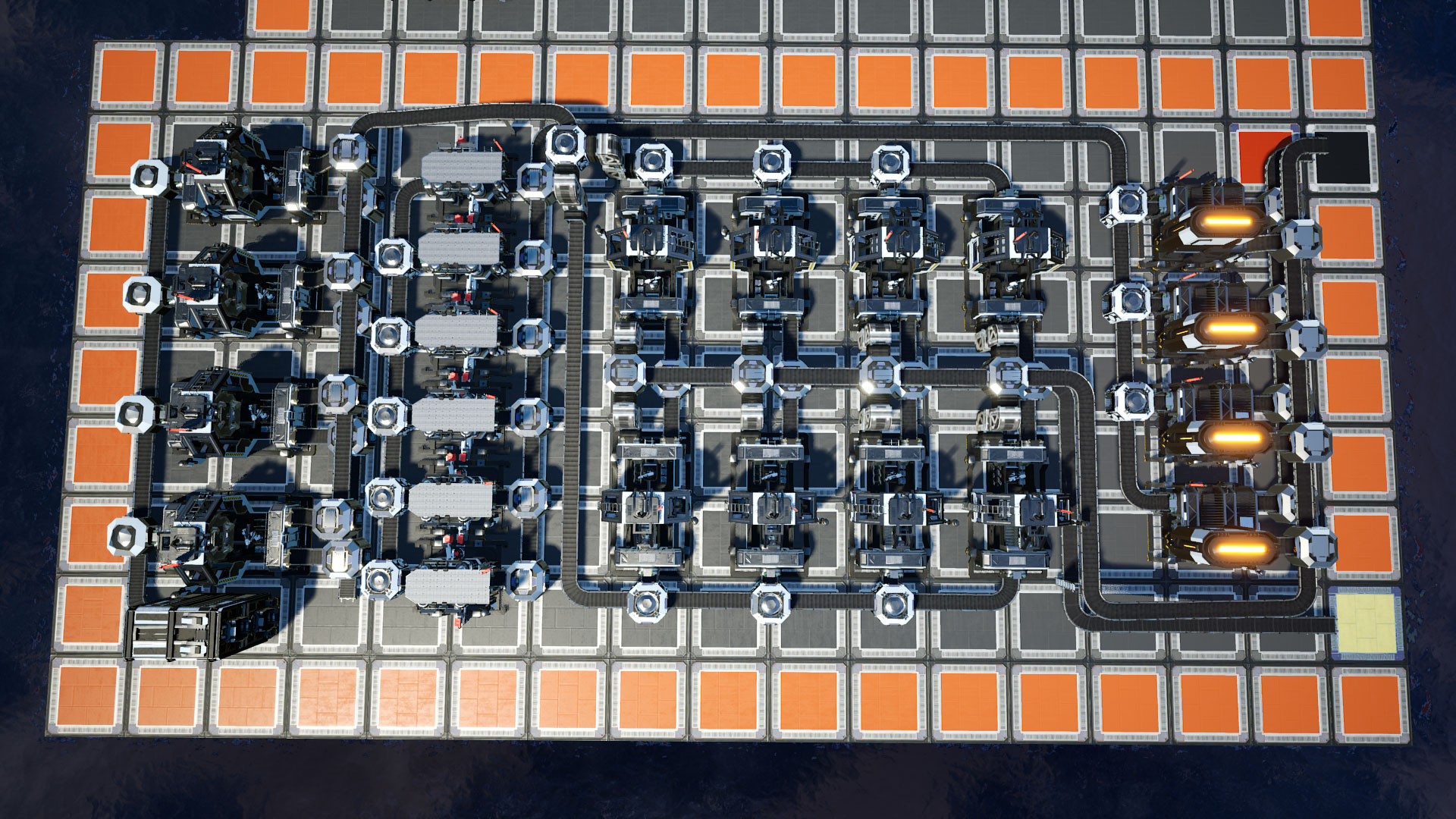
- Modular Construction: Do not attempt to build a massive global factory at once. Use the planner to design "modules"—self-contained units that consume raw resources and output a specific component.
- Verification Cycles: Periodically verify the planner’s output against your actual power usage. If the in-game consumption differs from the planner, check for machines that are sitting idle due to belt blockages or output saturation.
- Buffer Management: The planner will tell you the theoretical throughput, but it will not account for the time it takes to fill belts and internal machine buffers. Always allow a "warm-up" period when launching a new production line before confirming the final, sustained output.
Addressing Common Troubleshooting Scenarios
Even with the best planning tool, discrepancies occur. When your factory does not match the planner, investigate these three common failure points:
- Belt Throughput Bottlenecks: You may have built the correct number of machines, but if your supply belt is at maximum capacity, the downstream machines will suffer from "starvation." Check your belt tiers (e.g., Mk.3 vs. Mk.4) to ensure the physical infrastructure matches the math.
- Unbalanced Splits: When splitting resources into multiple machines, ensure you are using the correct number of splitters. An uneven distribution of inputs will cause some machines to run at 100% and others to sit idle, dragging down the average efficiency of the entire line.
- Misconfigured Overclocking: Ensure that all power shards are correctly placed in the machines that the planner intended. An error as small as a single machine being left at 100% instead of 200% can break the equilibrium of the entire downstream chain.
Frequently Asked Questions
Does a Satisfactory planner account for future game updates? Yes, most reputable planners are maintained by the community and updated to align with the current version of Satisfactory. If you are playing on a specific build branch, ensure your planner settings reflect that version to avoid using recipes that may have been rebalanced.
Can I export my plan directly into the game? Most planning tools are designed for architectural guidance rather than direct file integration. While some community-made mods exist that bridge this gap, standard web-based planners act as a blueprint. You must manually construct the machines based on the data provided.
Do I need a planner for early-game setups? It is recommended, though not strictly required. Early game is manageable with basic math, but using a planner early helps build the habit of designing for scalability. This prevents the "spaghetti" layout issue that plagues many late-game factories.
Why does my production rate differ from the planner? The most common reasons are fluctuating power grids, uneven belt distribution, or failing to account for the internal inventory capacity of machines. Check that all input belts are fully compressed before concluding that your math is incorrect.
Are there offline versions of these planners? While most are hosted as web applications for real-time updates, some open-source planners allow for local execution. Check the documentation of your specific tool if you require an offline-capable version for areas with limited internet access.
Recommendation for Success
To achieve maximum efficiency in Satisfactory, treat the planner as an extension of your thought process rather than a final solution. Start by isolating a single, high-complexity item you need to produce. Use the planner to identify the raw resource requirements, then verify those resource nodes in the game world. Build your factory in modules, using the planner’s output for each module to guide your construction. By breaking down your mega-factory into these manageable, mathematically verified pieces, you will maintain a stable, high-output operation that can scale alongside your exploration of the game’s map.