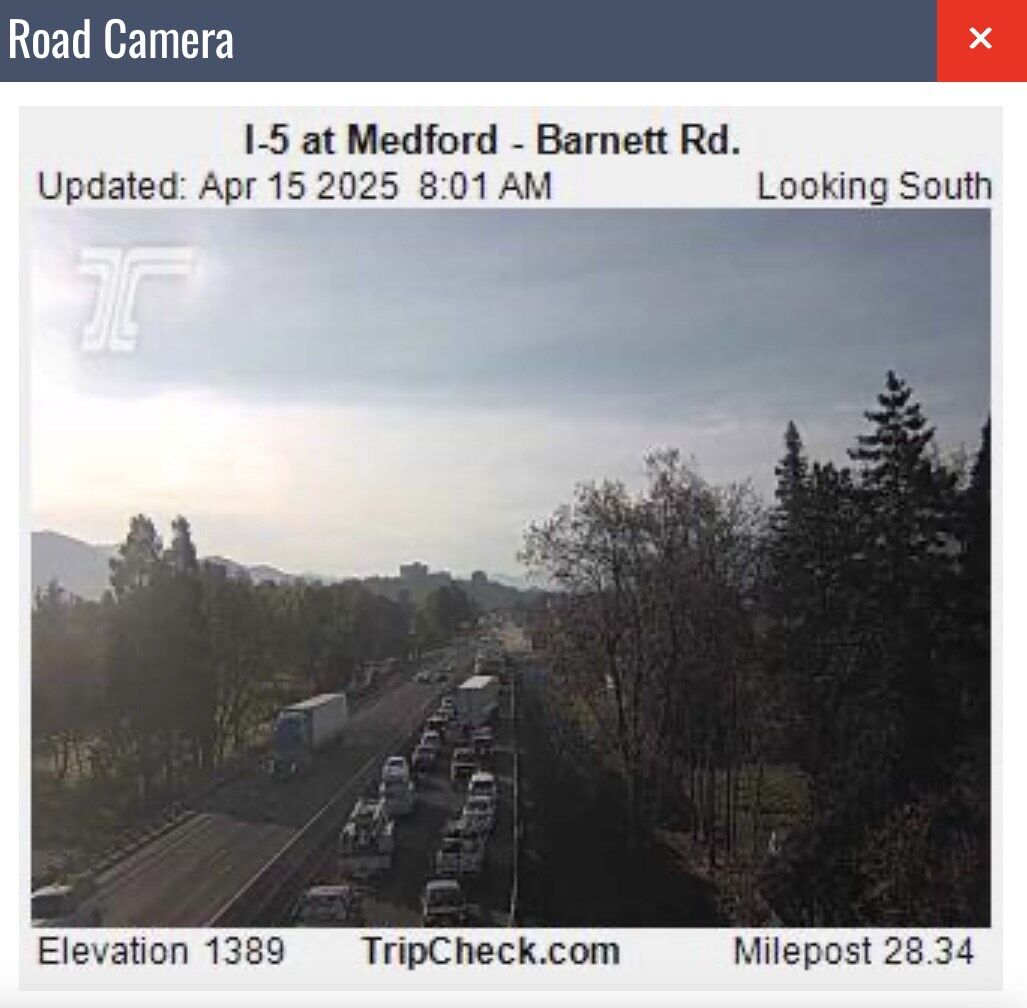
ODOT TripCheck is the official real-time travel information portal managed by the Oregon Department of Transportation. It provides travelers with critical data on road conditions, traffic congestion, weather impacts, and construction delays across Oregon’s highway system. By utilizing live camera feeds, roadside sensors, and incident reports, it serves as the primary tool for ensuring safe and efficient transit throughout the state.
Navigating Oregon’s diverse geography—from the rain-swept Pacific coastline to the snow-heavy Cascade mountain passes and the high desert of the eastern regions—requires more than just a standard GPS. As we move through 2026, the reliance on high-fidelity, real-time data has become paramount for commuters, freight operators, and tourists alike. ODOT TripCheck remains the most authoritative source for this information, integrating sophisticated technology to deliver a seamless user experience.
The Core Architecture of ODOT TripCheck
At its heart, TripCheck is an Intelligent Transportation System (ITS) aggregator. It does not merely report that a road is "busy"; it synthesizes data from thousands of endpoints to provide a granular view of the state's infrastructure. In 2026, the platform continues to leverage the Road Weather Information System (RWIS), which consists of specialized weather stations located along major corridors. These stations measure atmospheric pressure, wind speed, precipitation type, and, most importantly, pavement temperature.
Pavement temperature is a critical metric often misunderstood by the general public. While the air temperature might be above freezing, the road surface—especially on bridges and overpasses—can retain ice. TripCheck translates this technical sensor data into "Road Condition" reports that are easy for the average driver to digest. This systemic approach ensures that the information provided is based on empirical data rather than subjective observation.
Navigating the Interactive Map Interface
The most utilized feature of the portal is the TripCheck Interactive Map. This tool allows users to toggle various "layers" of information to customize their view based on their specific needs. Understanding how to manipulate these layers is essential for effective trip planning.
Real-Time Camera Feeds
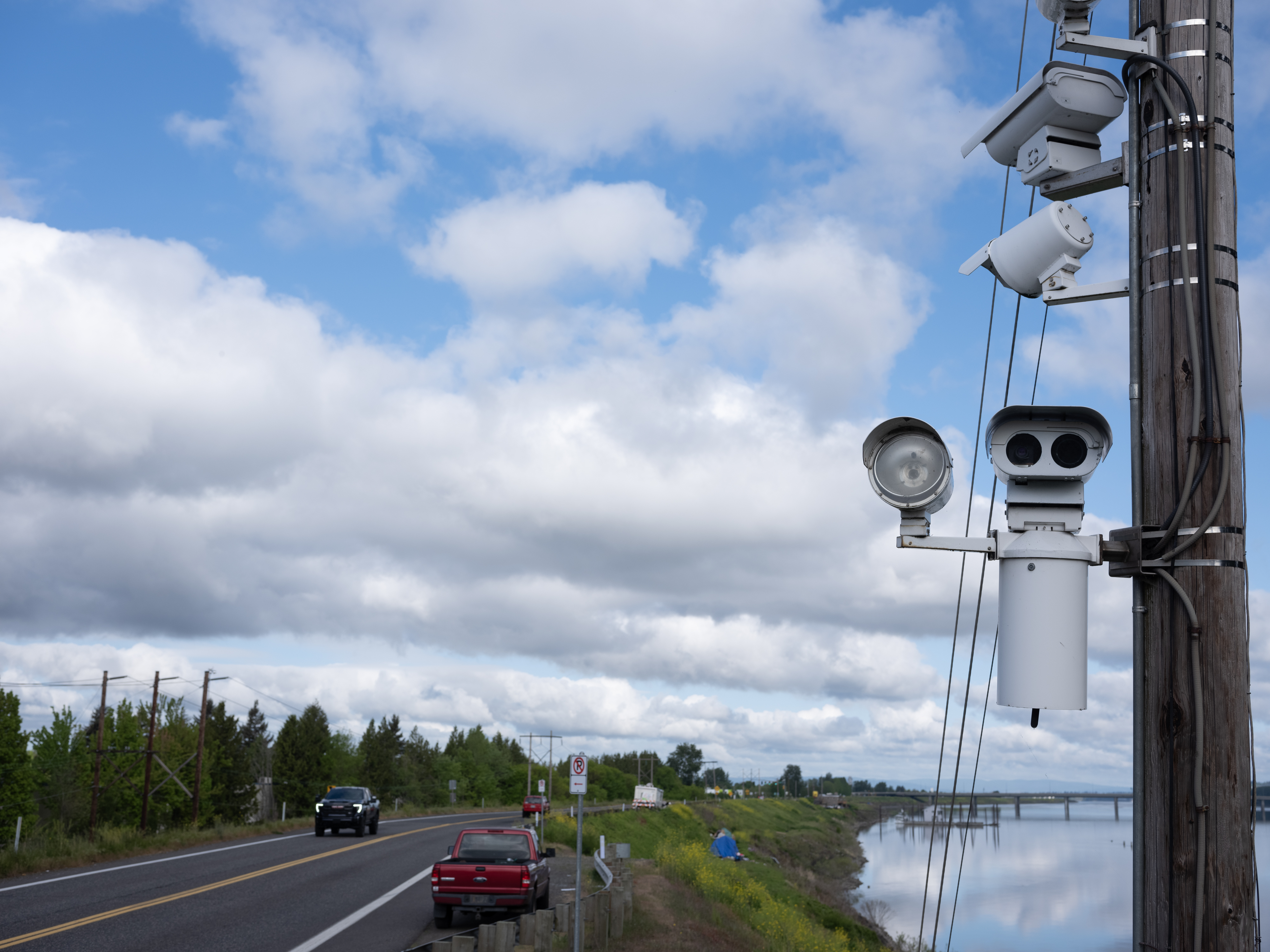
ODOT maintains hundreds of closed-circuit television (CCTV) cameras across the state. In 2026, the density of these cameras has increased, particularly in high-risk areas like the Columbia River Gorge and the Siskiyou Summit. These cameras provide still images that refresh every few minutes. They are invaluable for visual verification of weather reports; for example, a driver can see exactly how much "packed snow" is on the road before deciding to attempt a mountain pass.
Incident and Delay Reporting
Incidents are categorized by their severity and impact on traffic flow. "Major" incidents typically involve full road closures or significant lane blockages due to accidents or hazardous material spills. "Minor" incidents might include stalled vehicles or debris in the roadway. Each incident icon on the map is clickable, providing details on the nature of the event, the estimated time of clearance, and any available detour information.
Construction and Maintenance Zones
Oregon’s 2025–2027 Statewide Transportation Improvement Program (STIP) has resulted in numerous active work zones throughout 2026. TripCheck provides specific data on these projects, including scheduled lane closures, flagger-controlled sections, and width restrictions for commercial vehicles. This allows travelers to account for "construction time" in their schedules, which is often more predictable than weather-related delays.
Understanding Road Condition Terminology
One of the most significant challenges for drivers is interpreting the specific terminology used by ODOT. These terms are not chosen at random; they correspond to specific safety thresholds and legal requirements, particularly regarding traction tires and chains.
| Condition Term | Technical Meaning | Driver Requirement |
|---|---|---|
| Dry | Road surface is clear of moisture and ice. | Normal driving precautions. |
| Damp/Wet | Moisture present; reduced friction. | Increase following distance. |
| Spotty Ice | Patches of ice exist, often in shaded areas. | High caution; avoid sudden braking. |
| Packed Snow | Snow is compressed into a solid layer. | Traction tires or chains often required. |
| Black Ice | Transparent ice that is difficult to see. | Extreme caution; speed reduction vital. |
| Unpaved/Gravel | Temporary surface due to construction. | Reduced speed; watch for flying debris. |
The "Black Ice" designation is particularly crucial during the 2026 winter season. Black ice often forms during "freeze-thaw" cycles where daytime snowmelt refreezes at night. TripCheck’s integration with thermal sensors allows the system to flag these conditions even when the road looks deceptively clear in camera images.
Winter Driving and Mountain Pass Monitoring
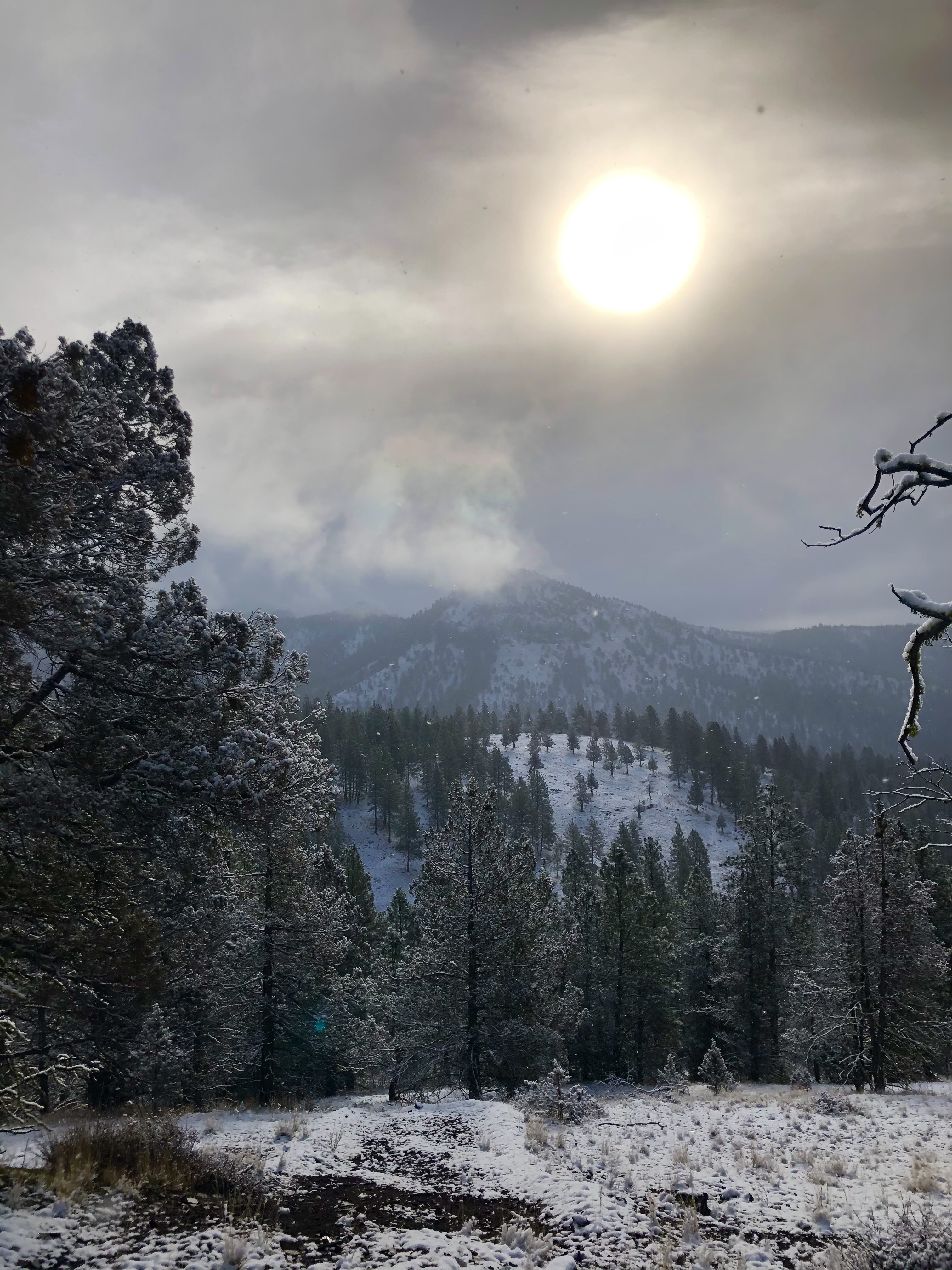
For many, TripCheck is synonymous with "Pass Reports." Crossing the Cascades via I-84, US-26 (Mt. Hood), or OR-58 (Willamette Pass) can be hazardous during the winter months. The portal provides dedicated sections for these high-altitude routes.
Traction Law Enforcement
In Oregon, the law regarding "Traction Tires and Chains" (OAR 734-017) is strictly enforced based on the conditions reported on TripCheck. When the portal indicates "Chains Required," it becomes a legal mandate. In 2026, ODOT continues to use a tiered system:
- Carry Chains or Traction Tires: You must have them in the vehicle.
- Chains Required on All Vehicles: Certain exceptions apply for 4WD/AWD under a specific weight limit, provided they have traction tires.
- Chains Required on All Vehicles - No Exceptions: This is usually reserved for the most extreme blizzard conditions.
Failing to adhere to these requirements not only risks a significant fine but, more importantly, endangers the lives of the driver and emergency responders. TripCheck serves as the "source of truth" that law enforcement uses to determine when these mandates are active.
Advanced Features for Frequent Travelers
Beyond the basic map, ODOT TripCheck offers several advanced features designed for power users and those who commute across long distances.
Personalized TripCheck Accounts
Users can create a free account to save "My Routes." For example, a commuter traveling from Salem to Portland can save this specific segment of I-5. The system can then send automated email or SMS alerts if a major incident occurs on that specific route. This proactive notification system is a cornerstone of smart mobility in 2026, allowing drivers to adjust their departure times or routes before they ever get behind the wheel.
Commercial Vehicle Resources
The trucking industry is the backbone of Oregon’s economy, and TripCheck provides a "Trucker" view specifically tailored to heavy haulers. This view highlights:
- Weight and Size Restrictions: Critical for Oversize/Overweight (OSOW) loads.
- Chain Up Areas: Locations with enough shoulder space for semis to safely install chains.
- High Wind Alerts: Vital for "high-profile" vehicles that are susceptible to tipping on bridges like the Astoria-Megler or the Fremont Bridge.
By centralizing this data, ODOT helps minimize the frequency of "stuck trucks" that can paralyze a highway for hours.
Data Accuracy and Troubleshooting
While ODOT TripCheck is a robust system, users should understand how the data is processed to use it effectively. Most information on the site is automated, but incident reports often require manual entry by dispatchers or state troopers.
Information Latency
There is a slight delay between an event occurring and it appearing on the map. Usually, this is within a 5-to-15-minute window. If you see a line of brake lights ahead but the map shows "Green," it is likely a brand-new incident that hasn't been "vetted" by the system yet. In 2026, ODOT has integrated more crowdsourced data indicators to bridge this gap, but official confirmation remains the priority for the portal.
Technical Support and Browser Compatibility
TripCheck is designed to be mobile-responsive, meaning it works well on smartphone browsers without needing a dedicated app. If the map fails to load, users are encouraged to clear their browser cache or ensure that location services are enabled to allow the map to center on their current position. For those in areas with poor cellular reception, the "Text Only" version of TripCheck is a lightweight alternative that loads much faster than the image-heavy map.
The Role of 511 in the TripCheck Ecosystem
While the digital portal is the primary focus, ODOT still maintains the 511 phone system. This is an integral part of the TripCheck service, providing an audio version of the road reports. This is particularly useful for drivers who are already on the road and should not be looking at a screen. By calling 511, drivers can use voice commands to ask for "Pass Reports" or "Interstate 5 Northbound" and receive the latest updates.
In 2026, the 511 system has been upgraded with improved Natural Language Processing (NLP), making the voice interactions more intuitive and reducing the time spent in phone menus. It is important to note that the data on 511 comes from the same database as the website, ensuring consistency across all platforms.
Legal and Safety Limitations
The information provided by ODOT TripCheck is for planning purposes and does not replace the driver's responsibility to observe actual road conditions. Oregon law requires drivers to operate at a "Speed that is Reasonable and Prudent" regardless of the posted speed limit or the information on TripCheck (ORS 811.100).
Furthermore, while ODOT strives for 100% accuracy, technical failures can occur. Sensors can be damaged by ice, and cameras can be obscured by snow. Travelers should always use TripCheck as one of several tools, including local weather forecasts and their own observations.
Frequently Asked Questions
How often are the TripCheck cameras updated? Most cameras on the ODOT TripCheck network update every 2 to 20 minutes, depending on the location and the available bandwidth. In high-traffic urban areas, the refresh rate is much higher than in remote rural areas where cameras may rely on satellite or low-speed cellular connections. The timestamp on the image indicates exactly when the last photo was captured.
Does TripCheck show local city street conditions? TripCheck primarily focuses on state highways, US routes, and Interstates. While some major city arterials in places like Portland, Eugene, or Bend might appear on the map if they intersect with state-managed roads, the portal is not designed to provide comprehensive coverage of residential or city-owned streets. For those, you should check specific municipal "Transportation Desk" websites.
What should I do if TripCheck shows a road is closed, but my GPS says it’s open? Always prioritize the information on ODOT TripCheck over third-party GPS applications. ODOT is the entity that physically closes the gates and manages the road. Third-party apps often rely on crowdsourced data or historical patterns which can be slower to update during emergency closures or may suggest "shortcuts" that are not maintained for winter travel and are dangerous.
Can I access TripCheck data if I don't have an internet connection? If you lack an internet connection but have cellular voice service, you can dial 5-1-1 within Oregon to receive the same real-time information via an automated voice system. If you are calling from outside Oregon, you can reach the same service by dialing 1-800-977-ODOT (6368).
Are there fees associated with using the TripCheck portal? No, ODOT TripCheck is a free public service provided by the State of Oregon. There are no subscription fees for the website, the mobile-friendly version, or the personalized alert services. It is funded through state gasoline taxes and federal transportation grants.
How does TripCheck handle transit and rail information? TripCheck includes a "Transit" layer that provides information on intercity bus services (like POINT) and rail (Amtrak Cascades). While it doesn't provide real-time tracking for every city bus, it offers links and schedules for major transit providers across the state to encourage multi-modal travel.
Practical Recommendations for 2026 Travelers
Before embarking on any significant journey across Oregon in 2026, follow this workflow:
- Check the "Pass Reports" at least two hours before departure if crossing mountains.
- Toggle the "Weather" layer on the interactive map to see if any National Weather Service warnings are active for your route.
- Review the "Incident" list for any long-term closures that might require a significant detour.
- Verify your equipment. If TripCheck indicates "Carry Chains," ensure they are in your vehicle and that you know how to install them before you reach the snow line.
By using ODOT TripCheck as a proactive planning tool rather than a reactive one, you can significantly reduce travel stress and increase safety for everyone on Oregon's roadways. For the most current data, always visit the official site at TripCheck.com.