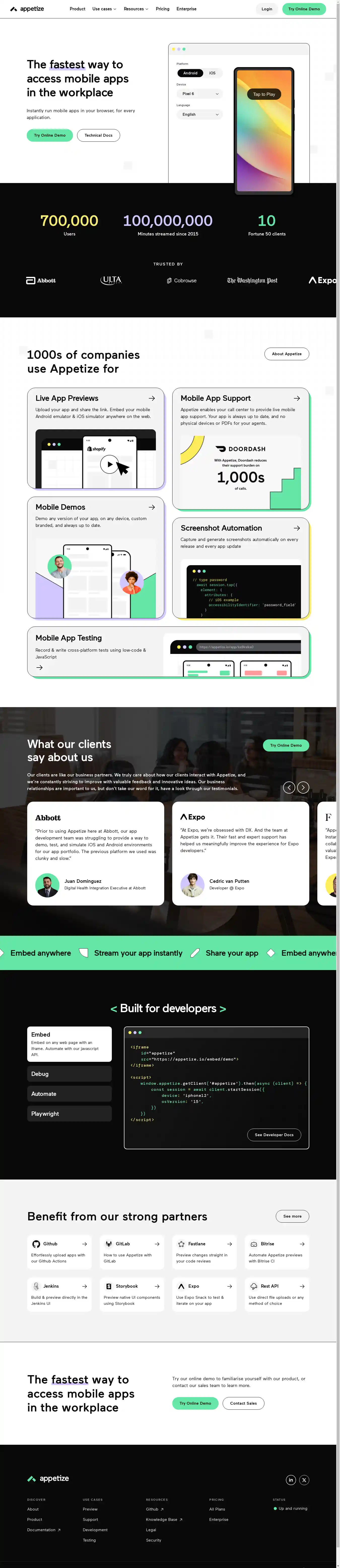
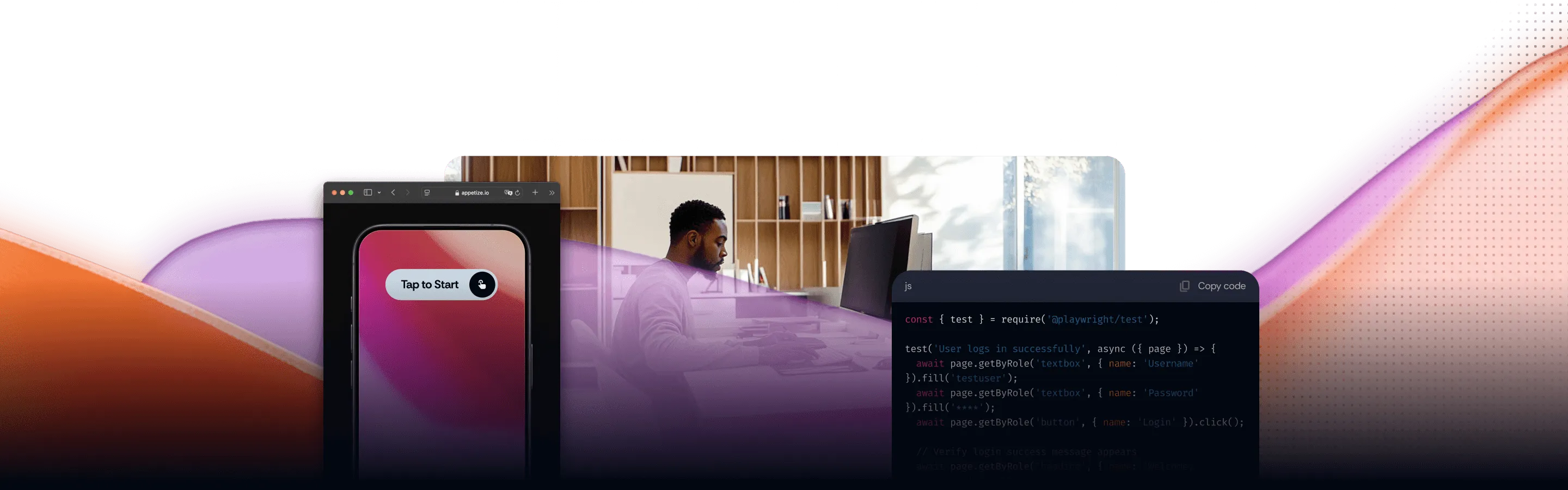
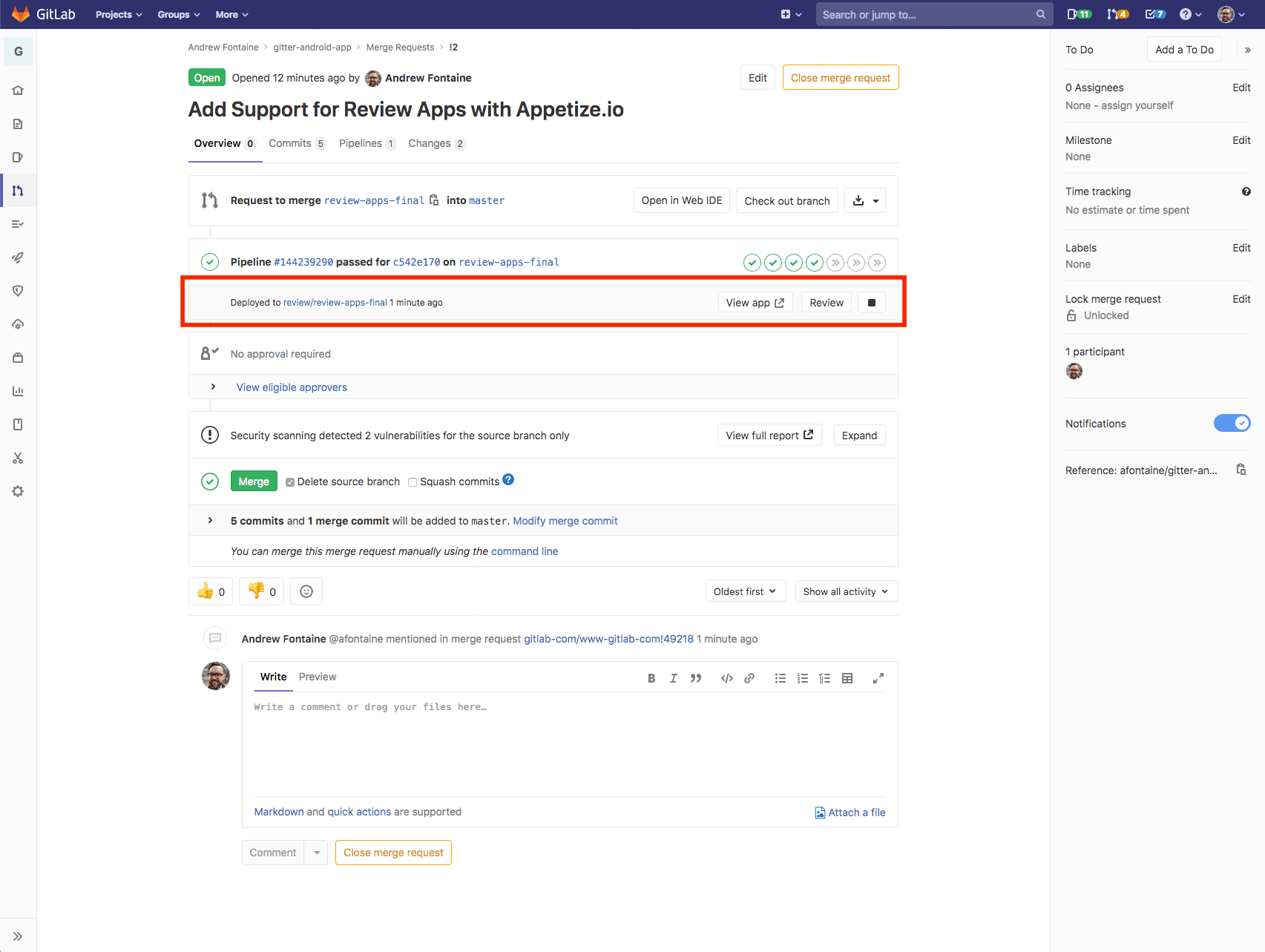
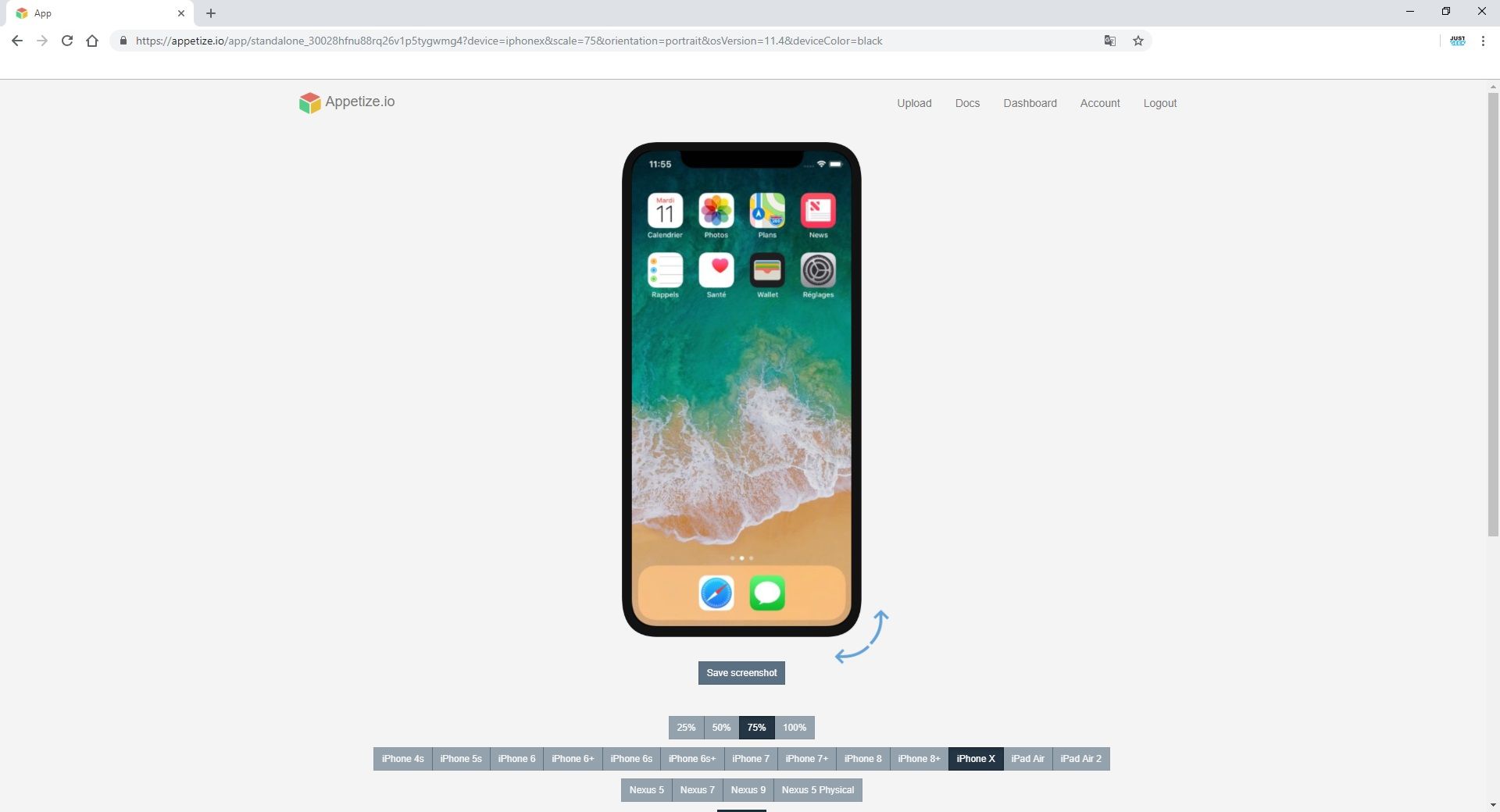
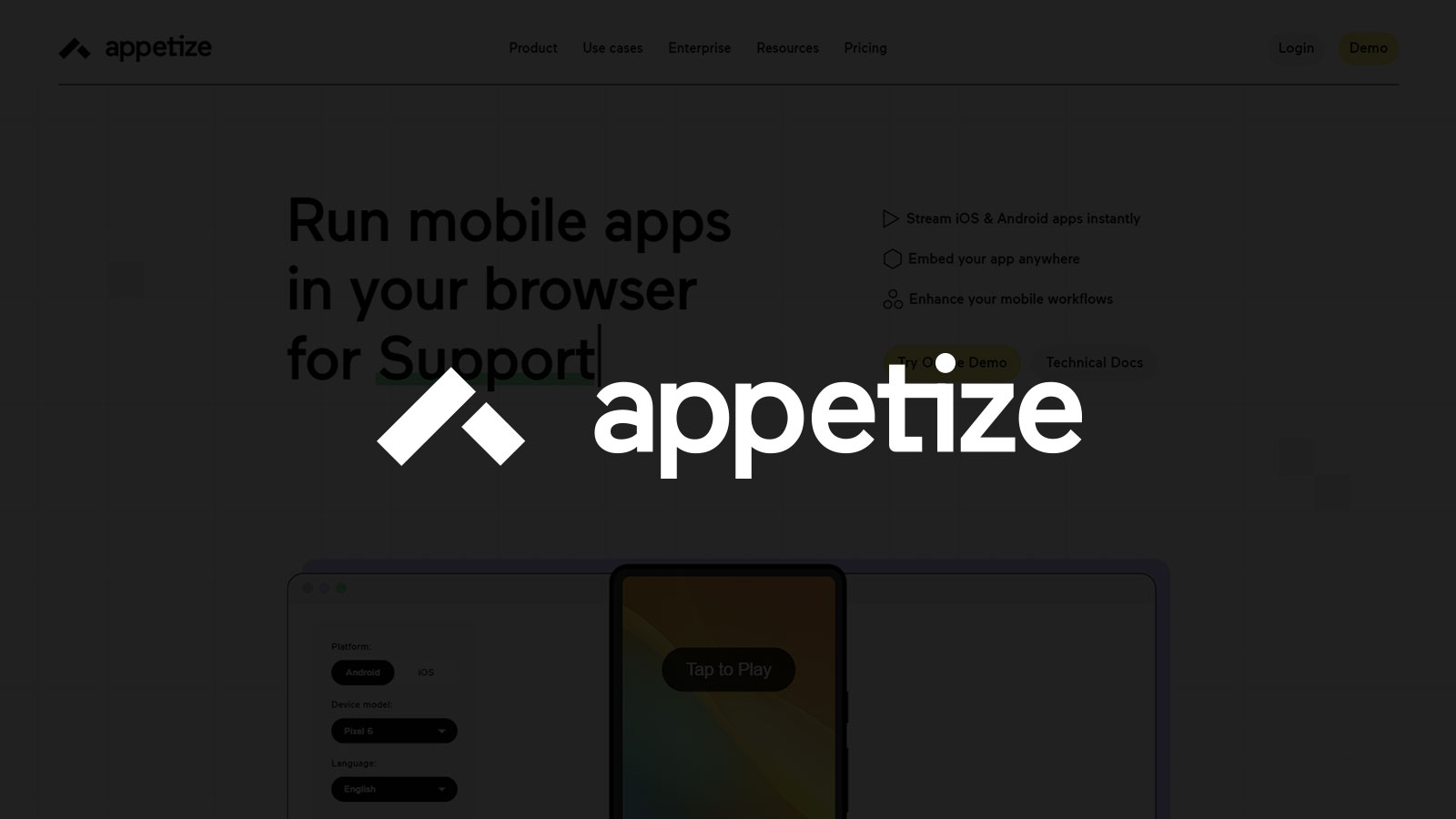
Appetize.io is a premier cloud-based solution that allows users to run native iOS and Android applications directly within any modern web browser. By utilizing high-performance virtualization, it enables developers, QA teams, and sales professionals to stream app instances for testing, demonstrations, and support without requiring local hardware or complex SDK installations.
In the rapidly evolving landscape of 2026, mobile application development has reached a level of complexity where hardware fragmentation and remote collaboration are the primary hurdles for engineering teams. Appetize.io has solidified its position as the industry standard for web-based mobile emulation, providing a bridge between native mobile code and the ubiquity of the web browser. Whether you are a solo developer looking to showcase a portfolio or an enterprise organization needing to scale automated UI testing, understanding the nuances of this platform is essential for modern software delivery.
What is Appetize.io?
At its core, Appetize.io provides a "Mobile Device as a Service" (MDaaS) model. It operates by hosting virtualized instances of mobile operating systems on powerful server hardware and streaming the visual output to a client-side web player using HTML5 and JavaScript. Unlike traditional remote physical device labs, Appetize focuses on high-performance emulators (Android) and simulators (iOS).
The primary advantage of this approach is speed and concurrency. While physical devices are limited by battery life, hardware failure, and the need for physical resetting, virtualized instances can be spun up in seconds, reset instantly, and scaled to hundreds of simultaneous sessions. In 2026, with the integration of more sophisticated graphics acceleration in the cloud, the latency between a user clicking a button in their browser and the virtual device responding is nearly imperceptible, even on standard broadband connections.
Why Browser-Based Emulation Matters in 2026
The shift toward browser-based tools is driven by three main factors:
- Accessibility: Team members who do not have access to high-end MacBooks or specific Android hardware can still interact with the latest builds of an application.
- Security: By running apps in a sandboxed cloud environment, sensitive pre-release software is never stored on a local machine, reducing the risk of leaks or intellectual property theft.
- Embeddability: Appetize.io allows companies to embed a live, functional version of their app into marketing websites, documentation, or training portals via a simple iframe.
Technical Architecture and How It Works
To effectively use Appetize.io, one must understand the underlying mechanics of how it handles mobile binaries. The platform does not "convert" your app into web code; rather, it runs the actual compiled binary.
iOS Simulation
For iOS, Appetize.io uses the same technology found in Apple’s Xcode Simulator. Because the simulators run on macOS, Appetize maintains a fleet of optimized servers running macOS. When you upload an iOS application, it must be compiled for the x86_64 or arm64 architecture specifically for the simulator. A standard .ipa file intended for the App Store (compiled for physical iPhone hardware) will not work because it is encrypted and optimized for different processor instructions.
Android Emulation
For Android, the platform utilizes the Android Open Source Project (AOSP) emulators. These are typically run on Linux servers using KVM (Kernel-based Virtual Machine) acceleration. This allows Appetize to support a wide range of Android versions, from legacy releases to the very latest Android 16 and 17 builds available in 2026.
The Streaming Protocol
The "magic" of Appetize.io lies in its proprietary streaming protocol. It captures the framebuffer of the virtual device, encodes it, and sends it via WebSockets to the user’s browser. The browser then renders this using a element. This ensures that the application remains interactive, supporting touch gestures, swipes, and even hardware button simulations (like Volume or Home).
Key Features for Professional Teams
Appetize.io has expanded its feature set significantly over the years to cater to various professional workflows. Below are the core capabilities that define the platform in 2026.
1. The Web Player and Embedding
The most recognizable feature is the web player. It provides a customizable "skin" around the device (e.g., an iPhone 15 Pro or a Google Pixel 9) and allows for a variety of interactions.
- Iframe Embedding: You can embed your app into any HTML page. This is widely used by companies like Shopify and DoorDash to show live previews of their merchant tools or delivery apps.
- Customization Parameters: Through URL parameters, you can control the device type, OS version, language, orientation, and even simulate specific location coordinates.
2. Network Interception and Debugging
For developers, Appetize is more than just a visual tool. The platform provides a "Developer Tools" pane that mirrors many of the functions found in Chrome DevTools.
- Remote Debugging: You can view console logs from the device in real-time.
- Network Traffic: Appetize allows you to monitor HTTP/HTTPS requests made by the app, which is invaluable for debugging API integrations or authentication flows.
- ADB Access: For Android, you can connect via a remote ADB (Android Debug Bridge) tunnel, allowing you to use your local development environment to interact with the cloud-based emulator.
3. API and Automation
Modern DevOps pipelines require automation. Appetize.io provides a robust REST API that allows teams to:
- Upload New Builds: Automatically push a new binary to Appetize at the end of a CI (Continuous Integration) pipeline.
- Manage Apps: Programmatically update app settings or delete old versions.
- Usage Analytics: Extract data on how often and for how long apps are being used.
4. Enterprise Security and SSO
In 2026, security is a non-negotiable requirement for large-scale software firms. Appetize provides:
- Single Sign-On (SSO): Integration with Okta, Azure AD, and Google Workspace.
- Private Clusters: For high-security needs, Appetize offers dedicated infrastructure where your data and instances are physically isolated from other users.
- Session Persistence: The ability to save and restore device states, which is critical for complex QA scenarios where a specific user state must be maintained.
Use Cases: Solving Real-World Problems
Appetize.io is versatile, serving different departments within a technology organization.
Quality Assurance (QA) and Testing
The most common use case is cross-platform testing. Instead of maintaining a "device closet" with dozens of phones that inevitably lose battery or break, QA engineers use Appetize to verify UI consistency across different screen sizes and OS versions. The ability to quickly switch between an iPad Pro and a budget Android device in the same browser window saves hours of setup time.
Customer Support
When a user reports a bug on a specific device, the support agent can quickly spin up that exact configuration on Appetize.io. This allows the agent to follow the user's steps and confirm if the issue is reproducible, without needing the physical hardware in hand.
Sales and Marketing Demos
Sales teams often struggle with showing mobile apps during Zoom or Teams calls. Sharing a phone screen via a cable is clunky. With Appetize, the salesperson can simply open a URL in their browser and share that window. It looks professional, runs smoothly, and allows the prospect to take control of the session via a shared link if needed.
App Store Optimization (ASO) and Design
Designers use Appetize to generate high-quality screenshots and videos for App Store listings. Since the platform allows for pixel-perfect rendering at various resolutions, it is much more efficient than using a physical device and trying to capture the screen without glare or notification interruptions.
How to Get Started: A Practical Guide
Setting up Appetize.io is straightforward, but it requires specific build configurations.
Step 1: Generate the Correct Build
- For iOS: You must build your app using the
iphonesimulatorSDK. In Xcode, you can do this via the command line:xcodebuild -scheme YourScheme -sdk iphonesimulator -configuration ReleaseThe resulting.appfolder should be zipped before uploading. - For Android: You need a standard
.apkfile. Ensure the APK supports x86_64 or arm64 architectures, as most cloud emulators in 2026 run on these virtualized instructions for better performance.
Step 2: Upload to Appetize.io
Go to the Appetize.io dashboard and click "Upload." Select your .zip (iOS) or .apk (Android) file. Once processed, you will receive a unique "Public Key" for that app version.
Step 3: Configure the Player
You can now access your app via a URL like https://appetize.io/app/YOUR_PUBLIC_KEY. You can append query parameters to this URL to customize the experience. For example, adding ?device=iphone15pro&osVersion=18.0 will force the app to load on that specific configuration.
Comparing Appetize.io with Alternatives
While Appetize.io is a leader in browser-based streaming, it is important to understand where it sits in the broader ecosystem of mobile testing tools.
| Feature | Appetize.io | BrowserStack / Sauce Labs | Firebase Test Lab |
|---|---|---|---|
| Primary Technology | Virtualized Emulators/Simulators | Physical Mobile Devices | Physical & Virtual Devices |
| Best For | Demos, Embedding, Quick QA | Deep Hardware Testing, Biometrics | Automated Android Testing |
| Speed | Very Fast (Instant boot) | Moderate (Wait for device) | Fast (Virtual) / Slow (Physical) |
| Embedding | High-performance Iframe support | Limited / Not focused on embedding | None |
| Debugging Tools | Built-in Web Terminal & Logs | Extensive Remote Debugging | Logs & Video Recordings |
| 2026 Cost Model | Usage-based (Minutes) or Flat | Per-concurrency / Subscription | Per-test / Usage-based |
Pricing and Selection Criteria
As of 2026, Appetize.io offers a tiered pricing structure designed to grow with your needs.
- Trial/Free Tier: Usually limited to 1 concurrent session and 100 minutes of usage per month. Excellent for individuals and small open-source projects.
- Basic Tier: Suitable for small teams needing more minutes and the ability to manage multiple apps.
- Premium Tier: Designed for professional QA and Sales teams. Includes features like unlimited app uploads, custom branding, and advanced API access.
- Enterprise Tier: For organizations requiring SSO, private clusters, SOC2 compliance, and dedicated support.
When choosing a plan, consider your "Concurrent Sessions" requirement. This is the number of people (or automated tests) that can use the platform at the exact same time. If you have a sales team of 20 people who might all be demoing the app simultaneously, an Enterprise plan with high concurrency is necessary.
Common Troubleshooting Steps
Despite its ease of use, users may encounter specific technical hurdles.
- "App Crashing on Launch": This is almost always due to an architecture mismatch. Ensure you are not uploading an ARM-only build (for physical iPhones) to the simulator environment.
- "Networking Issues": If your app cannot reach your backend, check if your API endpoints are accessible from the open internet. Appetize.io servers need to be able to "see" your server. If you are testing a local development server, you may need to use a tool like ngrok to create a public tunnel.
- "Slow Performance": Ensure your browser has hardware acceleration enabled. Appetize uses WebGL for rendering in 2026, and without hardware acceleration, the frame rate will drop significantly.
Frequently Asked Questions
Can I test Apple Pay or Google Pay on Appetize.io?
Testing mobile wallets and biometric payments is limited on virtualized platforms. While you can simulate the UI flow, the actual "Secure Element" of a physical phone is not present. For these specific use cases, physical device labs are usually required.
Does Appetize.io support multi-touch gestures?
Yes. In 2026, the Appetize player supports multi-touch simulation. On a touch-screen laptop or tablet, you can use actual fingers; on a desktop, the player provides keyboard shortcuts (like holding the Alt/Option key) to simulate pinch-to-zoom and two-finger swipes.
How secure is my application code on their servers?
Appetize.io utilizes industry-standard encryption for data at rest and in transit. For Enterprise customers, they offer automatic deletion of app binaries after a session ends and the option to host on private, isolated infrastructure to meet strict compliance requirements.
Can I install apps from the Google Play Store or Apple App Store?
No. Appetize.io is designed for developers to upload their own binaries. It does not provide access to the official App Stores, as those require hardware-bound DRM (Digital Rights Management) that cannot run in a simulated environment.
Does it support tablet orientations and folding screens?
Yes. Appetize.io stays updated with the latest hardware form factors. In 2026, this includes support for various foldable Android devices and the full range of iPad Pro and Samsung Galaxy Tab dimensions, including seamless orientation switching.
Final Recommendation
Appetize.io remains an indispensable tool for any organization that prioritizes mobile-first development. Its ability to turn a complex native mobile binary into a shareable, embeddable web link is a unique value proposition that physical device labs cannot easily replicate.
If your primary goal is accessibility, speed, and seamless demonstrations, Appetize.io is the correct choice. For teams that require deep, low-level hardware validation (such as camera sensors or Bluetooth connectivity), it is best used in conjunction with a physical device testing suite. To get started, ensure your CI/CD pipeline is configured to generate simulator-compatible builds, and begin by integrating the player into your internal documentation to see immediate improvements in team collaboration.