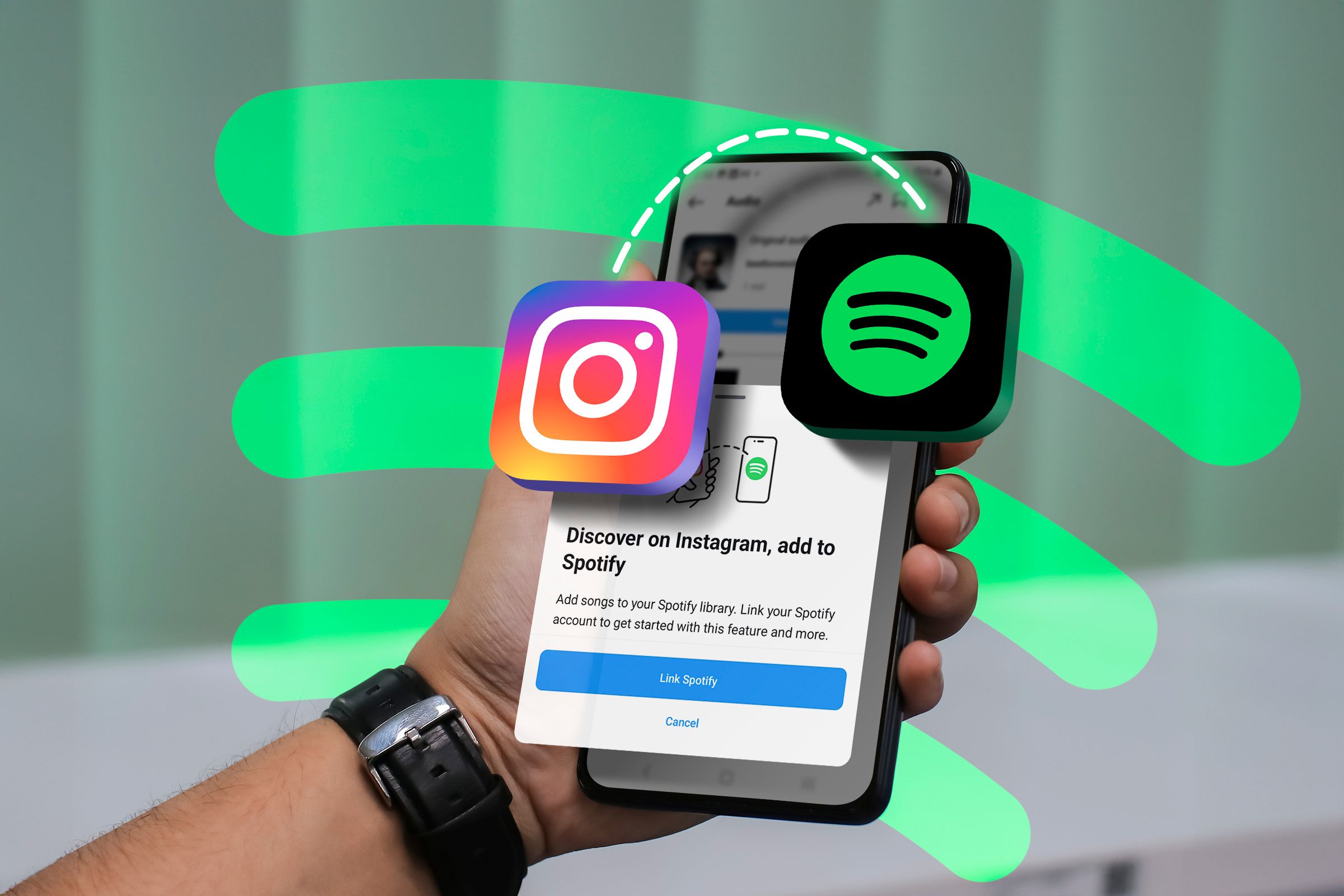
Connecting your Spotify account to your Instagram profile bridges two of the world's most popular digital platforms, transforming how you share your musical identity with followers. As social media ecosystems continue to evolve through 2026, platform integrations have shifted from simple novelty features into sophisticated tools for personal branding, real-time engagement, and interactive storytelling. Whether you are an everyday listener looking to showcase your current playlist rotation or an emerging artist attempting to drive stream counts, understanding the exact mechanics, benefits, and privacy implications of this integration is essential.
Core Mechanics: What Happens When You Link Spotify and Instagram
When you establish a connection between your Spotify and Instagram accounts, you essentially create an interactive bridge that allows data and media elements to flow seamlessly between the two applications. This integration operates primarily through Meta's application programming interfaces (APIs) and Spotify's internal sharing architecture, enabling direct cross-platform actions without requiring manual file exports or screenshots.
The primary functional changes you will notice after linking your accounts include:
- Direct Content Transfer: You gain the ability to send currently playing tracks, albums, playlists, and artist profiles directly to Instagram Stories or Direct Messages (DMs) with a single tap.
- Interactive Media Stickers: Songs shared to your Instagram Stories automatically generate native playback widgets, allowing your viewers to listen to a 30-second audio preview directly inside Instagram without being forcibly ejected to the standalone Spotify application.
- Profile Attribution: Viewers who interact with your music-based Story shares can see your linked handle and easily navigate to your shared content items, streamlining the discovery process.
- Real-Time Activity Syncing: Depending on your current privacy settings, your followers may see indicators of your connected musical ecosystem, though direct live-scrobbling to your main Instagram bio requires specific third-party workarounds or manual story updates.
Key Features and User Experience Enhancements
The integration unlocks several powerful features designed to make sharing your auditory experiences frictionless. By leveraging modern mobile operating system protocols, Spotify and Instagram work in tandem to optimize media rendering.
Interactive Story Stickers and Audio Previews
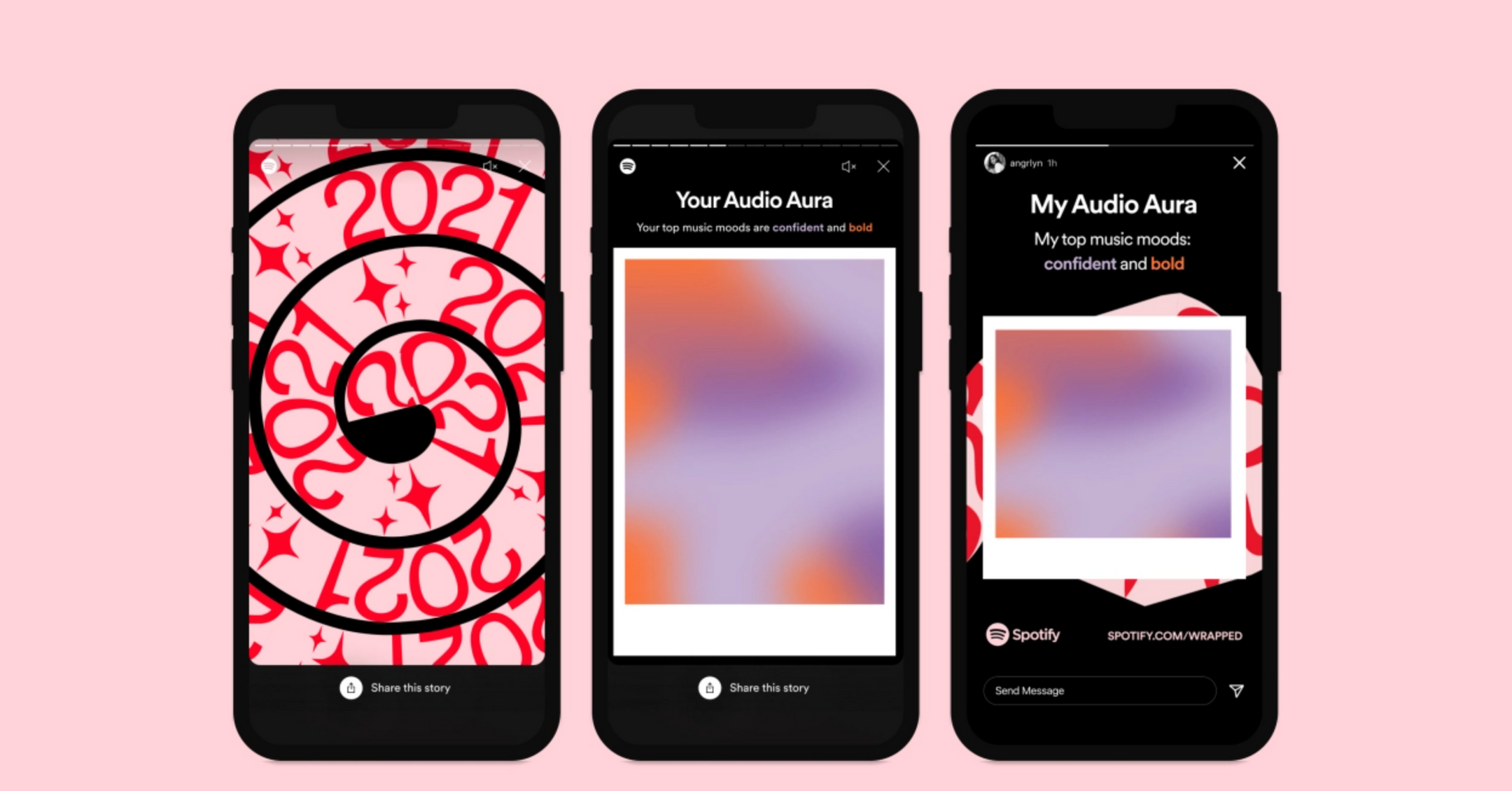
When you share a track to your Instagram Story, the app generates a dynamic sticker. Unlike a static image, this sticker includes album art, the track title, the artist name, and a playable link. When a friend taps the Play on Spotify button at the top of the Story screen, a persistent banner appears, letting them instantly hear the hook of the song while they continue browsing their feed.
Direct Messaging Integration
Sharing music via Instagram DMs becomes significantly cleaner. Instead of sending a raw URL that generates a generic preview card, integrated sharing allows you to send playable audio cards directly within your chat threads. Friends can sample the track right inside the message window, sparking spontaneous music discussions and collaborative queue-building.
Step-by-Step Guide to Connecting Your Accounts
Establishing the connection takes only a few moments, provided your mobile applications are updated to their latest 2026 releases. Ensure you have both the official Spotify app and Instagram app installed and that you are logged into your respective personal accounts.
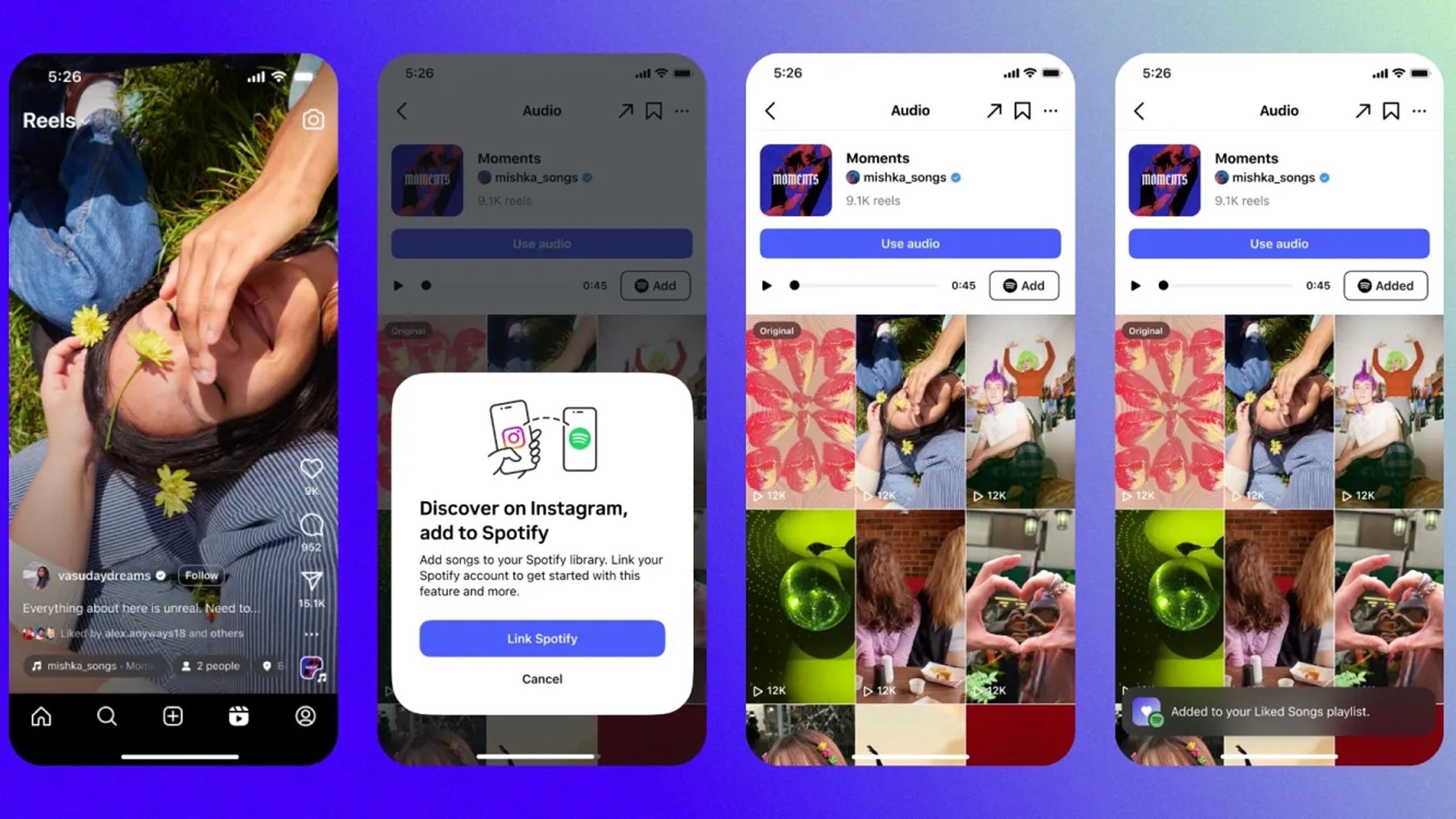
- Open the Spotify application on your iOS or Android device and navigate to your Settings profile icon in the upper right corner.
- Select Settings and Privacy, then scroll down to the Social category to check your connected application permissions.
- Alternatively, initiate a share directly by playing any track, tapping the three dots (or share icon), and selecting Instagram Stories.
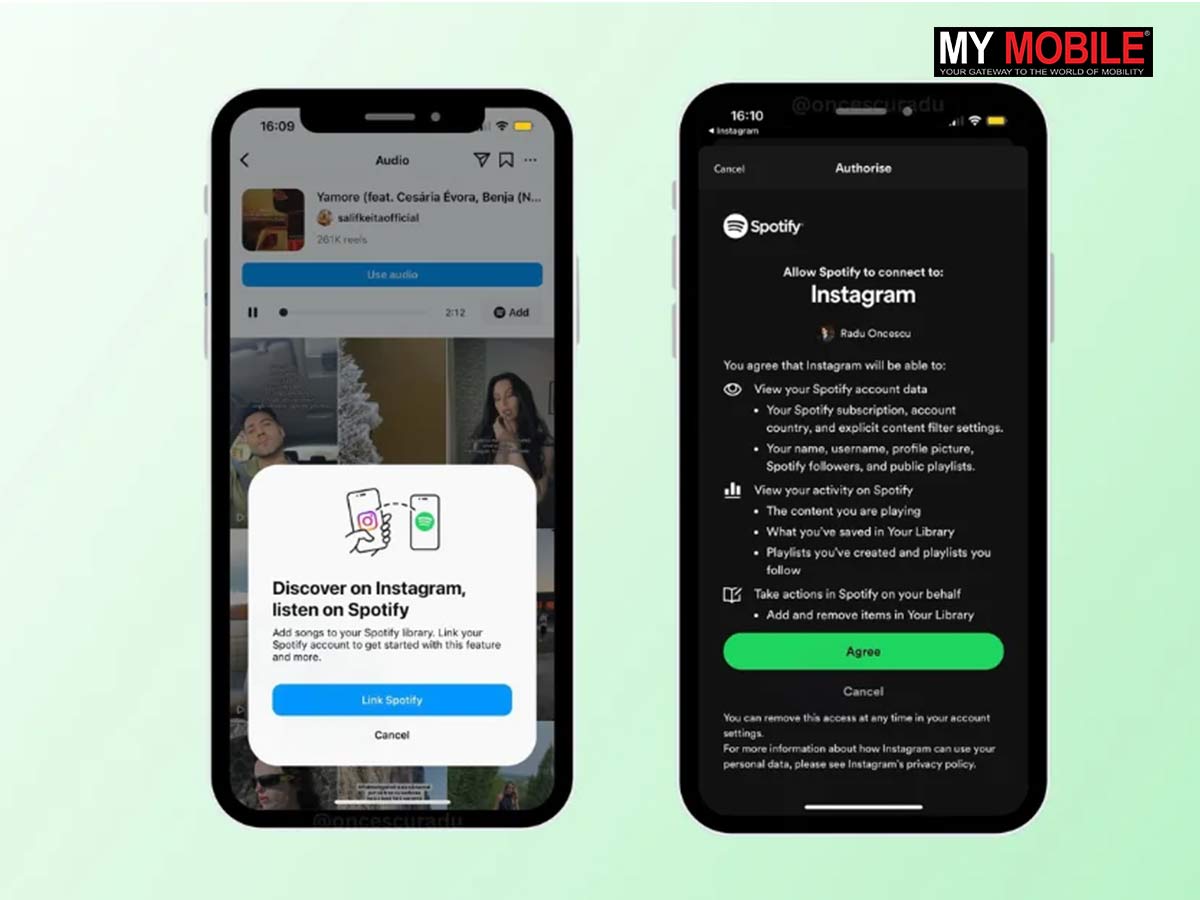
- If your accounts are not yet linked, Spotify will prompt a permission request dialog asking for authorization to communicate with Instagram.
- Tap Allow or Continue to authorize the secure OAuth handshake between Meta and Spotify.
- Open Instagram and verify that your sharing preferences reflect the new connection by attempting to share a track from your recent listening history.
Comparative Analysis: Linked vs. Unlinked Sharing Experiences
To fully appreciate the value of linking your accounts, examine the operational differences between utilizing integrated sharing versus traditional manual workarounds.
| Feature / Action | Unlinked / Manual Sharing | Linked Spotify & Instagram Integration |
|---|---|---|
| Sharing Speed | Slow (Requires manual URL copying, switching apps, and pasting) | Instant (One-tap deployment straight to Stories or DMs) |
| Media Format | Plain text links or static screenshots of album art | Rich interactive cards with clickable platform redirects |
| Playback Capability | Requires opening external browser or forcing app switch | In-app 30-second audio previewing directly inside Instagram |
| Audience Engagement | Low conversion due to friction in opening links | High conversion with native "Play on Spotify" buttons |
| Setup Complexity | None (No account permissions required) | Minimal (One-time secure OAuth authorization prompt) |
Privacy, Security, and Data Considerations
Whenever social media platforms and streaming services exchange data, user privacy remains a paramount concern. Linking Spotify and Instagram raises valid questions regarding data tracking, targeted advertising, and personal visibility.
- Data Sharing Transparency: When you link the accounts, Meta and Spotify exchange authentication tokens and basic profile identifiers to verify your identity. They do not automatically grant either platform full access to your private messages, credit card information, or offline credentials.
- Listening History Visibility: By default, linking your accounts does not broadcast your real-time listening history constantly to your Instagram feed like an open RSS ticker. You maintain granular control over what you actively choose to share via Stories and DMs.
- Revoking Access: If you decide you no longer want your accounts connected, you can sever the link at any time. Go to your Instagram account settings under Apps and Websites, locate Spotify, and select Remove. You can also manage permissions from your Spotify account security page on a desktop browser.
Expert Security Note: Always ensure you are authorizing official client applications. Never input your Spotify or Instagram credentials into third-party web portals claiming to enhance your profile integration, as these are frequently phishing attempts designed to compromise your accounts.
Pros and Cons of Connecting Spotify to Instagram
Evaluating the practical advantages and potential drawbacks helps determine whether this integration aligns with your digital habits.
Advantages
- Seamless Content Creation: Effortlessly add a musical soundtrack to your daily Instagram Stories to match your mood or aesthetic.
- Enhanced Discovery: Introduce your followers to underground tracks, indie artists, or new album releases with zero friction.
- Community Building: Foster deeper connections with friends and followers who share similar musical tastes through interactive DM chats.
Disadvantages
- Digital Footprint Expansion: Increases the interconnected web of data points shared between large technology conglomerates (Meta and Spotify).
- Notification Clutter: Frequent sharing can sometimes overwhelm your followers if not balanced carefully with other content types.
- App Dependency: Requires both applications to remain updated and functioning smoothly; occasional API deprecations can temporarily break sharing widgets.
Frequently Asked Questions
Does linking Spotify to Instagram automatically post everything I listen to?
No, linking your accounts does not automatically broadcast your entire listening history to your Instagram feed. It simply streamlines the process when you manually choose to share a specific song, album, or playlist to your Stories or Direct Messages.
Can my Instagram followers see my exact Spotify username?
Your followers will only see the username or profile name associated with the shared content if they interact with the specific music sticker or if you explicitly direct them to your connected artist or user profile.
How do I disconnect Spotify from Instagram if I change my mind?
You can disconnect the platforms by navigating to your Instagram profile settings, selecting Apps and Websites, locating Spotify from the active list, and tapping Remove Access. You can also review third-party connections directly within your Spotify account management page.
Will linking my accounts help me get more streams on my music?
If you are an independent artist, linking your accounts allows you to instantly push your new releases directly to your Instagram audience in an interactive, playable format, which naturally reduces friction and can help drive higher click-through rates to your tracks.
Is there a cost associated with linking Spotify and Instagram?
No, the integration is entirely free and provided as a native feature within both the Spotify and Instagram applications for all standard user tiers.
What should I do if my music stickers are not working or showing up blank?
If your sharing widgets fail to load properly, first ensure both your Spotify and Instagram apps are updated to the latest available versions. If issues persist, try clearing your mobile app cache, restarting your device, or unlinking and re-linking the accounts through your settings menu.
Conclusion
Linking Spotify to Instagram is a practical, user-friendly enhancement that bridges your auditory preferences with your visual social media presence. By streamlining how songs are shared, previewed, and discussed, this integration elevates your daily storytelling capabilities while offering powerful engagement tools for creators and casual listeners alike. Take control of your digital profile today by configuring your sharing preferences, ensuring your favorite tracks receive the audience they deserve across both platforms.