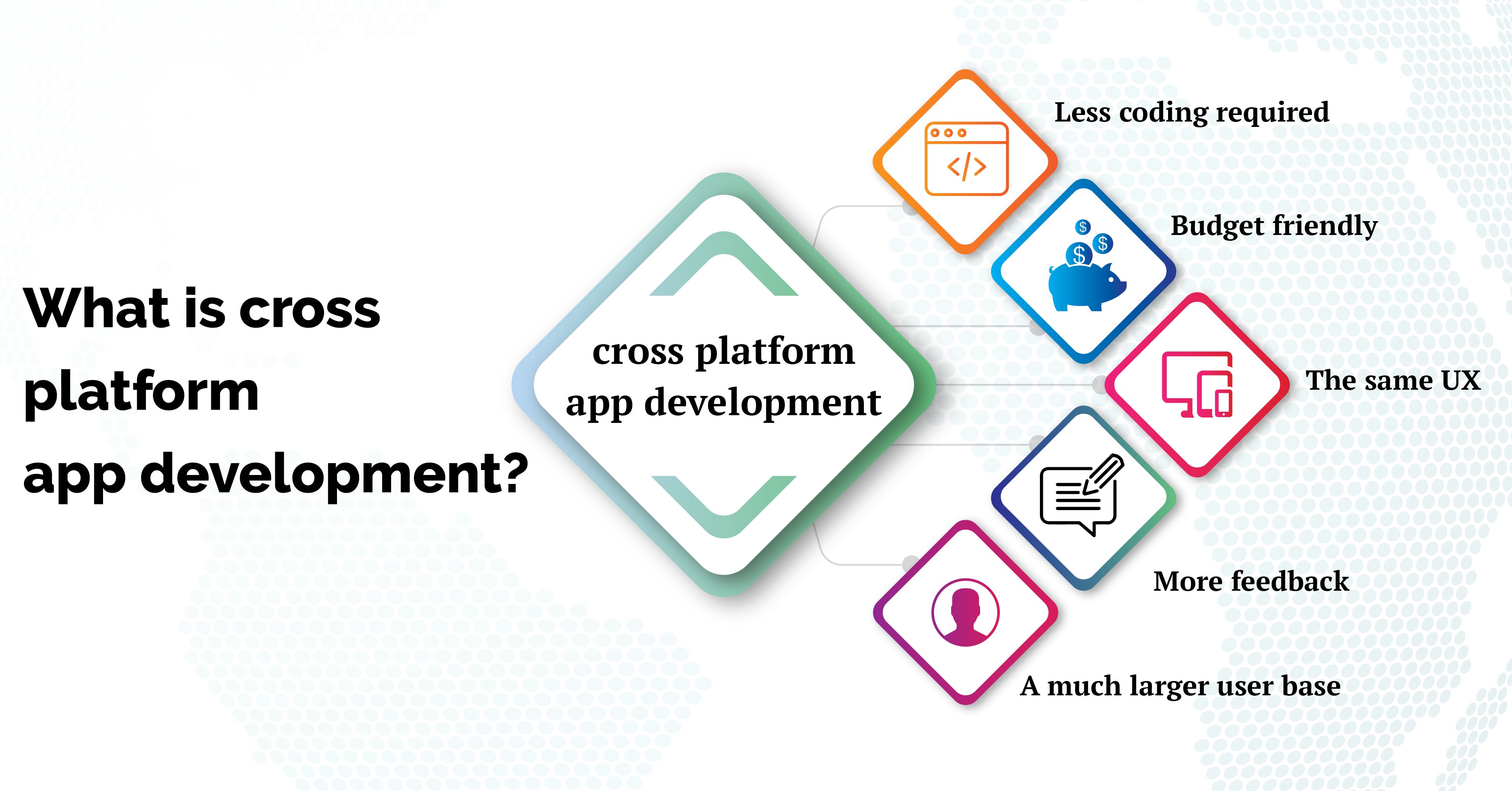
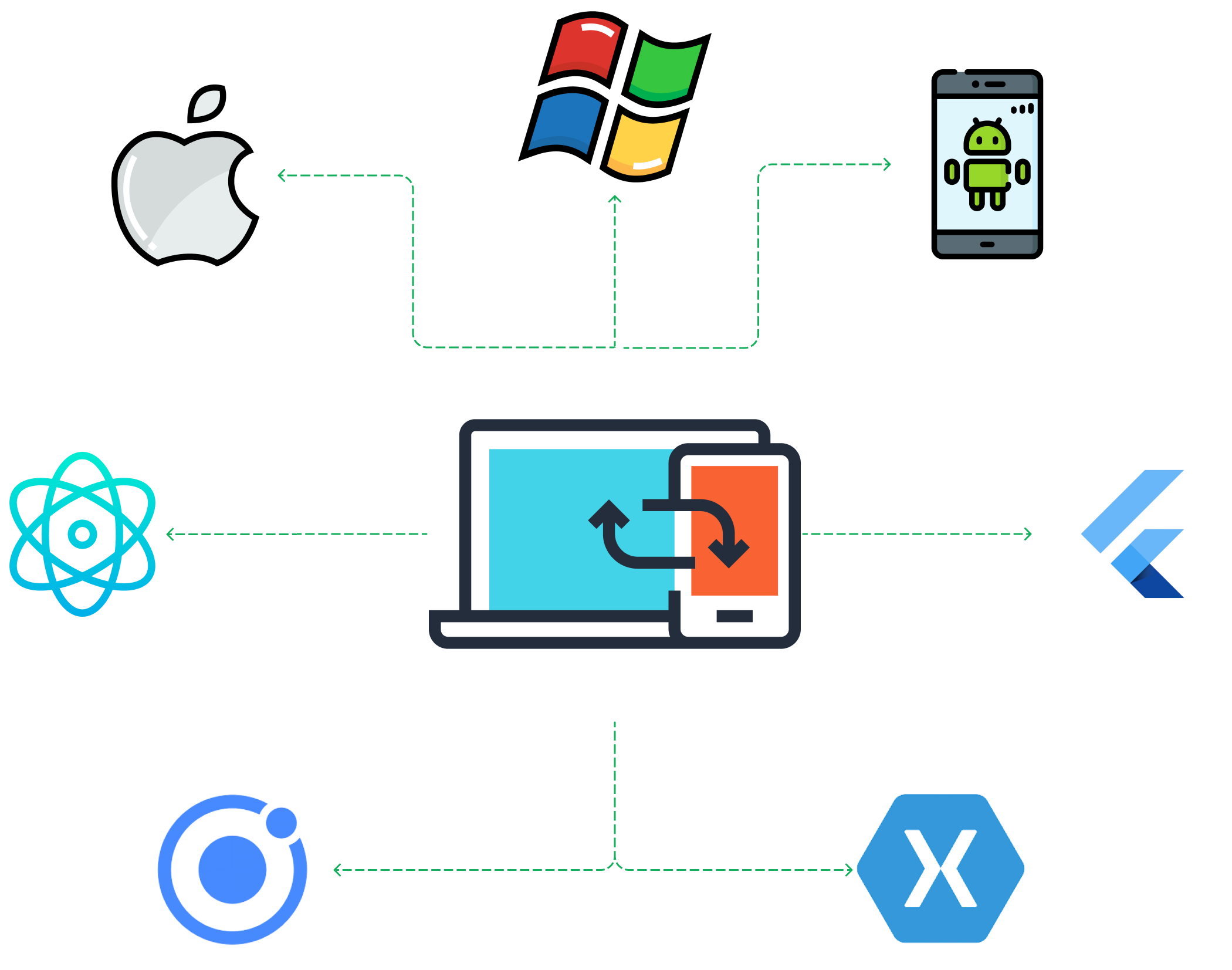
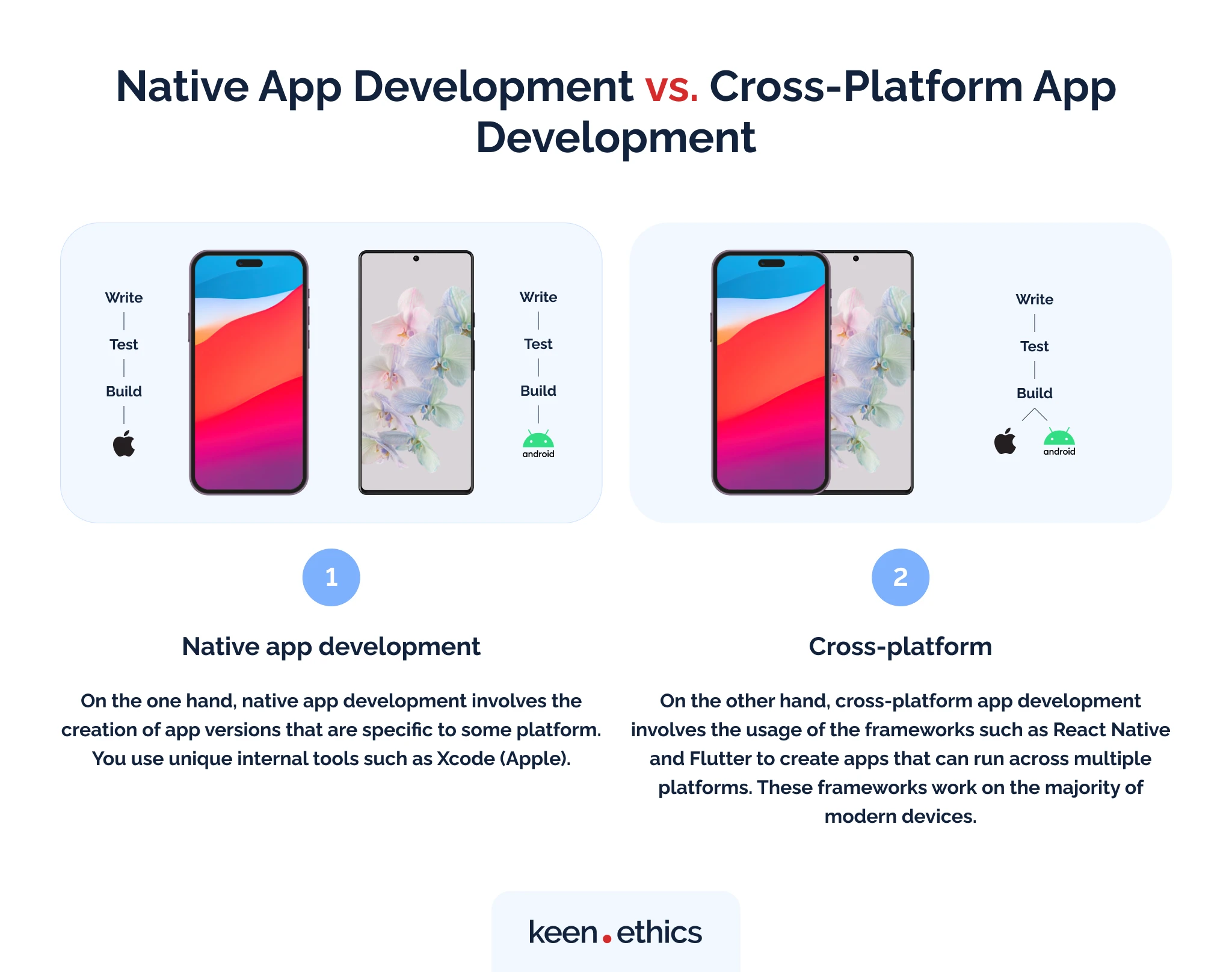
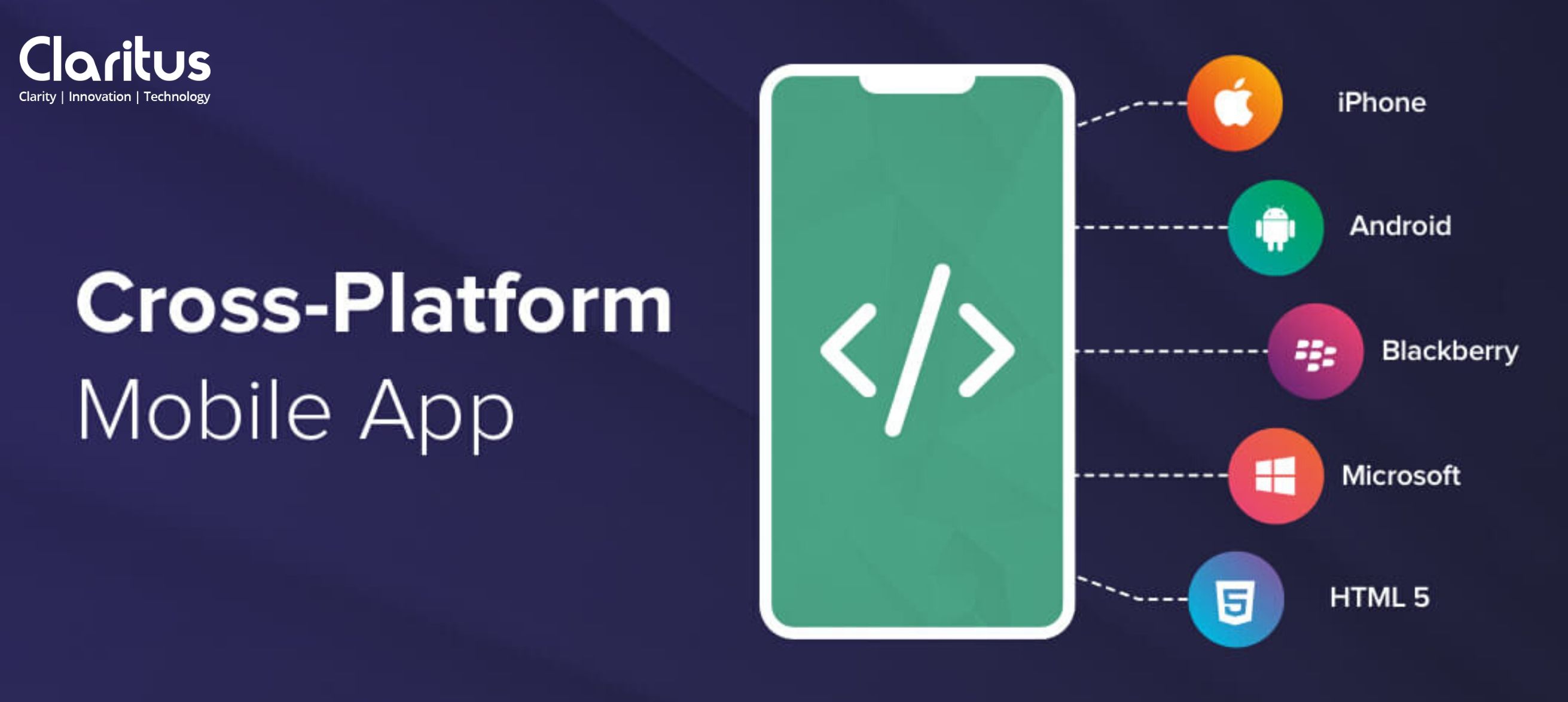
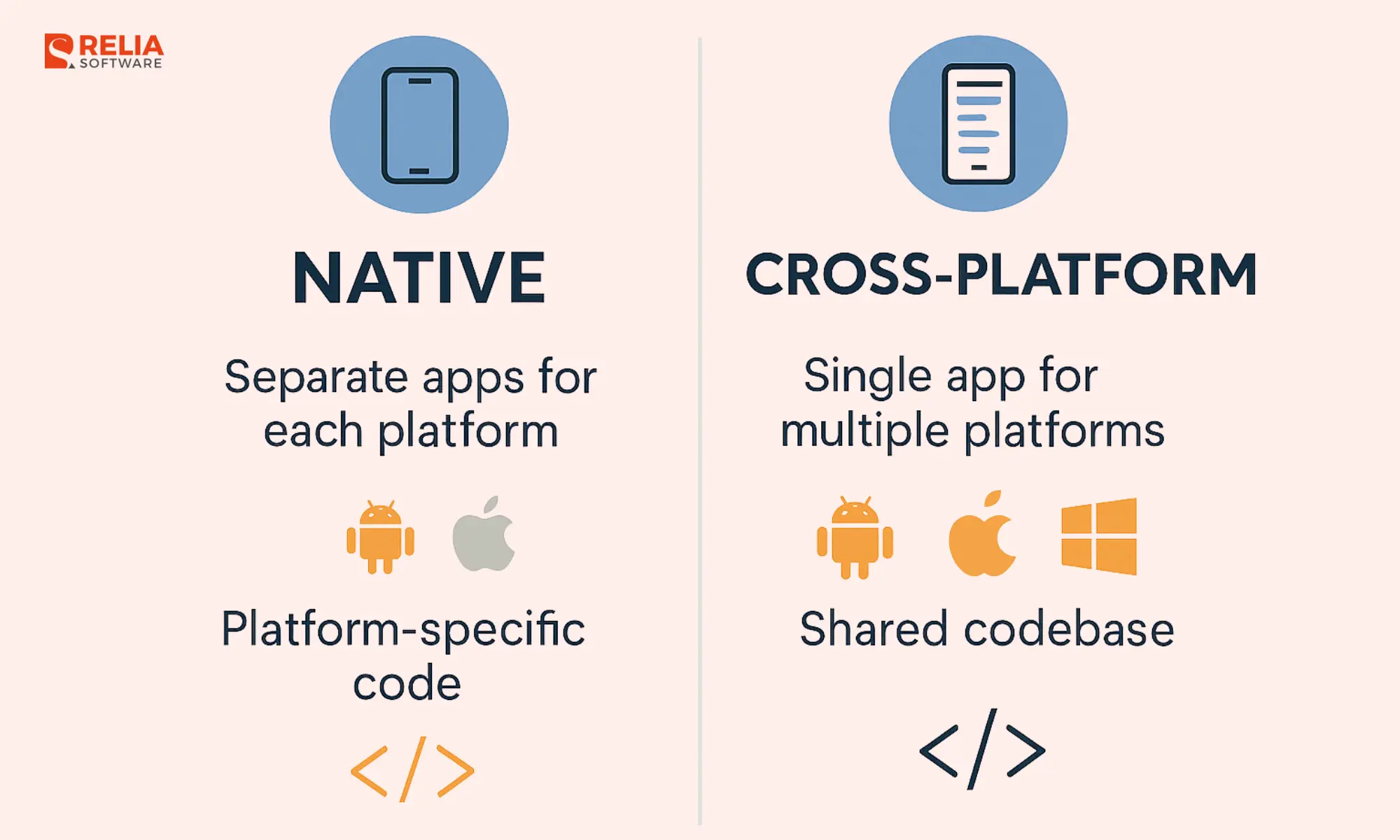
Choosing to build mobile applications using Android iOS cross platform development allows organizations and developers to target both dominant operating systems simultaneously with a single codebase, significantly reducing upfront engineering effort, maintenance overhead, and time-to-market compared to maintaining separate native codebases.
Understanding Android iOS Cross Platform Development
Android iOS cross platform development refers to the practice of writing software using frameworks and languages that compile or render native user interfaces and logic for both Google Android and Apple iOS devices. Rather than building distinct applications in Kotlin or Java for Android and Swift or Objective-C for iOS, development teams leverage unified toolchains. This approach bridges the architectural gap between operating systems, enabling code reuse rates that often range between 70% and 90%.
The core motivation behind adopting cross-platform technology is resource optimization. Maintaining two completely separate engineering teams to build equivalent features introduces heavy financial costs, synchronization challenges, and delayed release cycles. Cross-platform frameworks streamline these workflows, allowing a unified team of developers to ship features to the Google Play Store and Apple App Store concurrently.
However, achieving success with this paradigm requires a clear understanding of the architectural models underlying modern frameworks. Developers must balance the benefits of code sharing against platform-specific design guidelines, hardware access requirements, and performance expectations.
Core Architectural Models of Cross-Platform Frameworks
Cross-platform development tools generally fall into three distinct architectural categories. Each model handles the translation between code and native components differently, impacting performance, UI fidelity, and package size.
1. Web-View and Hybrid Architecture
Early cross-platform solutions relied on web views, wrapping HTML, CSS, and JavaScript inside a native shell. Frameworks like early Apache Cordova or Ionic executed code within a browser container inside the app. While easy to build for web developers, these applications often suffered from sluggish animation frame rates, high memory consumption, and a distinct lack of native look and feel.
2. JavaScript Bridge Architecture
To improve performance, frameworks like React Native introduced a JavaScript bridge. Business logic runs in a separate JavaScript thread while communicating with native UI components via an asynchronous, serialized bridge. Although this approach produces genuinely native interface elements, heavy data passing across the bridge can sometimes cause UI stuttering during complex gestures or rapid animations. Modern iterations of React Native have introduced architectural re-workings, such as the New Architecture with JSI (JavaScript Interface), which eliminates the asynchronous bridge for direct C++ memory access.
3. Compiled Native UI and AOT Rendering Architecture
Modern frameworks like Flutter take a different approach by compiling directly to native machine code via Ahead-of-Time (AOT) compilation. Instead of using native UI widgets, Flutter renders every pixel on the screen using its own high-performance graphics engine (Impeller or Skia). This ensures identical, sixty-frames-per-second performance across both platforms, though it requires custom design implementations to match platform-specific human interface guidelines.
Leading Frameworks Compared
Evaluating frameworks requires analyzing language familiarity, rendering mechanisms, community support, and long-term viability. The table below outlines the primary frameworks utilized in the industry.
| Framework | Primary Language | Rendering Approach | UI Components | Community & Ecosystem | Best Suited For |
|---|---|---|---|---|---|
| Flutter | Dart | AOT Compiled, Custom Engine | Custom widgets (Material / Cupertino) | Massive, backed by Google | High-performance apps with bespoke UI requirements |
| React Native | JavaScript / TypeScript | Native Bridge / JSI C++ | Native platform widgets | Extremely large, vibrant ecosystem | Apps requiring deep native integrations and rapid web-to-mobile expansion |
| Kotlin Multiplatform (KMP) | Kotlin | Shared Business Logic, Native UI | Platform-native UI built separately | Growing rapidly, backed by JetBrains | Teams wanting to share business logic while keeping native UI design |
Framework Deep Dive
Flutter
Created by Google, Flutter utilizes the Dart programming language. Its defining characteristic is its rendering engine, which bypasses OEM widgets entirely to draw directly onto the canvas. This guarantees visual consistency across older and newer hardware.
- Advantages: Exceptional rendering performance, rich widget libraries, hot reload for rapid developer iteration, and a single codebase that looks identical across devices.
- Limitations: Larger initial binary app size due to bundled rendering engines; custom UI rendering can sometimes feel subtly non-native to strict iOS users accustomed to native physics and typography.
React Native
Maintained by Meta, React Native allows developers to build mobile applications using JavaScript and React. It maps application code directly to native iOS (UIKit/SwiftUI) and Android (View/Jetpack Compose) components.
- Advantages: Huge ecosystem of third-party libraries, ability to write native modules in Swift or Kotlin when necessary, and seamless integration with existing web development skill sets.
- Limitations: Upgrading versions can sometimes be complex due to native dependency linking; reliance on community modules for specific hardware integrations.
Kotlin Multiplatform (KMP)
Kotlin Multiplatform takes a unique architectural stance. Rather than forcing a shared UI framework, KMP allows developers to share business logic, network layers, and database management code between Android and iOS, while leaving the user interface layer completely native.
- Advantages: True native UI performance and feel; zero compromises on platform design guidelines; allows gradual adoption in existing native codebases.
- Limitations: Requires separate UI codebases for Android (Jetpack Compose) and iOS (SwiftUI), increasing front-end implementation effort compared to single-codebase solutions.
Technical Prerequisites and Development Environment Setup
Before writing code, setting up a robust, cross-platform environment requires configuring multiple software development kits (SDKs) and command-line tools.
- Operating System Environment: While Android development can be performed on Windows, Linux, or macOS, iOS development strictly requires a macOS environment running Xcode to compile and sign binaries for Apple devices.
- Integrated Development Environment (IDE): Most developers utilize Android Studio or Visual Studio Code, augmented with framework-specific extensions (such as the Flutter and Dart extensions or React Native Tools).
- Command-Line Tools and SDKs: Installation requires the Java Development Kit (JDK), Android SDK via Android Studio, Node.js (for React Native), and CocoaPods (the dependency manager for iOS projects).
- Emulators and Simulators: Configuring Android Virtual Devices (AVDs) inside Android Studio and iOS Simulators via Xcode ensures local testing across various screen resolutions and operating system versions.
Step-by-Step Implementation Workflow
Building and deploying a cross-platform application follows a structured lifecycle from project initialization to production release.
- Project Initialization
- Business Logic & UI Design
- Native Integration
- Testing & QA
- App Store Submission
1. Project Initialization
Initialize the project using the framework's command-line interface. For instance, creating a Flutter project involves executing flutter create my_app in the terminal, which scaffolds the directory structure containing separate folders for Android (android/) and iOS (ios/) native wrappers.
2. Architecture and State Management
Establish the application architecture (such as BLoC, Provider, Redux, or MVVM) to manage data flow. Write modular, platform-agnostic code for network requests, local database storage (using SQLite or Realm), and business rules within the shared codebase.
3. Handling Platform-Specific Code
When features require direct access to native device sensors (such as Bluetooth, NFC, or biometric authentication), developers utilize platform channels or bridge modules. If a required plugin does not exist in the public repository, developers write custom Kotlin/Java code for Android and Swift/Objective-C code for iOS, exposing it to the shared cross-platform layer.
4. Testing, Debugging, and Continuous Integration
Execute automated unit tests, widget tests, and integration tests across virtual environments. Utilize continuous integration (CI) platforms such as GitHub Actions, Bitrise, or Codemagic to automate building, signing, and deploying testing builds to services like TestFlight and Google Play Internal Testing tracks.
Performance Optimization Strategies
Cross-platform applications can match native performance when optimized correctly. Developers must adhere to specific engineering best practices to avoid common bottlenecks.
- Minimize Bridge Traffic (React Native): Reduce the frequency of data serialization across the JavaScript-to-native bridge by batching updates or migrating performance-critical computations to C++ or native modules.
- Optimize Widget Rebuilds (Flutter): Avoid unnecessary widget tree rebuilds by utilizing const constructors, splitting large widgets into smaller, focused components, and properly managing state scopes.
- Manage Memory Leaks: Unsubscribe from event streams, dispose of controllers (such as
TextEditingControllerorAnimationController), and clear image caches to prevent memory bloat, particularly on lower-end Android devices. - Profile Regularly: Use built-in profiling tools like Flutter DevTools or React Native Performance Monitor to track frame rendering times, CPU usage, and memory allocations during active runtime.
Cost, Time, and Resource Comparison
| Metric | Native Development (Separate Teams) | Cross-Platform Development (Single Team) |
|---|---|---|
| Initial Setup Cost | High (Requires separate Android and iOS specialists) | Moderate (Requires cross-platform engineers) |
| Time-to-Market | Slower (Parallel development requires heavy synchronization) | Faster (Concurrent feature deployment to both stores) |
| Long-term Maintenance | Expensive (Bug fixes must be written twice) | Efficient (Core bug fixes applied once in shared code) |
| UI/UX Customization | Native-perfect out of the box | Requires styling effort to match platform nuances |
Frequently Asked Questions
Is cross-platform development suitable for 3D games and heavy graphics apps?
Generally, no. Applications requiring intense graphical processing, heavy 3D rendering, or complex low-level hardware manipulations (such as high-end mobile games) are better built using native engines like Unreal Engine, Unity, or platform-native graphics APIs (Metal for iOS, Vulkan for Android). Cross-platform frameworks excel in productivity, utility, e-commerce, and enterprise applications.
Can cross-platform apps access native device hardware like cameras and GPS?
Yes. Modern cross-platform frameworks maintain extensive plugin ecosystems that provide robust APIs for accessing device cameras, GPS locations, gyroscopes, Bluetooth, and biometric scanners. If a pre-built package is unavailable, developers can write custom native integration bridges.
How do cross-platform apps affect application size?
Cross-platform applications typically feature a slightly larger baseline installation size than pure native apps because they bundle runtime environments, graphics engines, or framework dependencies. However, modern tree-shaking and app-bundle compilation techniques keep download sizes well within acceptable limits for modern smartphones.
Do I need a Mac computer to build iOS apps using cross-platform tools?
Yes. While you can write the shared code on Windows or Linux, Apple's iOS compilation toolchain (Xcode) requires macOS to compile, sign, and build the final .app or .ipa binaries required for iOS deployment and App Store submission.
How do cross-platform applications handle updates and app store guidelines?
Cross-platform apps comply fully with all Apple App Store and Google Play Store policies, as they compile down to native binaries. Updates are submitted to the respective stores identically to native applications, though some frameworks support over-the-air (OTA) JavaScript bundle updates for minor bug fixes without going through full store review.
Conclusion and Next Actions
Adopting Android iOS cross platform development streamlines engineering workflows, reduces development budgets, and accelerates time-to-market. To begin a successful project, evaluate your team's existing language proficiencies, analyze your application's hardware requirements, and select a mature framework—such as Flutter, React Native, or Kotlin Multiplatform—that aligns with your technical roadmap. Begin by prototyping core device features to verify performance benchmarks before committing to full-scale production.