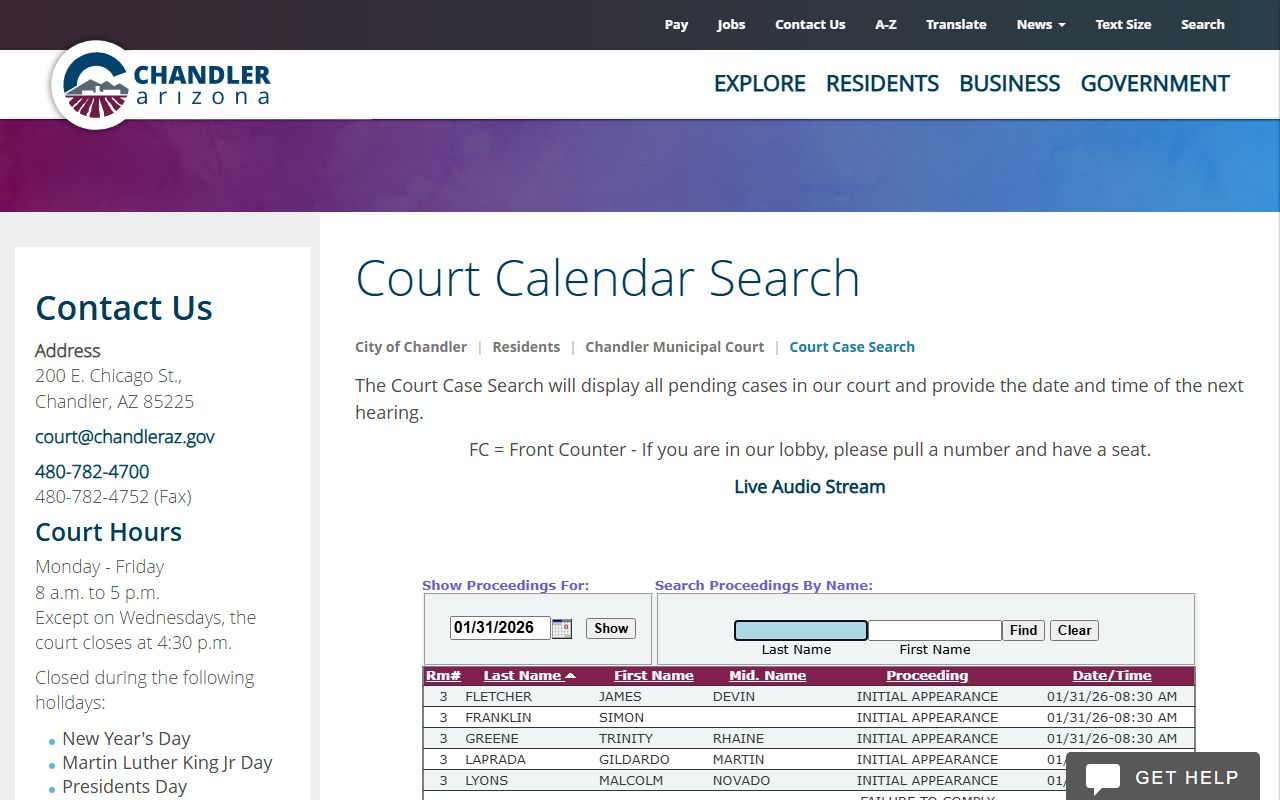
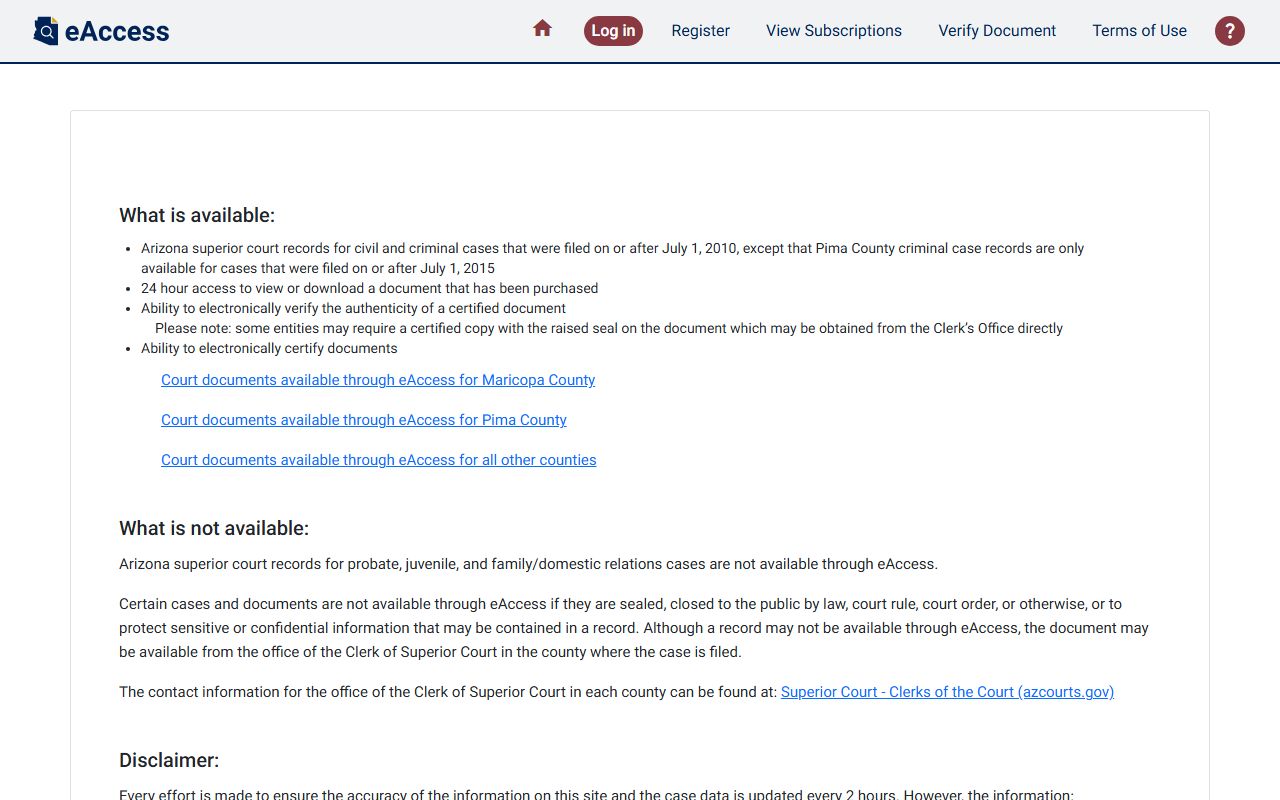
Finding a court date by name involves accessing public record databases maintained by specific judicial jurisdictions. To successfully locate a hearing, you must identify the correct court system—whether municipal, county, state, or federal—where the case is filed, as there is no single, centralized national database for all court proceedings in the United States. Users should be prepared to provide the full legal name and, in many cases, a date of birth or case number to narrow down results.
Understanding the Landscape of Public Court Records
In the United States, court records are generally considered public documents, reflecting the constitutional principle of open judicial proceedings. However, access to these records is decentralized. Each state, and often each individual county or municipality, manages its own case management system.
When you perform a court date lookup by name, you are interacting with the digital infrastructure of a specific clerk of court’s office. Understanding this structure is the first prerequisite for a successful search. Most court systems categorize cases by type—such as criminal, civil, traffic, or family law—and these are often housed in separate databases. Knowing the nature of the case significantly increases the likelihood of a successful search.
Prerequisites for an Accurate Search
Before beginning your search, gather as much identifying information as possible. A simple search by name is frequently insufficient due to the prevalence of common names and the volume of cases. To ensure you are looking at the correct individual and case, attempt to have the following data points on hand:
- Full Legal Name: Use the exact name as it appears on official documents (including middle names or suffixes if known).
- Jurisdiction: You must know the city, county, or state where the court case originated. If the location is unknown, the search will be impossible to execute via official government portals.
- Date of Birth: Most modern court portals require a date of birth to filter out individuals who share the same name.
- Case Type: Identifying whether the case is a traffic citation, a misdemeanor, a felony, or a civil suit helps in selecting the correct search module.
Step-by-Step Procedure for Accessing Court Records
Accessing court date information typically follows a standardized workflow across various jurisdictions. While individual interfaces vary, the underlying process remains consistent.
1. Identifying the Correct Court Portal
Navigate to the official website of the court or the clerk’s office in the jurisdiction where the case is believed to be held. Avoid third-party "background check" or "record search" websites, which often charge fees for information that is available for free through official government channels. Look for domains ending in .gov.
2. Utilizing the Case Search Module
Once on the clerk of court’s website, locate a link labeled "Case Search," "Court Docket," "Public Access," or "Search Court Records." Some jurisdictions may require you to create a free account or accept a terms-of-service agreement before accessing the database.
3. Entering Search Criteria
Input the name in the designated fields. If the system offers an "Advanced Search," use it to input the date of birth or case category. If the search returns too many results, verify the spelling and ensure you have selected the correct court division (e.g., "District Court" vs. "Superior Court").
4. Reviewing the Docket
Once you locate the specific case, view the "docket" or "register of actions." This is a chronological log of all filings and scheduled events in the case. Look for entries labeled "Hearing," "Status Conference," "Trial," or "Arraignment" to find upcoming dates.
Comparison of Search Methods and Access Levels
The following table summarizes the different ways to access court information and the limitations associated with each.
| Method | Accessibility | Data Accuracy | Cost |
|---|---|---|---|
| Official Clerk Website | High (Limited by jurisdiction) | High (Real-time) | Free |
| PACER (Federal) | Moderate (Requires registration) | High | Minimal (Per page fee) |
| Physical Courthouse Kiosk | Moderate (Requires visit) | High | Free (Printing fees may apply) |
| Third-Party Aggregators | High (Nationwide search) | Variable (Often outdated) | Varies (Subscription/Fee) |
Limitations and Jurisdictional Constraints
It is essential to recognize that not all court records are available online. Some sensitive cases, such as those involving juvenile matters, certain family law issues (like domestic violence protective orders), or sealed criminal records, are restricted from public online portals.
Furthermore, some rural jurisdictions may have limited digital infrastructure. If a jurisdiction does not have an online search tool, you may need to call the clerk of court’s office directly or visit the courthouse in person. When calling, have the person's full name and date of birth ready. Most clerks will confirm a court date over the phone, provided the information is public.
Troubleshooting Common Issues
"No Results Found"
If your search yields no results, do not immediately assume no case exists. Consider these factors:
- Jurisdiction Errors: You may be searching in the wrong county or city. Ensure the location corresponds to where the incident occurred.
- Name Variation: Try searching with a last name only, or check if there is an alternative spelling.
- System Latency: Some smaller courts do not update their online portals in real-time. There may be a lag of 24 to 48 hours between a scheduling change and the online update.
Restricted Access
If you encounter a message indicating that the case is "Confidential" or "Sealed," you cannot access the court date information through public channels. These records are protected by law, and typically only the parties involved, their legal counsel, or authorized court personnel can access this information.
Federal vs. State Systems
Do not use state portals to search for federal cases, and vice versa. Federal cases are managed through the Public Access to Court Electronic Records (PACER) system. PACER requires a separate registration and is designed for users needing access to U.S. District Court, Bankruptcy Court, and Court of Appeals documents.
Ethical and Legal Considerations
Accessing court records is a right provided by law, but it comes with responsibilities. Public record information should not be used to harass, intimidate, or stalk individuals. Furthermore, using information obtained from a public record to engage in employment discrimination or illegal activity is strictly prohibited.
When searching, be mindful that the information you find is a snapshot in time. Court dates are subject to change due to continuances, attorney scheduling conflicts, or judicial orders. Always verify the status of a case shortly before planning to attend a hearing, as last-minute updates may not always be reflected instantly in the online portal.
Frequently Asked Questions
Can I look up a court date for someone else?
Yes, in most jurisdictions, court records are public and do not require you to be a party to the case to view public information. However, some sensitive case types are restricted, and you will not be able to view them regardless of your identity.
Is there a national website to find court dates for any state?
No. There is no single national database for local and state court records in the U.S. You must search the specific website of the county or city court where the case originated.
Does it cost money to look up court dates?
Most official clerk of court websites offer free online searches. However, some jurisdictions charge for document copies, and the federal PACER system charges a small fee per page viewed.
What should I do if the online portal is down?
If the official website is unavailable, wait for a period of time, as maintenance may be occurring. Alternatively, contact the clerk of court’s office during business hours to request the information via telephone.
Are traffic ticket dates available through the same search?
Often, yes. However, traffic tickets are sometimes managed by a separate division or a municipal-level court rather than the county-level court. Look for "Traffic Division" or "Violations Bureau" sections on the court website.
Can I get a court date removed from the internet?
Generally, no. Court records are historical documents of public proceedings. While some jurisdictions allow for the expungement or sealing of specific types of records under specific legal circumstances, this is a formal legal process that must be pursued through the court, not a request you can make to a website administrator.
Next Steps for Verification
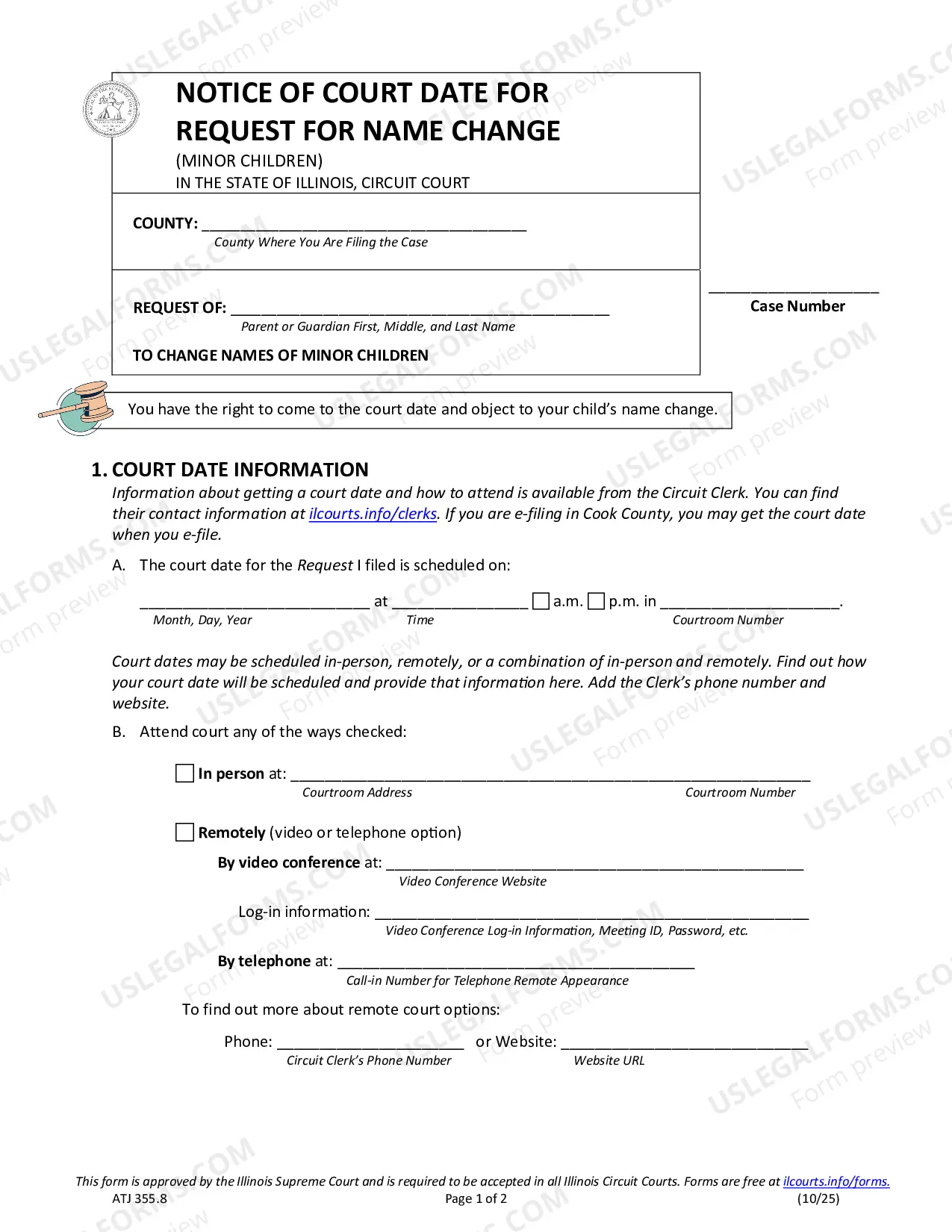
If you have successfully identified a court date, confirm the hearing location. Courthouses often have multiple rooms or branches. Verify that you have the correct courtroom number and the specific time of the proceeding. If you are planning to attend, familiarize yourself with the courthouse security regulations, which typically prohibit cell phones or recording devices, and check if there are specific dress codes or arrival times for observers. If you have been summoned or are a party to the case, contact your attorney immediately to confirm your requirements for attendance.