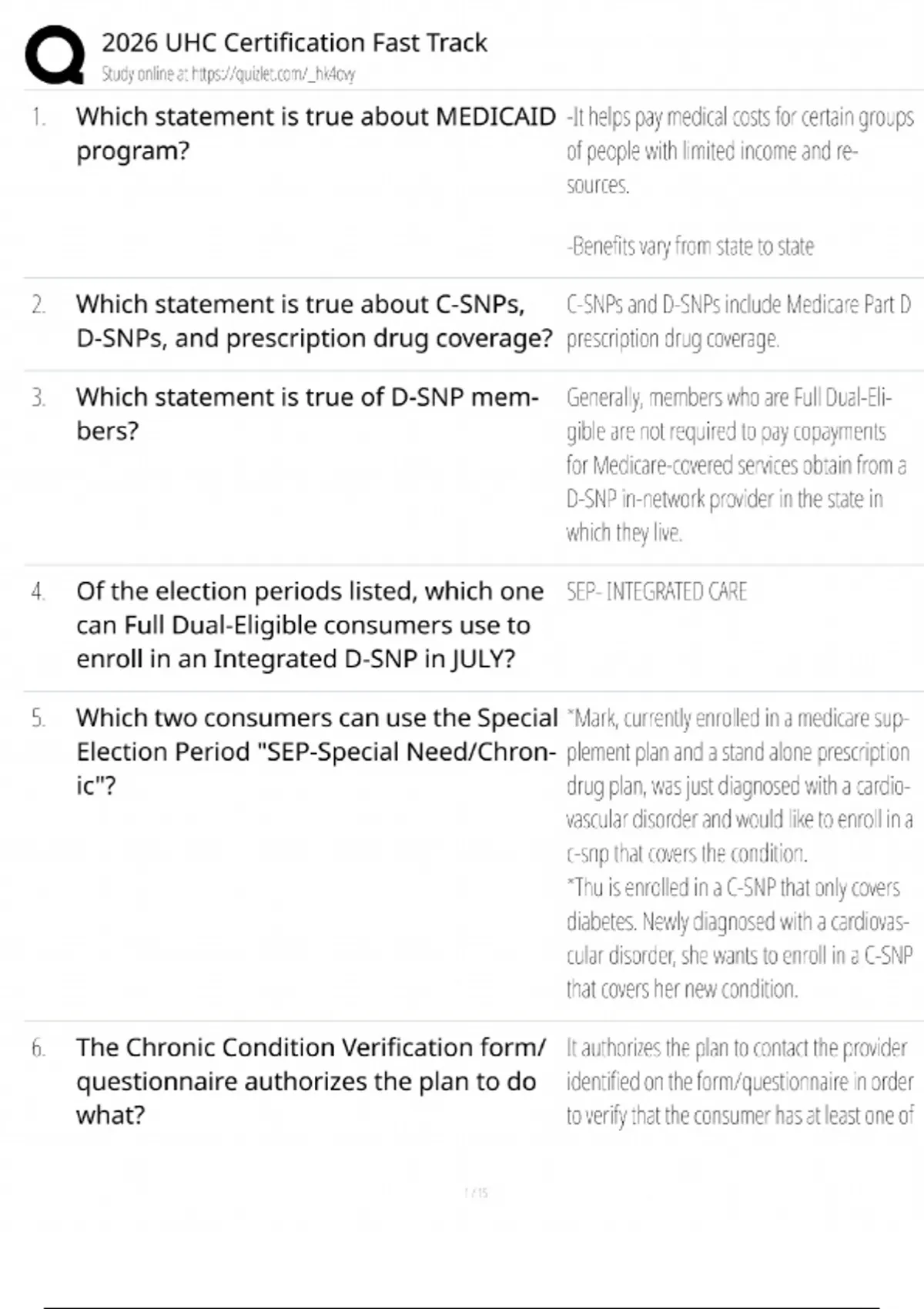
Mastering the UnitedHealthcare (UHC) Agent Portal is essential for licensed insurance producers, brokers, and field marketing organizations (FMOs) managing Medicare Advantage, prescription drug plans (PDP), and individual or group health products. As the health insurance landscape evolves through 2026, the technological infrastructure supporting agent operations has become more sophisticated, requiring strict adherence to compliance standards, rapid client enrollment workflows, and precise commission tracking. This portal serves as the single digital gateway for managing your book of business, verifying certifications, accessing marketing collateral, and complying with Centers for Medicare & Medicaid Services (CMS) regulations.
Core Architectural Features and Digital Tools Within the UHC Producer Platform
The UnitedHealthcare Agent Portal integrates multiple proprietary tools into a unified interface designed to streamline every phase of the sales and retention cycle. Understanding the layout of these modules ensures that agents spend less time navigating administrative hurdles and more time engaging clients.
- Jarvis Platform Integration: Acting as the central operating system for UHC agents, the Jarvis portal provides immediate access to client search functions, application status trackers, and real-time commission statements.
- Enrollment Center (Rocket): The electronic enrollment engine facilitates both face-to-face and telephonic enrollments, automatically validating eligibility, checking primary care physician (PCP) networks, and capturing compliant signatures.
- MyMarketing: A compliant-approved repository where agents can order custom print materials, generate personalized digital ads, and download social media content that has undergone pre-review for CMS compliance.
- Certification and Compliance Center: The mandatory annual training hub where producers complete product certifications, American Health Insurance Plans (AHIP) modules, and fraud, waste, and abuse (FWA) courses.
Compliance Notice for 2026: All agents utilizing the UHC Agent Portal for Medicare Advantage and PDP sales must complete their annual certifications before the designated deadlines. Failure to maintain active, verified compliance status automatically restricts access to quoting and enrollment tools within Jarvis.
Step-by-Step Guide to Accessing and Setting Up Your Producer Account
For newly licensed agents or those expanding their carrier appointments to include UnitedHealthcare, establishing a secure portal account requires a structured onboarding workflow.
- Obtain Your Writing Agent ID: Ensure your National Producer Number (NPN) is active with your state department of insurance and that your appointment paperwork has been processed by UHC or your upline FMO/General Agency.
- Initial Registration on Jarvis: Navigate to the official UHC producer login page and select the registration option for first-time users. Input your NPN, tax ID or Social Security Number, and verified email address.
- Multi-Factor Authentication (MFA) Setup: For security and compliance with HIPAA and Gramm-Leach-Bliley Act (GLBA) regulations, configure your MFA preference using an authenticator app, SMS verification, or hardware token.
- Complete Annual Certification Requirements: Once logged into Jarvis, navigate to the Certification tab. Complete the required AHIP modules followed by the UHC-specific product lines you intend to sell for the 2026 plan year.
- Verify Commission and Direct Deposit Settings: Access the financial module within the portal to input your banking details, ensuring seamless Electronic Funds Transfer (EFT) for renewal and initial commissions.
Comparative Analysis of UHC Portal Tools vs. Traditional Agent Management Methods
Modernizing your agency operations requires moving away from manual record-keeping and disjointed software solutions. The following breakdown illustrates the operational advantages of leveraging the integrated UHC digital ecosystem over legacy workflows.
| Operational Area | Legacy / Manual Agency Management | Integrated UHC Agent Portal (Jarvis) |
|---|---|---|
| Application Processing | Paper forms mailed or faxed; high error rate; delayed processing times. | Real-time electronic submission (Rocket); instant error checking; immediate confirmation numbers. |
| Compliance Tracking | Spreadsheets and manual calendar alerts for AHIP and carrier certifications. | Centralized dashboard with automated status locks preventing out-of-compliance sales. |
| Book of Business Analysis | Static CSV downloads requiring complex manual sorting and pivot tables. | Dynamic client lists with active policy statuses, renewal dates, and demographic filters. |
| Commission Reconciliation | Manual comparison of paper check stubs against client acquisition logs. | Itemized digital ledger with statement breakdowns, advance tracking, and direct deposit transparency. |
Essential Troubleshooting and Technical Support Strategies
Technical glitches or locked accounts during the peak of the Annual Enrollment Period (AEP) or Open Enrollment Period (OEP) can severely disrupt business operations. Implementing proactive troubleshooting steps minimizes downtime.
- Password Resets and Lockouts: If your account is locked due to multiple failed MFA attempts, avoid guessing passwords repeatedly. Use the self-service recovery tool linked on the login screen or contact the dedicated producer help desk.
- Browser Compatibility Issues: Ensure you are accessing the portal via updated versions of enterprise-grade browsers such as Google Chrome, Microsoft Edge, or Mozilla Safari. Clear your browser cache and cookies regularly to prevent session token conflicts.
- Clearing Enrollment Errors: If an electronic application is pended or rejected due to data mismatches (such as a discrepancy in Medicare Beneficiary Identifier numbers), navigate to the Application Status Tracker within Jarvis to view specific rejection codes and utilize the inline correction feature.
- Upline Support Escalation: When portal errors persist beyond standard troubleshooting, reach out to your designated General Agency or FMO support team. They maintain direct escalation channels with UHC Field Sales Support to resolve backend provisioning errors rapidly.
Frequently Asked Questions About the UHC Agent Portal
How do I recover my UHC Agent Portal username or password?
You can initiate a recovery sequence directly from the Jarvis login page by selecting the "Forgot Username/Password" link and verifying your identity via your registered email or NPN. For deeper account lockouts, contact the Producer Help Desk.
What are the mandatory prerequisites to sell UHC Medicare products in 2026?
Agents must maintain an active state insurance license, complete the annual AHIP training, pass the UHC product-specific certification modules, and maintain valid Errors and Omissions (E&O) insurance coverage uploaded to the portal.
Can I access the UHC enrollment tools on a mobile device or tablet?
Yes, the Jarvis platform and Rocket enrollment tools are optimized for mobile browsers, allowing agents to conduct compliant, face-to-face enrollments securely on tablets and smartphones in the field.
Where can I find compliant marketing materials for my agency?
All approved flyers, banner ads, and presentation scripts are located inside the MyMarketing module within the Jarvis portal, ensuring every piece of collateral meets strict CMS guidelines for the 2026 plan year.
How do I update my banking information for commission deposits?
Log into Jarvis, navigate to the compensation or profile settings menu, and securely submit your updated banking routing and account numbers through the encrypted EFT management portal.
What should I do if my NPN is not recognized during registration?
Verify that your state license appointments are fully processed and active with UnitedHealthcare. If your appointment is confirmed but the system rejects your NPN, contact UHC Producer Support to sync your database records.
Maximize your production efficiency and maintain uncompromised compliance standards this year by fully leveraging the digital capabilities housed within the UnitedHealthcare Agent Portal. Log in to Jarvis today to review your certifications, verify your client roster, and prepare your business for sustained growth.