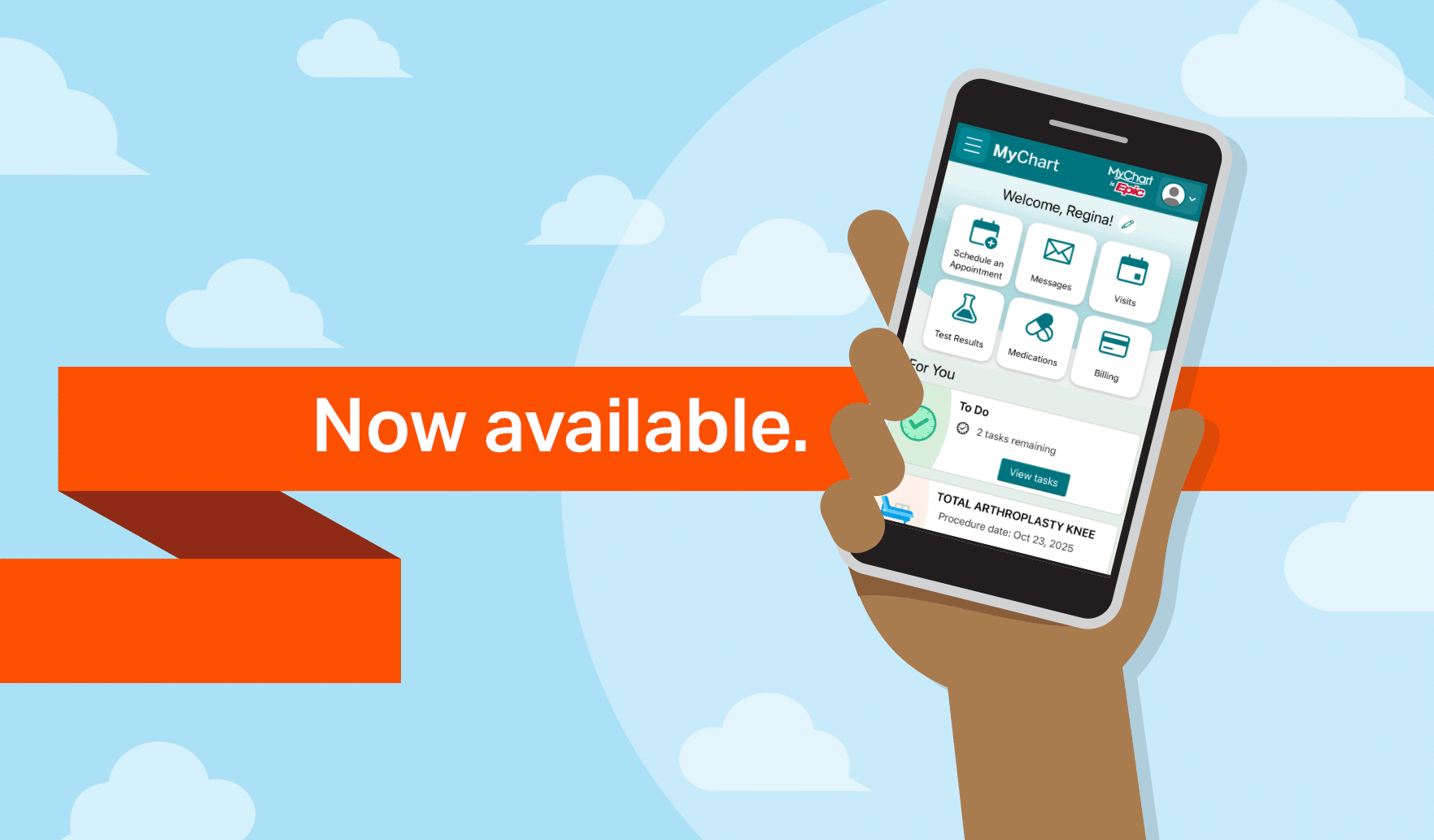
UofL Health patients utilize the secure online UofL MyChart platform to manage appointments, review electronic health records, communicate with care teams, and handle billing inquiries across the University of Louisville Health system in Kentucky.
Navigating the UofL Health Portal Ecosystem
Accessing your personal health information requires an understanding of how the UofL Health digital infrastructure operates. The platform serves as the central hub for patient engagement across multiple regional facilities, including UofL Hospital, Jewish Hospital, Mary & Elizabeth Hospital, Peace Hospital, Brown Cancer Center, and hundreds of ambulatory clinics throughout the Greater Louisville and Kentuckiana region.
To maintain compliance with federal healthcare regulations and HIPAA standards, the portal utilizes multi-factor authentication (MFA) and encrypted data transmission. Patients can access their records via desktop web browsers or through the mobile application available on iOS and Android devices. When launching the mobile application for the first time, users must select UofL Health from the provider directory to ensure proper account linking.
Step-by-Step Account Setup and Registration Workflow
Establishing a new account requires an active activation code provided during a recent clinical visit or generated via online identity verification. The onboarding process follows a structured path to verify patient identity against the master patient index of the health system.
- Locate your activation code on your after-visit summary or check your email for the official electronic invitation sent following a clinical encounter.
- Navigate to the official UofL MyChart login portal via your web browser or open the mobile application.
- Select the sign-up option and enter your unique activation code, along with your date of birth and social security number or zip code for identity validation.
- Create a secure username that is unique to your profile, keeping in mind that usernames are case-sensitive.
- Establish a robust password that incorporates a combination of uppercase letters, lowercase letters, numbers, and special symbols.
- Configure your two-factor authentication preferences by registering a secure mobile phone number or an alternate email address for identity verification challenges.
- Complete your notification preferences to receive real-time alerts for test results, appointment reminders, and secure messages from your providers.
Core Features and Clinical Management Capabilities
The UofL MyChart interface provides an extensive suite of digital health tools designed to streamline the patient experience. Managing chronic conditions, coordinating specialist referrals, and tracking preventative care milestones are all accessible within a single dashboard.
- Appointment Scheduling: Book primary care and select specialty visits directly online, view upcoming calendar details, and add appointments straight to personal digital calendars.
- Laboratory and Diagnostic Results: Review blood test panels, pathology reports, and imaging summaries often within hours of final physician sign-off, accompanied by reference ranges and trend graphs.
- Prescription Renewal Management: Submit electronic refill requests directly to your preferred pharmacy and view active medication lists alongside dosage instructions.
- Direct Clinical Communication: Send non-urgent secure messages to nurses, medical assistants, and physicians within your care circle, avoiding phone tag and waiting room holds.
- Proxy Access Configuration: Grant or request authorized access to manage health records for pediatric dependents or elderly family members under your legal guardianship.
Comprehensive Comparison of Access Methods
Different devices offer varying levels of functionality and convenience for managing your health records. Choosing the right access method depends on your technical setup and immediate clinical needs.
| Access Method | Primary Benefits | Technical Requirements | Best Used For |
|---|---|---|---|
| Desktop Web Portal | Full screen layout, easiest for document printing and billing audits | Modern web browser (Chrome, Safari, Edge) with JavaScript enabled | Detailed billing reviews, downloading comprehensive medical records, and complex form completion. |
| UofL MyChart Mobile App | Push notifications, biometric login (FaceID/Fingerprint), quick access | iOS 15+ or Android 10+ smartphone with an active data connection | Real-time appointment check-ins, rapid messaging, and immediate lab result alerts. |
| Guest Pass / Express Pay | No login required for immediate bill payment or guest check-in | Valid billing statement or guarantor account number | Rapidly paying outstanding medical balances without creating a permanent portal profile. |
Financial Services, Billing Transparency, and Insurance Verification
Navigating hospital billing and insurance coverage can present complex challenges. The UofL MyChart platform integrates financial management tools that allow users to view itemized statements, set up recurring payment plans, apply for financial assistance, and estimate out-of-pocket costs for upcoming procedures.
UofL Health maintains strict compliance regarding contracted insurance plans. Patients must verify network participation prior to receiving elective services. UofL Health participates in major commercial networks, Medicaid managed care organizations operating in Kentucky, and Medicare Advantage plans. However, specific medical groups or specialized facilities may have unique network tiering.
Important Financial and Insurance Guidance
Primary Care Physician Designation: Many managed care and HMO insurance plans require patients to list a designated UofL Physicians provider as their primary care physician to secure full in-network benefit coverage.
Secondary Insurance Coordination: If you carry dual coverage or secondary insurance policies, ensure your active subscriber cards are updated via the billing module in MyChart prior to your appointment date to prevent claims processing delays.
Financial Assistance Programs: Patients experiencing financial hardship can review eligibility criteria and submit digital financial assistance applications directly through the billing tab in the portal.
Troubleshooting Common Login and Technical Obstacles
Technical hurdles can occasionally disrupt access to your health records. Resolving these issues quickly ensures uninterrupted communication with your clinical team.
- Forgotten Usernames: If you cannot remember your username, utilize the automated recovery link on the login screen, which prompts you to enter your legal name, date of birth, and email address to retrieve your account identifier.
- Password Resets: For security lockout protection after multiple failed login attempts, use the password reset tool. This requires receiving a verification code via your pre-registered email or text message.
- Missing Test Results: If a specific lab result or diagnostic report is missing, remember that some complex pathology or genetic studies require physician review before release, which can introduce a designated holding period mandated by clinical policy.
- Browser Compatibility Errors: Clear your browser cache and cookies, or attempt to log in using an alternate supported browser if pages fail to render properly or buttons become unresponsive.
Frequently Asked Questions
How do I sign up for a UofL MyChart account if I do not have an activation code?
You can request an activation code online by utilizing the self-service identity verification option on the registration page, which matches your provided demographic details against hospital records. Alternatively, you can request a new activation code at your next check-in desk interaction at any UofL Health facility.
Can I view my children's medical records through my portal account?
Yes, parents and legal guardians can request proxy access for minor children up to age 12. Due to state privacy laws and adolescent confidentiality regulations, proxy access undergoes modifications or requires separate consent when a child turns 13.
Are my health records and messages secure on the mobile app?
All data transmitted through the UofL MyChart platform is encrypted using industry-standard transport layer security (TLS). Furthermore, enabling biometric security features like fingerprint or facial recognition on your mobile device prevents unauthorized physical access to your health data.
How quickly will my doctor respond to a message sent through MyChart?
Standard clinical messages are typically addressed by clinical staff within one to two business days. MyChart messaging should never be used for acute medical emergencies, chest pain, or severe trauma; always dial emergency services immediately if you experience a life-threatening situation.
Can I pay my hospital and physician bills in the same place?
The integrated billing module allows you to view and settle balances for both hospital facility charges and UofL Physicians professional fees from a single centralized dashboard. You can also establish automated monthly payment plans tailored to your financial budget.
What should I do if my lab results show abnormal values?
Abnormal lab findings are flagged within the portal, but interpreting clinical relevance requires consultation with your ordering physician. Your care team will review these results and contact you via secure message or phone call to discuss necessary follow-up care steps.
Securing Your Digital Health Experience
Managing your healthcare proactively through digital tools empowers you to take an active role in clinical decision-making. By keeping your contact information current, setting up multi-factor authentication, and routinely checking your dashboard for updates, you ensure seamless communication across the entire UofL Health network. For dedicated technical support or assistance with complex account merges, reach out to the UofL Health MyChart support helpline directly during standard business hours.