Oregon TripCheck serves as the official, real-time gateway for traveler information provided by the Oregon Department of Transportation (ODOT). In 2026, it remains the primary "source of truth" for motorists navigating the state’s diverse and often treacherous terrain, from the coastal ranges to the high-elevation mountain passes of the Cascades. Whether you are a daily commuter, a long-haul commercial driver, or a visitor exploring the Pacific Northwest, understanding how to interpret TripCheck’s data is essential for safety, legal compliance, and efficient travel planning.
The portal provides more than just a simple map; it integrates a sophisticated network of roadside sensors, live-feed cameras, and incident reports to offer a comprehensive view of the state's transportation infrastructure. By utilizing this official resource, drivers can access authoritative data on chain requirements, road closures due to weather or accidents, and active construction zones that may impact travel times.
How to Access Official Oregon TripCheck Data
Accessing official road condition data is critical to avoid third-party apps that may lag in reporting safety-critical updates. ODOT maintains several channels for this information, ensuring accessibility even in remote areas with limited connectivity.
The Primary Web Portal
The most detailed way to view road conditions is through the official TripCheck.com website. This platform is optimized for both desktop and mobile browsers, offering an interactive map with various toggleable layers. In 2026, the interface remains streamlined to ensure that even users on low-bandwidth mobile connections can load essential incident reports and camera stills quickly.
Mobile Applications and 511 Services
For those on the move, the 511 phone system provides an automated voice response service that delivers reports based on specific highway numbers or regions. This is particularly useful for hands-free operation while driving. While various third-party apps aggregate TripCheck data, ODOT recommends using the official web portal to ensure the information is the most current available.
Social Media and Emergency Alerts
ODOT utilizes social media platforms and the Oregon Emergency Management systems to broadcast major closures, such as those involving Interstate 5 or the Columbia River Gorge (I-84). However, these platforms should supplement, not replace, the detailed geographic data found on the TripCheck map.
Understanding Road Condition Classifications
One of the most vital functions of TripCheck is its standardized reporting of road conditions. ODOT maintenance crews and automated Roadside Weather Information Systems (RWIS) categorize road surfaces to help drivers prepare for specific hazards.
- Dry: No moisture or ice present. Normal driving conditions apply, though wind or visibility may still be factors.
- Damp/Wet: Surface moisture is present. While traction is generally good, hydroplaning risks exist, and stopping distances are increased.
- Packed Snow: Snow has been compressed by traffic into a solid layer. This requires significantly reduced speeds and, frequently, traction tires or chains.
- Ice/Black Ice: The most dangerous condition. Black ice is a transparent coating of ice that makes the pavement appear merely wet. TripCheck uses temperature sensors in the asphalt to identify these high-risk areas before they are visible to the naked eye.
- Slush: Melting snow that can pull a vehicle to one side or the other, often masking underlying ice.
Real-Time Incident Reporting
Incidents on TripCheck are categorized by their severity and impact on traffic flow. An "Incident" may refer to a vehicle crash, stalled truck, or debris on the roadway. A "Closure" indicates that all lanes are blocked, often requiring a detour. "Delays" usually specify a time estimate, such as "20-minute delays," which are common in construction zones or areas with one-way controlled traffic.
Oregon Chain Laws and Traction Requirements
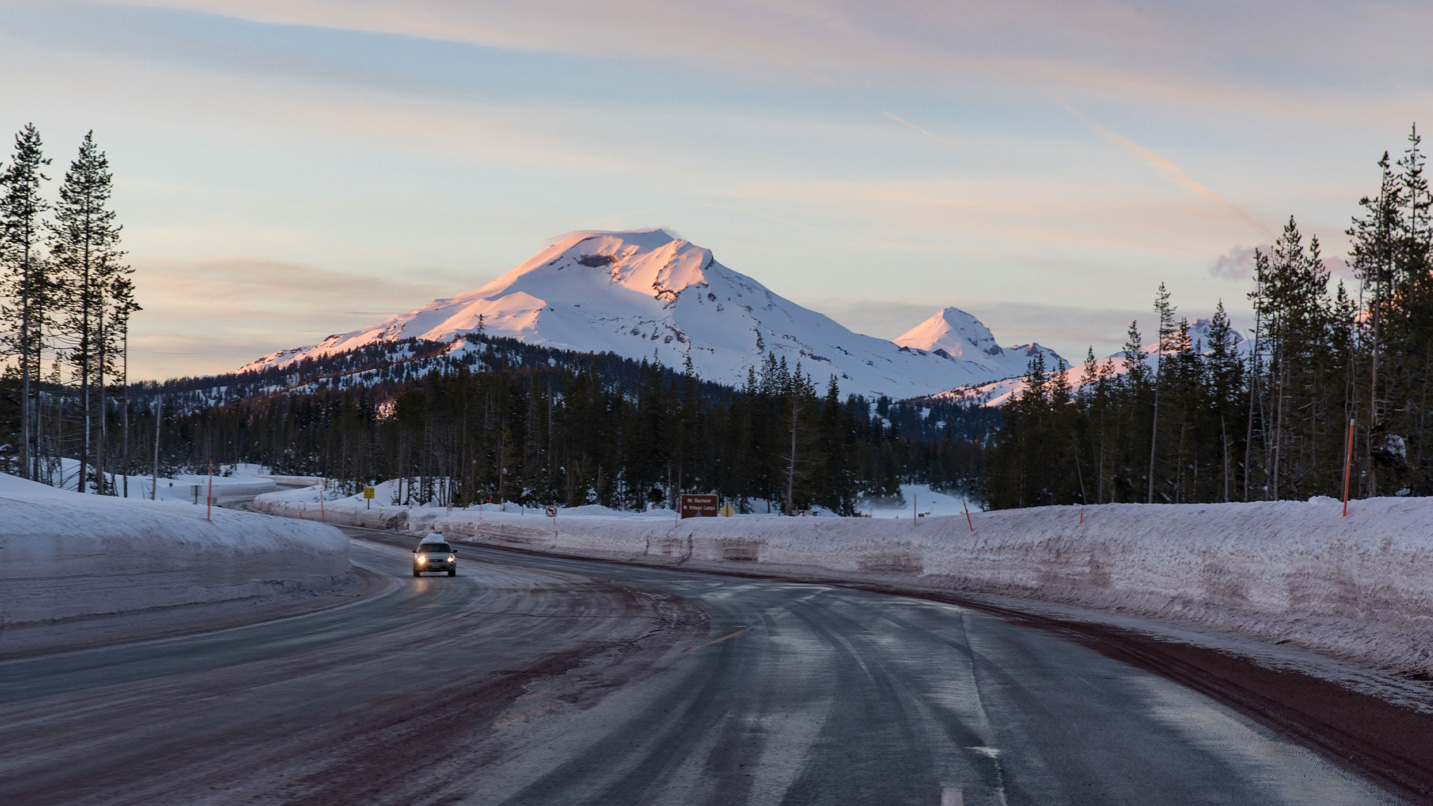
In 2026, Oregon's chain laws remain strictly enforced, particularly on mountain passes where conditions can change within minutes. TripCheck is the official platform for announcing which "Level" of chain requirement is currently active. Failure to comply with these signs can result in significant fines and, more importantly, dangerous road blockages.
The Four Levels of Chain Requirements
Oregon utilizes a tiered system to communicate the severity of winter conditions:
- Level 1: Chains Required on All Vehicles Except Four-Wheel/All-Wheel Drive: In this scenario, standard passenger vehicles must have chains in the vehicle, but only two-wheel-drive vehicles must install them. 4WD/AWD vehicles must be in four-wheel drive and have approved traction tires.
- Level 2: Chains Required on All Vehicles: Every vehicle on the road must have chains installed, regardless of drive type or tire style. This is usually reserved for heavy snow or freezing rain events.
- Level 3: Chains Required on All Vehicles; 4WD/AWD No Longer Exempt: This level clarifies that even advanced traction systems are insufficient for the current ice or snow depth without physical chains.
- Conditional Closures: If conditions are too severe for even chained vehicles, ODOT will close the road entirely to all traffic.
Traction Tires vs. Chains
TripCheck frequently mentions "traction tires." To meet the legal definition in Oregon, these tires must be marked with the "Mountain/Snowflake" symbol on the sidewall. M+S (Mud and Snow) tires do not always meet this requirement unless the snowflake symbol is present. During winter months, even if chains are not currently "required," ODOT strongly recommends carrying them when traveling over any pass above 3,000 feet.
Utilizing Roadside Cameras and Weather Stations
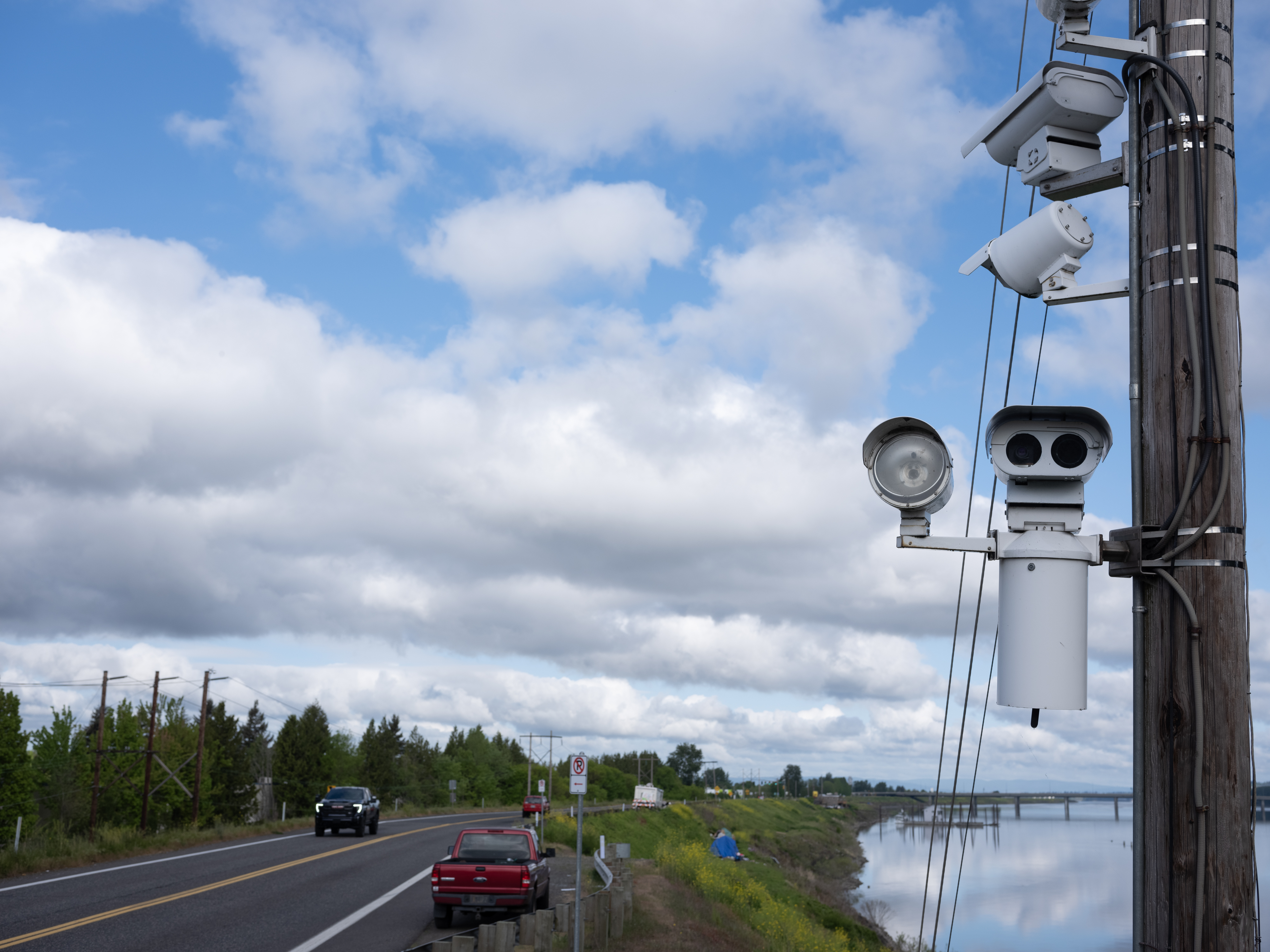
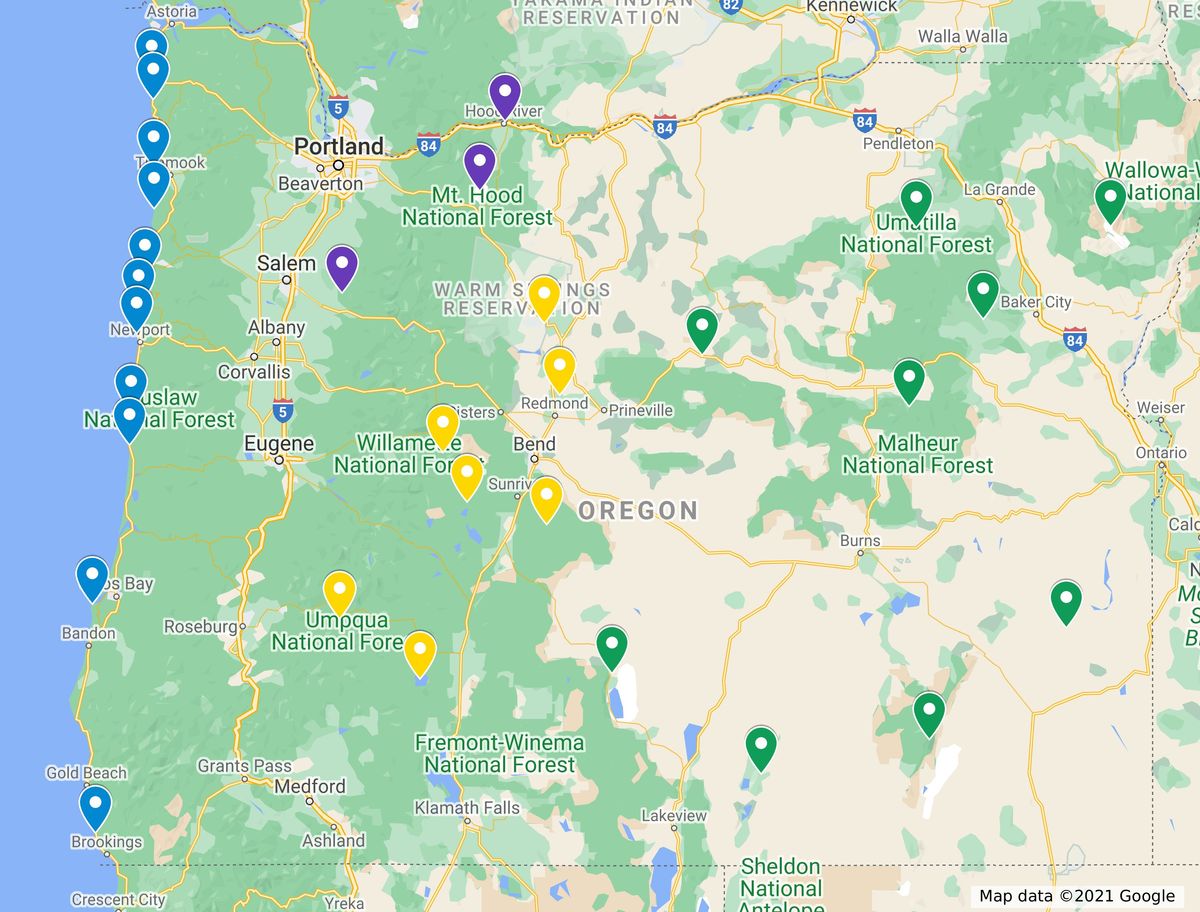
TripCheck's network of Closed-Circuit Television (CCTV) cameras is one of its most popular features. These cameras provide a visual "sanity check" for drivers.
How to Use Camera Data Effectively
When viewing a camera feed on TripCheck, always check the timestamp located at the top or bottom of the image. While most cameras update every 2 to 20 minutes, extreme weather or power outages can cause an image to "stale." A stale image may show clear roads from three hours ago, while the current reality is a blizzard.
Roadside Weather Information Systems (RWIS)
Integrated with many camera locations are RWIS stations. These stations provide technical data that goes beyond a visual image:
- Air Temperature vs. Surface Temperature: If the air is 35°F but the road surface is 29°F, moisture will freeze on contact, creating black ice.
- Wind Speed and Direction: Critical for high-profile vehicles (RVs and semi-trucks) traveling through the Columbia River Gorge or across coastal bridges.
- Visibility Distance: Reported in feet or miles, helping drivers anticipate heavy fog or "whiteout" snow conditions.
Key Oregon Mountain Passes to Monitor
Travelers moving between Western and Eastern Oregon or crossing into California and Washington must navigate several high-altitude passes. These are the most frequently searched locations on TripCheck due to their volatile weather.
| Pass Name | Highway | Elevation | Common Hazards |
|---|---|---|---|
| Siskiyou Summit | I-5 | 4,310 ft | Heavy snow, steep grades, frequent truck chain requirements. |
| Government Camp | US-26 | 3,900 ft | High weekend traffic, deep snow, slushy transitions. |
| Santiam Pass | OR-22/US-20 | 4,817 ft | Blowing snow, limited visibility, steep drop-offs. |
| Cabbage Hill | I-84 | 3,300 ft | Severe fog, high winds, dangerous descent for heavy trucks. |
| Willamette Pass | OR-58 | 5,128 ft | Remote location, heavy tree fall during storms, deep snow. |
Interstate 5: The Siskiyou Summit
Located near the California border, the Siskiyou Summit is the highest point on the entire I-5 corridor. Because it is a major freight artery, ODOT prioritizes snow removal here, but the sheer volume of traffic means that a single spun-out vehicle can cause miles of backups. TripCheck provides specific "Truck Alerts" for this stretch, which commercial drivers must monitor to avoid "chaining up" in unsafe locations.
Interstate 84: The Columbia River Gorge
While lower in elevation, the Gorge acts as a funnel for cold air from the east. This often results in "Silver Thaw" (freezing rain) conditions. TripCheck is essential here for monitoring wind gusts, which can exceed 60 mph, making it dangerous for high-profile vehicles and light trailers.
Strategic Travel Planning with TripCheck Layers
In 2026, the TripCheck map offers advanced filtering layers that allow users to customize their view based on their specific vehicle and needs.
Commercial Trucking Layers
Truck drivers can toggle layers for "Truck Restrictions." This includes height clearances for overpasses, weight limits on specific bridges, and designated chain-up areas. It also provides information on "Long Combination Vehicle" (LCV) restrictions during high-wind events.
Public Transit and EV Charging
For the eco-conscious traveler, TripCheck integrates the locations of electric vehicle (EV) charging stations and park-and-ride lots. This allows drivers to plan their stops around charger availability, which is particularly useful when cold weather reduces battery range during mountain ascents.
Custom Alerts and Saved Routes
Users can create a "My TripCheck" account to save frequent routes, such as a daily commute from Salem to Portland. The system can then send automated email or text alerts if an incident occurs on that specific path, allowing for proactive rerouting before the driver even leaves their home.
Troubleshooting and Common Mistakes
Despite the robustness of the official system, users sometimes encounter difficulties. Understanding these common issues can prevent frustration during a trip.
- Map Not Loading: This usually occurs during massive winter storms when tens of thousands of users hit the servers simultaneously. If the interactive map fails, look for the "Text-Only" or "Low-Bandwidth" version of the site, which often remains functional.
- Misinterpreting "Carry Chains": A common mistake is thinking "Carry Chains" means they aren't needed. In Oregon, if a sign says "Traction Tires or Chains Required," and you do not have traction tires, you must have the chains on the tires, not just in the trunk.
- Ignoring Construction Timetables: Many construction projects on highways like US-20 or OR-217 involve night closures. TripCheck lists these in the "Construction" tab with specific start and end times. Always check the "Effective Dates" to see if a listed project will actually be active during your travel time.
Safety Recommendations for Oregon Winter Travel
While TripCheck provides the data, the responsibility for safety lies with the driver. Use the following guidelines to complement the information found on the official portal:
- Check Before You Go: Check TripCheck at least 30 minutes before departure and again right before you enter a mountain pass. Conditions in Oregon can change from "Dry" to "Chains Required" in the time it takes to grab a coffee.
- Believe the Cameras: if the report says "Scattered Ice" but the camera shows a white-out, prioritize the visual evidence and your own comfort level.
- Pack an Emergency Kit: Regardless of what TripCheck says, Oregon’s mountain passes are remote. Always carry extra blankets, water, food, a flashlight, and a fully charged power bank.
- Respect the Plows: TripCheck may show "Plow Activity" in certain zones. Give snowplows at least three car lengths of space. Never pass a plow on the right; they often throw heavy snow and debris in that direction.
Frequently Asked Questions
Is Oregon TripCheck updated 24/7?
Yes, TripCheck is updated 24 hours a day, 365 days a year. The data comes from a combination of automated sensors, ODOT dispatchers, and maintenance crews in the field. During major weather events, updates may occur every few minutes as new information is radioed in by road crews.
Why does Google Maps show a road as open when TripCheck says it’s closed?
Always trust TripCheck over third-party navigation apps. TripCheck is the direct feed from the agency that physically closes the gates on the highway. There is often a lag of several minutes to an hour before third-party GPS services sync with official state closure data.
Can I get a fine for not checking TripCheck?
You won't get a fine for not checking the website, but you will get a fine if you violate the road requirements (like chain laws) that are posted on the site and on roadside signs. In 2026, fines for "failing to carry or use chains" in Oregon can exceed $800 in certain safety corridors.
Does TripCheck show wildfire smoke or road closures due to fire?
Yes. During the summer months, TripCheck pivots to include wildfire-related closures, pilot car operations through burn zones, and visibility alerts due to heavy smoke. It is the official source for "Emergency Entry" permits or restrictions in fire-impacted areas.
How do I report a road hazard I see while driving?
Drivers should not use TripCheck to report hazards while driving. Instead, call 911 for life-threatening emergencies or the non-emergency Oregon State Police line for hazards like debris or a stalled vehicle. ODOT dispatchers monitor these reports and update TripCheck accordingly.
Are the camera feeds live video or still images?
Most TripCheck cameras provide high-resolution still images that refresh at regular intervals (usually every 2 to 10 minutes). However, some select locations in high-traffic urban areas like Portland or Eugene may offer "near-live" video streaming. Always check the timestamp to confirm the image's currency.
Final Recommendation for Travelers
Before embarking on any trip across Oregon, especially during the winter or fire seasons, make a habit of visiting the official TripCheck portal. Do not rely solely on your vehicle's GPS or general weather apps. By verifying the specific road surface conditions, camera feeds, and chain requirements at the official source, you ensure that your travel plans are based on the most accurate and legally recognized information available in 2026.