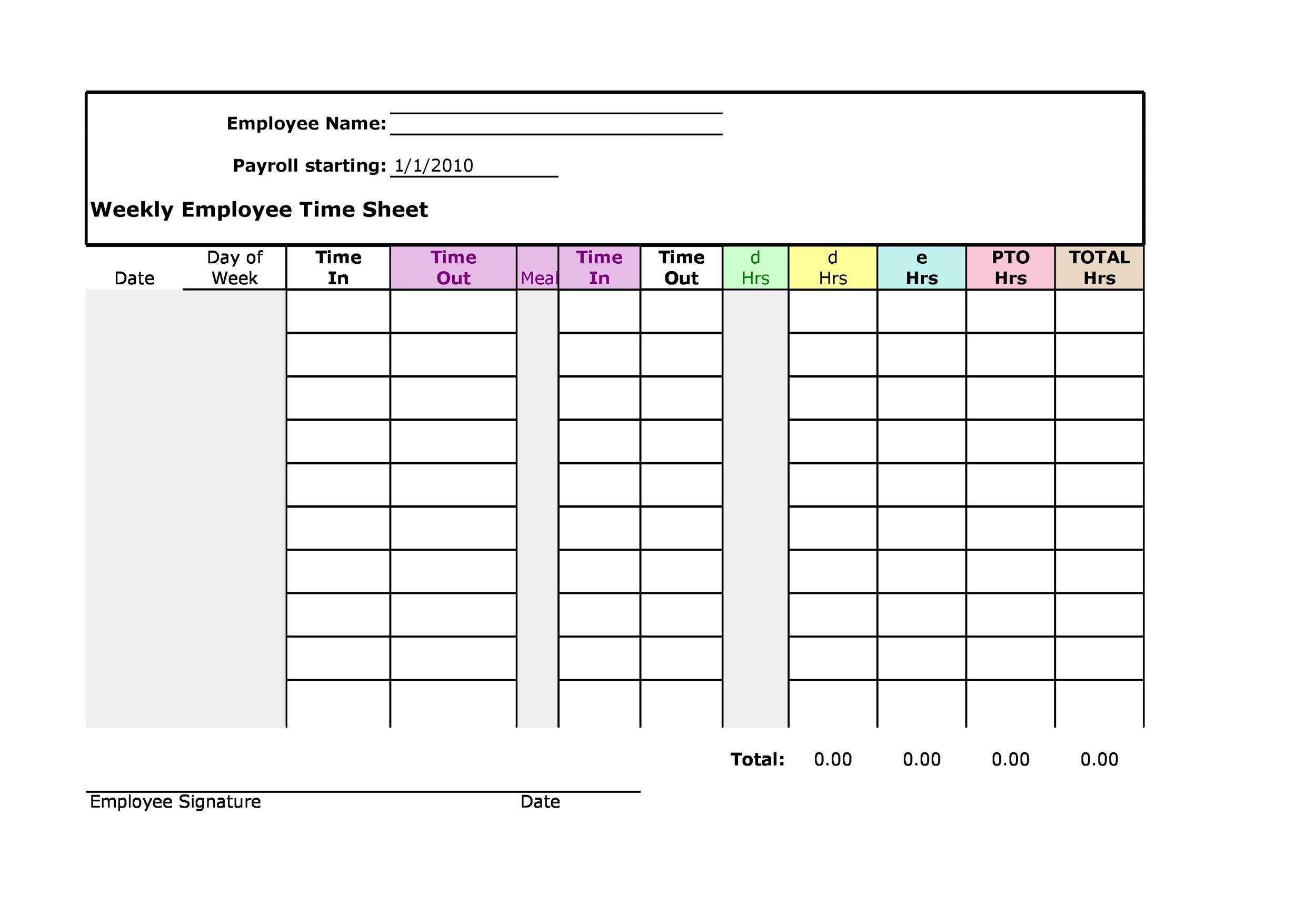
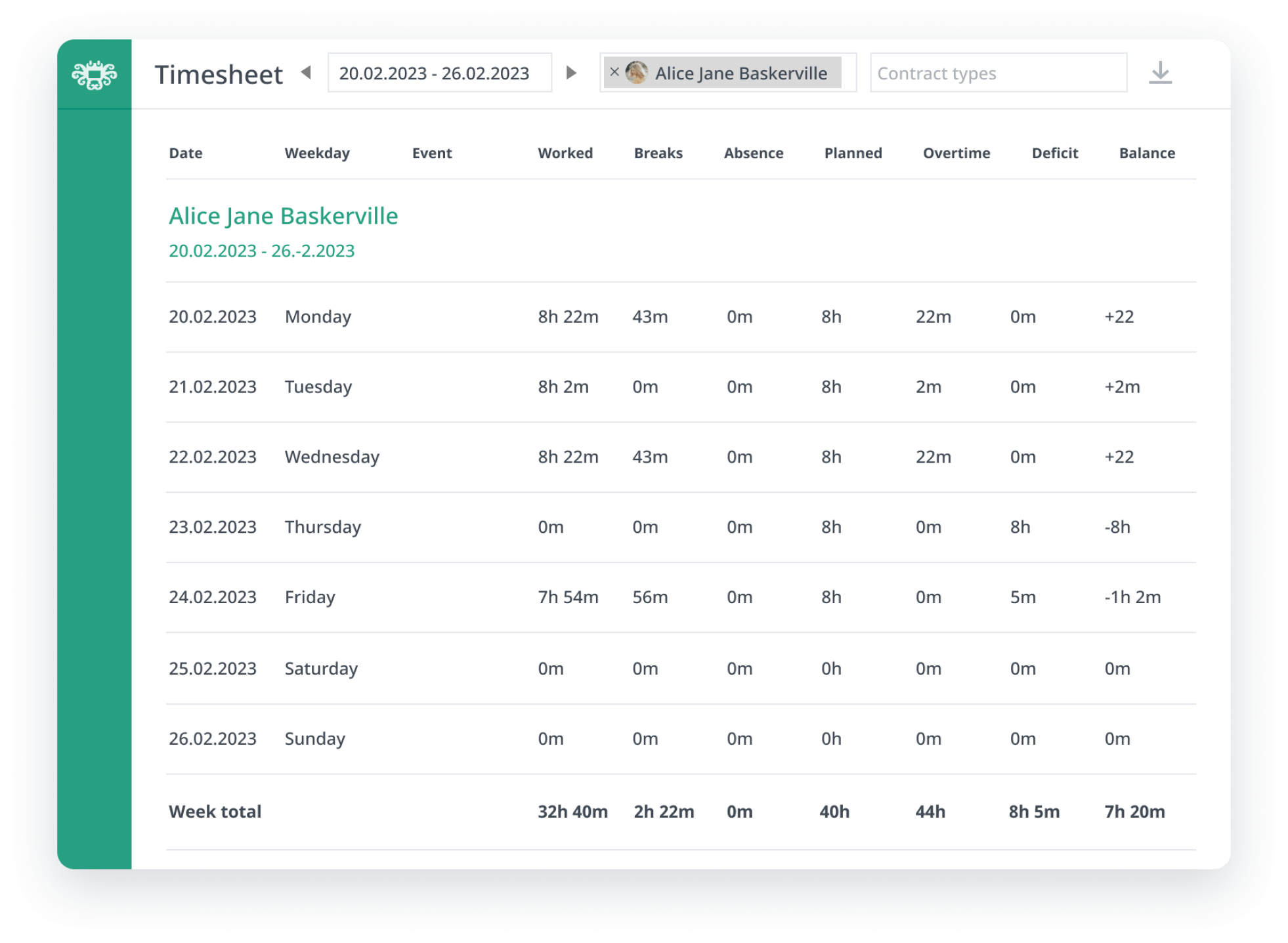
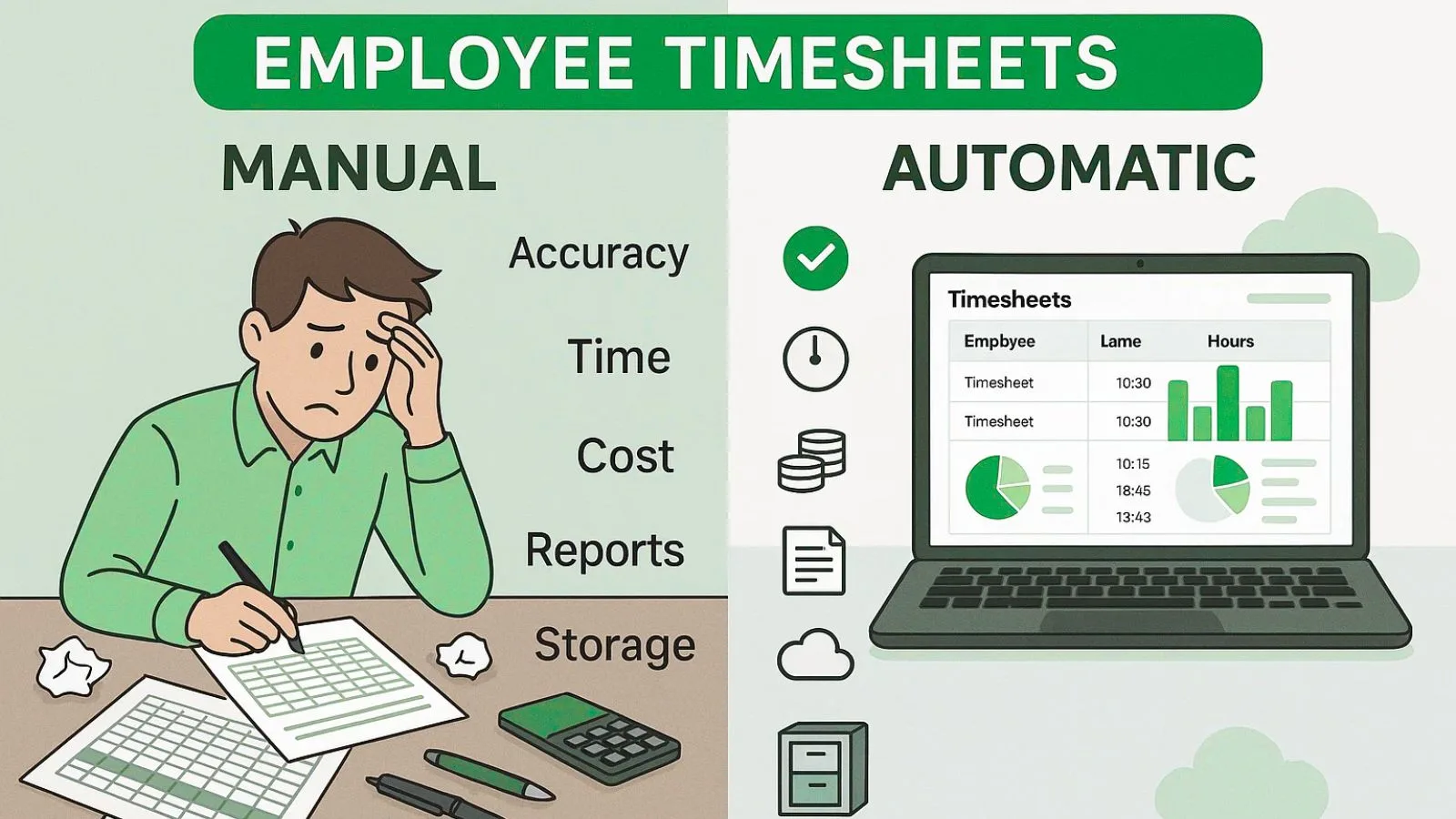
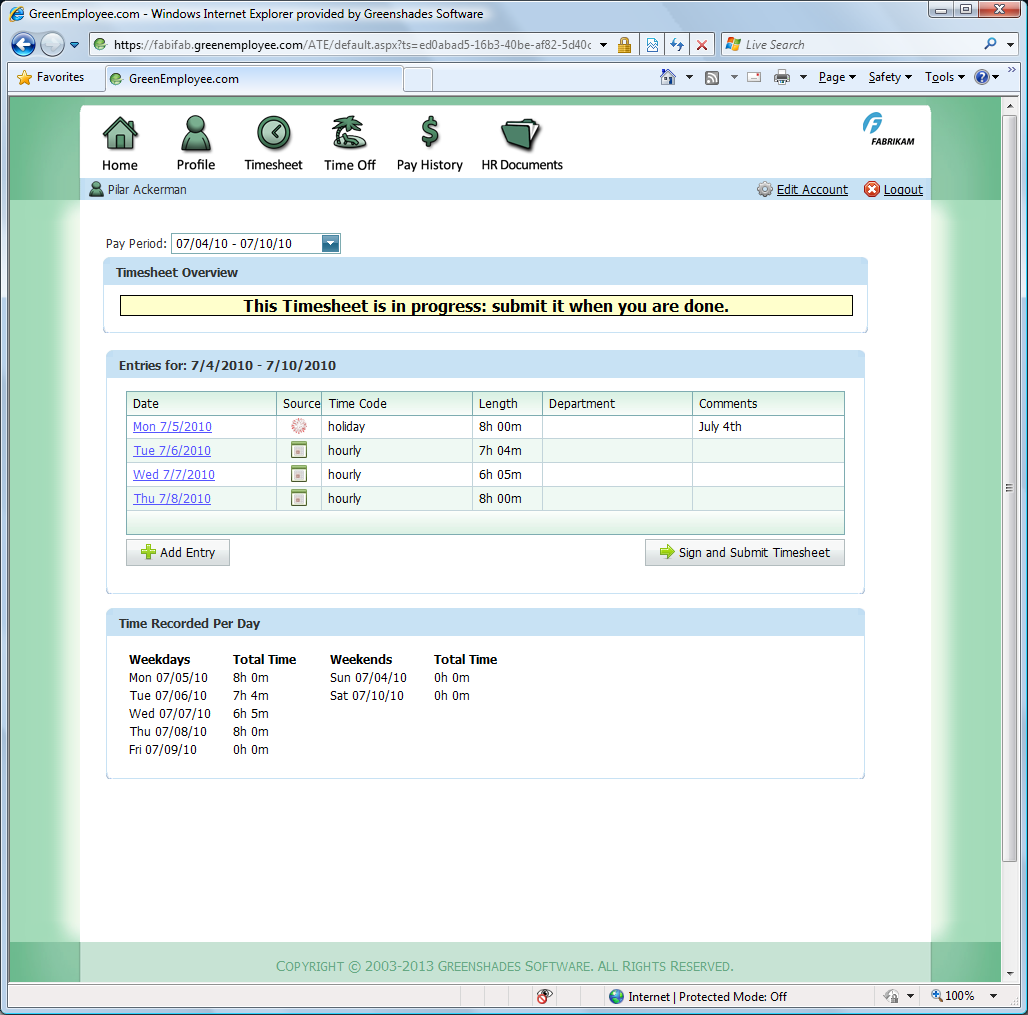
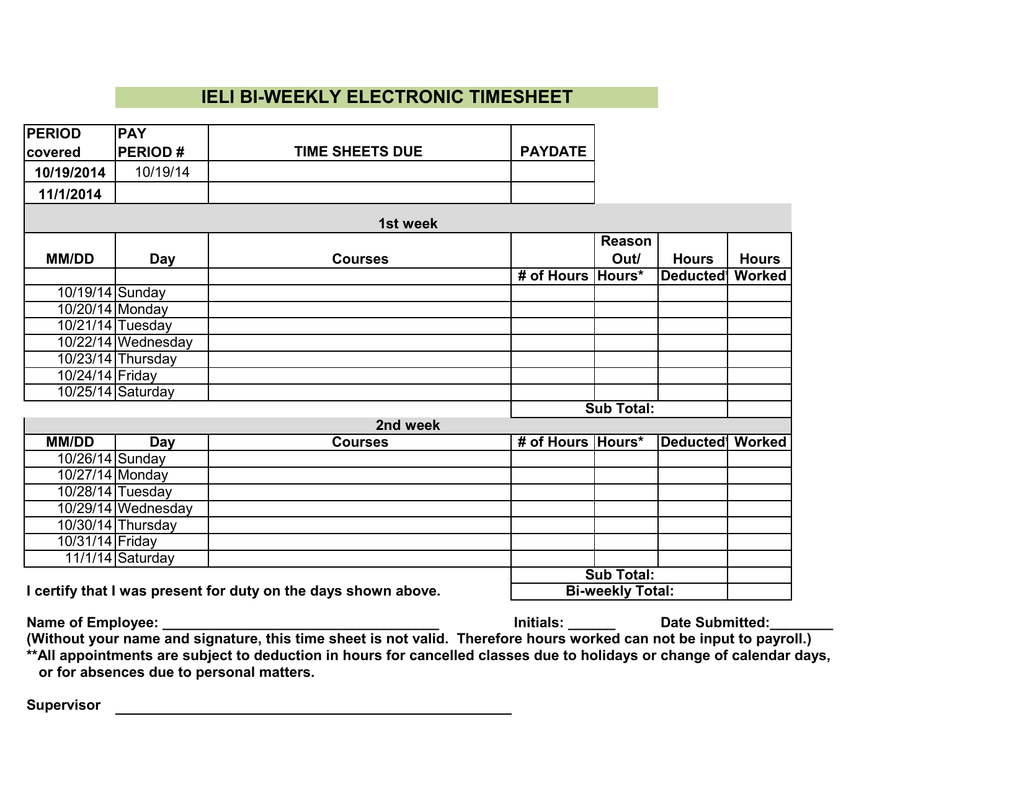
An electronic timesheet system is a digital platform designed to track, record, and verify employee work hours, breaks, project allocations, and leave management without relying on physical paper logs or legacy punch-card clocks.
The Evolution of Workforce Time Tracking in 2026
Modern human capital management has shifted fundamentally toward cloud-based accuracy, mobile accessibility, and algorithmic compliance. Transitioning away from paper punch cards and fragmented desktop spreadsheets has become a operational necessity for businesses operating in 2026. Contemporary work environments require real-time visibility into labor distribution, remote productivity verification, and automated adherence to ever-evolving labor regulations.
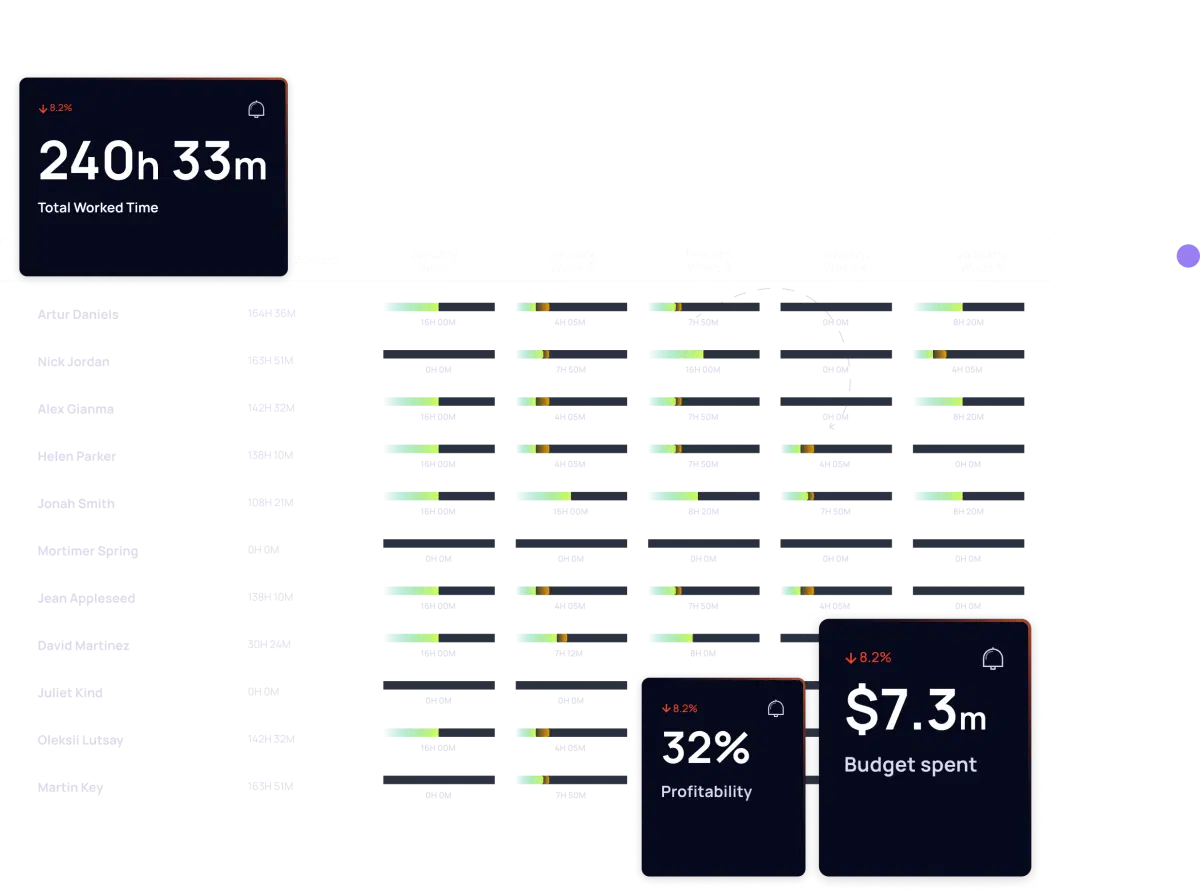
Organizations implement digital hour-tracking tools primarily to eliminate manual data entry errors, reduce payroll processing overhead, and protect themselves against wage and hour disputes. When employees record their hours through web portals, smartphone applications, or biometric terminals, the information feeds directly into centralized payroll and accounting systems. This seamless pipeline transforms raw clock-in data into actionable analytics, allowing operational managers to forecast labor budgets accurately and identify productivity bottlenecks instantly.
Core Technical Specifications of Modern Time Tracking Software
Deploying a robust digital attendance architecture requires evaluating specific functional modules. The technical framework dictates how reliably data flows from the field worker to the payroll ledger.
- Cloud Infrastructure and Uptime SLAs: Enterprise-grade solutions offer high-availability cloud hosting with service level agreements guaranteeing 99.9% uptime, ensuring employees can clock in even during peak traffic hours.
- Geolocation and Geofencing: Utilizing mobile device GPS coordinates, systems can restrict clock-in capabilities to authorized job sites, preventing unauthorized remote entries and time theft.
- Biometric and Multi-Factor Authentication: Advanced terminals incorporate facial recognition, fingerprint scanning, or secure mobile push notifications to verify the physical presence of the worker.
- Offline Synchronization Capabilities: For field workers operating in remote areas with unstable cellular coverage, modern applications store punch data locally on the device and securely sync to the cloud upon reestablishing network connectivity.
- API Integrations: Seamless RESTful APIs and pre-built connectors allow real-time data exchange with major enterprise resource planning platforms, accounting software, and human resources information systems.
Comparative Analysis of Time Tracking Methodologies
Evaluating different recording mechanisms helps organizations select the optimal configuration for their specific industry and workforce demographics.
| Tracking Method | Setup Complexity | Cost Efficiency | Fraud Prevention | Best Suited For |
|---|---|---|---|---|
| Legacy Punch Cards | Low | Low (High paper/labor cost) | Poor | Small, traditional factories with fixed locations |
| Desktop Web Portals | Low-Medium | Medium | Moderate | Office-based staff and remote knowledge workers |
| Mobile App with GPS | Medium | High | High | Field service technicians, delivery drivers, and mobile sales |
| Biometric Terminals | High | Medium-High | Very High | Large manufacturing facilities, warehouses, and secure offices |
Regulatory Compliance and Labor Law Adherence
Navigating labor legislation requires rigorous adherence to statutory record-keeping mandates. Digital time trackers enforce compliance natively by automating meal-break reminders, overtime calculations, and minimum rest periods between shifts.
Under federal and regional frameworks, employers must maintain accurate records of all hours worked by non-exempt personnel. Electronic logs create an immutable, timestamped audit trail that records every modification, approval, and administrative override. This complete transparency protects organizations during labor audits by instantly producing verifiable reports that demonstrate compliance with maximum working hour restrictions and mandatory overtime compensation rates.
Furthermore, automated systems handle complex multi-jurisdictional rules seamlessly. If an organization operates across different municipal or state lines where minimum wage thresholds or sick leave accrual rates vary, the software applies the correct regional logic based on the employee's verified work location.
Step-by-Step Implementation Guide for Organizations
Successfully deploying a digital time and attendance ecosystem demands a structured, methodical rollout strategy to ensure high user adoption and minimal payroll disruption.
- Needs Assessment and Stakeholder Alignment: Form a cross-functional evaluation team comprising representatives from finance, human resources, operations, and IT to map out specific tracking requirements and budget constraints.
- Vendor Selection and Security Audit: Evaluate potential software providers based on data encryption standards, user interface intuitiveness, mobile functionality, and compatibility with existing accounting infrastructure.
- Pilot Testing: Roll out the platform to a single department or regional office for a two-week test period to identify configuration errors, workflow bottlenecks, and user training gaps.
- Comprehensive Staff Training: Conduct mandatory training sessions and provide accessible documentation or video tutorials demonstrating how employees clock in, request time off, and review their hours.
- Full System Go-Live: Transition fully to the digital platform while running a parallel payroll cycle for the first month to verify that data calculations match historical benchmarks perfectly.
- Post-Implementation Review: Audit system usage logs, gather user feedback from both managers and field staff, and fine-tune approval workflows to optimize operational efficiency.
Operational Strategy Note For successful adoption, leadership must emphasize that digital tracking protects employees by ensuring every minute worked is accurately compensated, shifting the perception from a surveillance tool to an empowerment asset.
Advantages and Disadvantages of Electronic Timesheets
Every technological transition introduces distinct operational trade-offs that organizations must weigh carefully against their long-term strategic objectives.
Advantages
- Elimination of Payroll Errors: Automated calculations drastically reduce manual data entry mistakes, saving hundreds of hours annually in payroll reconciliation.
- Real-Time Labor Visibility: Management can view active staffing levels and labor expenditures instantly, facilitating agile decision-making.
- Paperless Sustainability: Removing physical paper timesheets reduces administrative overhead, storage costs, and environmental footprint.
- Enhanced Transparency: Employees have direct access to view their hours, accrued paid time off, and historical earnings via self-service mobile applications.
Disadvantages
- Initial Capital Investment: Purchasing software licenses, upgrading hardware, and training staff require upfront financial commitment.
- Technological Resistance: Older workers or staff uncomfortable with digital applications may experience a steep learning curve during onboarding.
- System Dependency: Internet outages or software disruptions can temporarily halt the standard clock-in process, requiring manual fallback procedures.
Frequently Asked Questions
What is an electronic timesheet?
An electronic timesheet is a digital tool that replaces paper logs to record, track, and verify employee work hours, breaks, and project allocations. It streamlines payroll processing and ensures accurate labor compliance.
How do electronic timesheets prevent time theft?
Modern systems utilize GPS geofencing, biometric verification, and secure multi-factor authentication to ensure that only the authorized employee can clock in from approved job locations.
Are employers legally required to keep digital time records?
While specific formats are rarely mandated by law, federal and regional labor regulations require employers to maintain accurate, accessible records of all hours worked by non-exempt employees for specific retention periods, which digital systems handle effortlessly.
What happens if an employee forgets to clock in?
Systems feature built-in exception workflows where employees can submit manual time adjustment requests that require direct review and approval from their designated supervisor before syncing to payroll.
Can electronic timesheets integrate with existing payroll software?
Yes, most enterprise-grade time tracking platforms feature robust APIs and native integrations that sync verified hours directly into popular accounting and human resources suites without manual intervention.
How secure is employee data in cloud-based time systems?
Reputable software vendors employ enterprise-grade encryption protocols, secure cloud architecture, and regular third-party security audits to protect sensitive employee personal information and wage data.