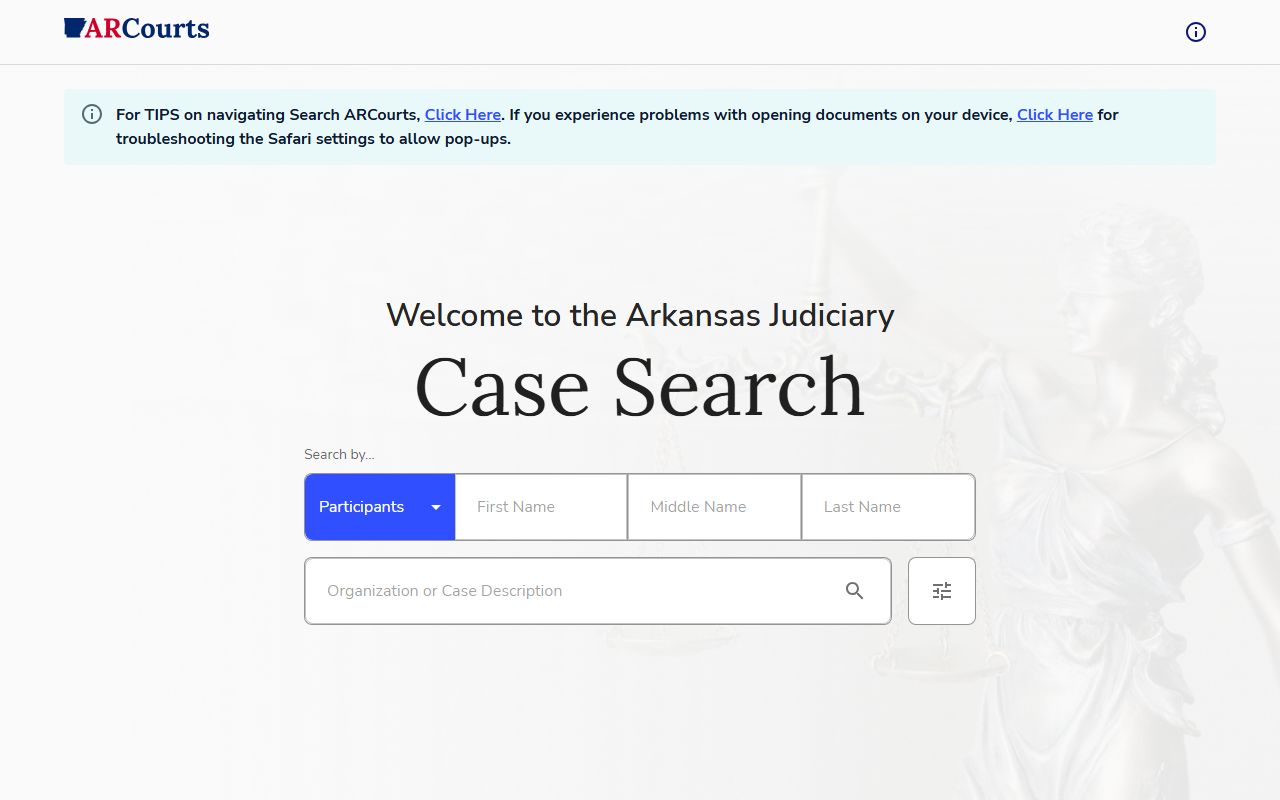
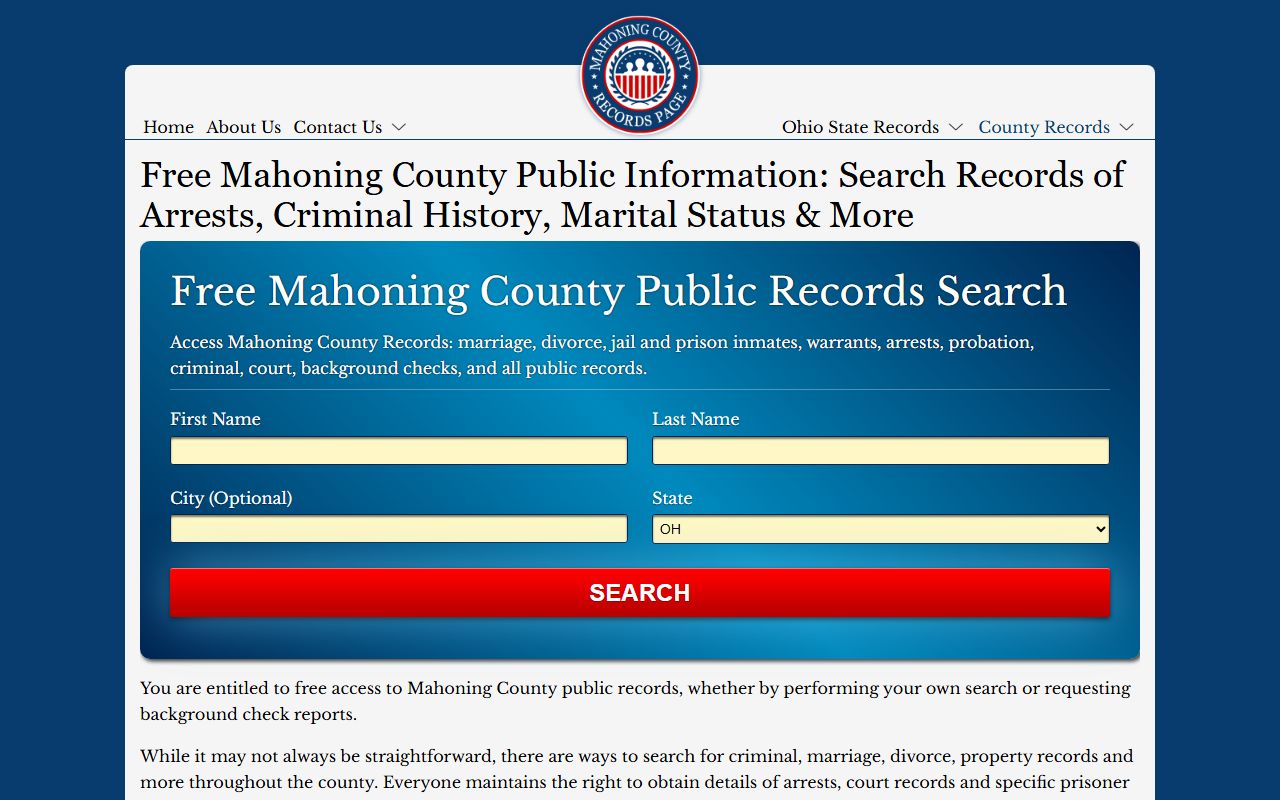
A legal case search is the process of locating and reviewing records from judicial proceedings, including civil, criminal, family, and probate matters. By using online repositories, courthouse terminals, or third-party aggregators, individuals can verify litigation history, track ongoing lawsuits, or conduct due diligence on parties and legal precedents.
The ability to perform a case search is a cornerstone of the principle of open justice. In 2026, the digitalization of court records has reached a point where the vast majority of non-confidential files are accessible through centralized web portals. However, the architecture of these systems remains fragmented across federal, state, and local jurisdictions. Understanding how to navigate these databases is essential for legal professionals, journalists, and private citizens alike.
The Architecture of Judicial Records
Before initiating a case search, it is necessary to identify the jurisdiction where the case was filed. The legal system is tiered, and records are siloed according to the authority of the court.
Federal Case Search (PACER)
For matters involving federal laws, constitutional issues, or disputes between parties from different states exceeding a specific monetary threshold, the search must occur within the federal system. The Public Access to Court Electronic Records (PACER) remains the primary gateway for the United States district, appellate, and bankruptcy courts. By 2026, PACER has undergone several UI/UX modernizations, though the underlying logic of searching by "Party Name," "Case Number," or "Nature of Suit" remains the standard.
State and Local Repositories
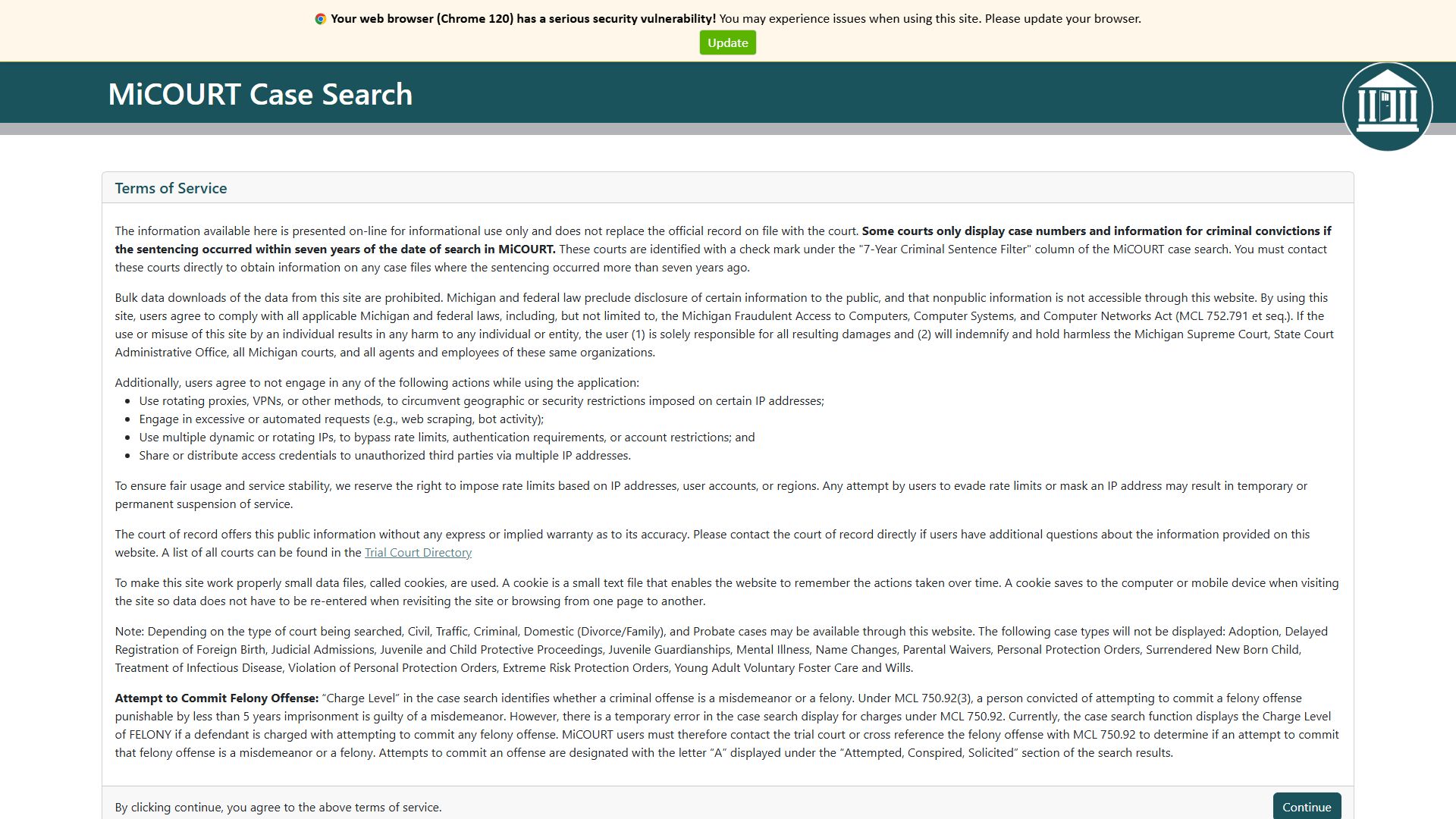
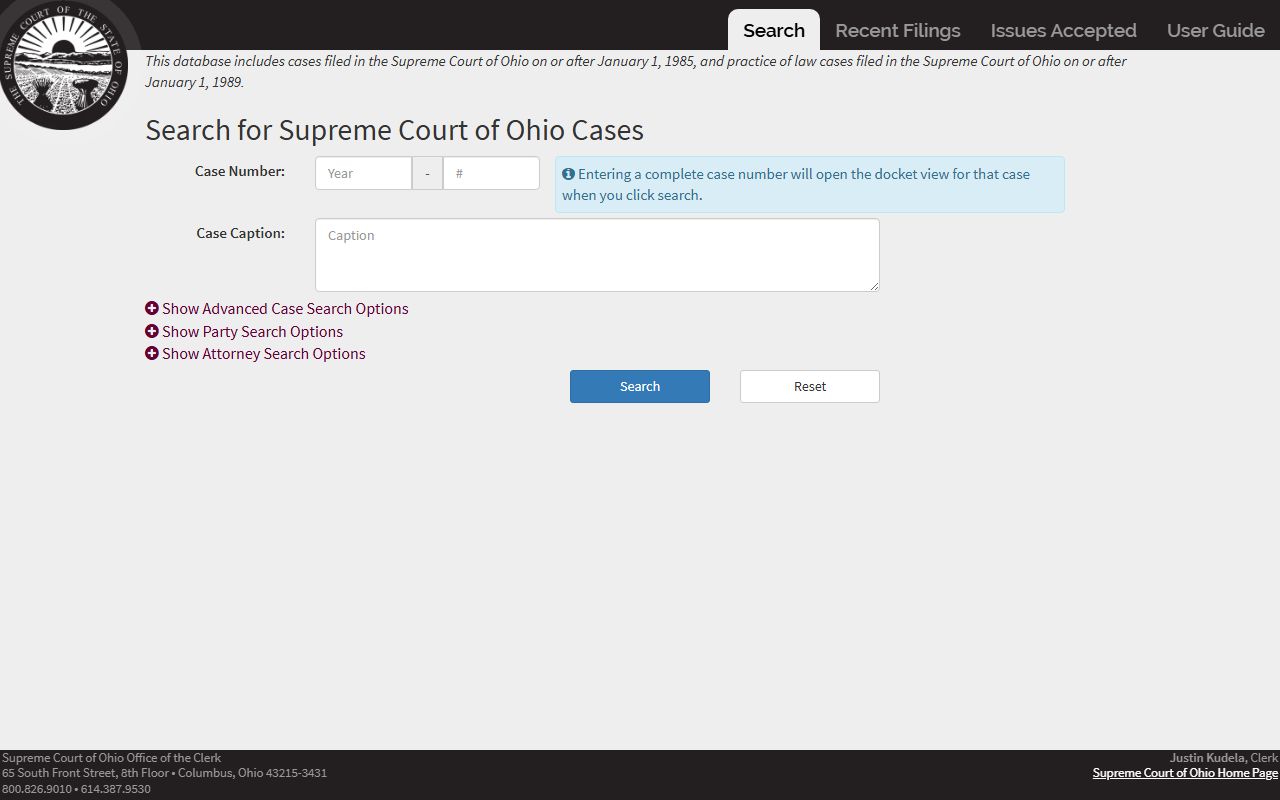
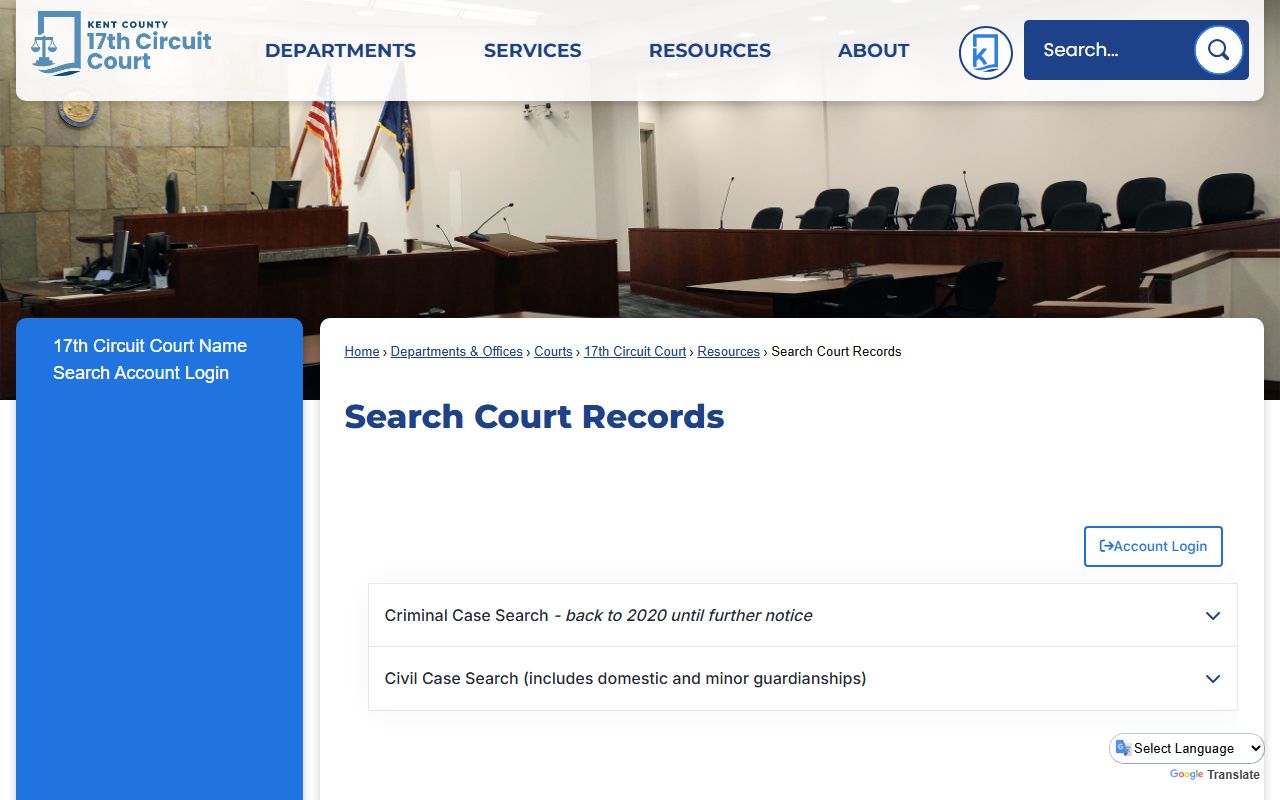
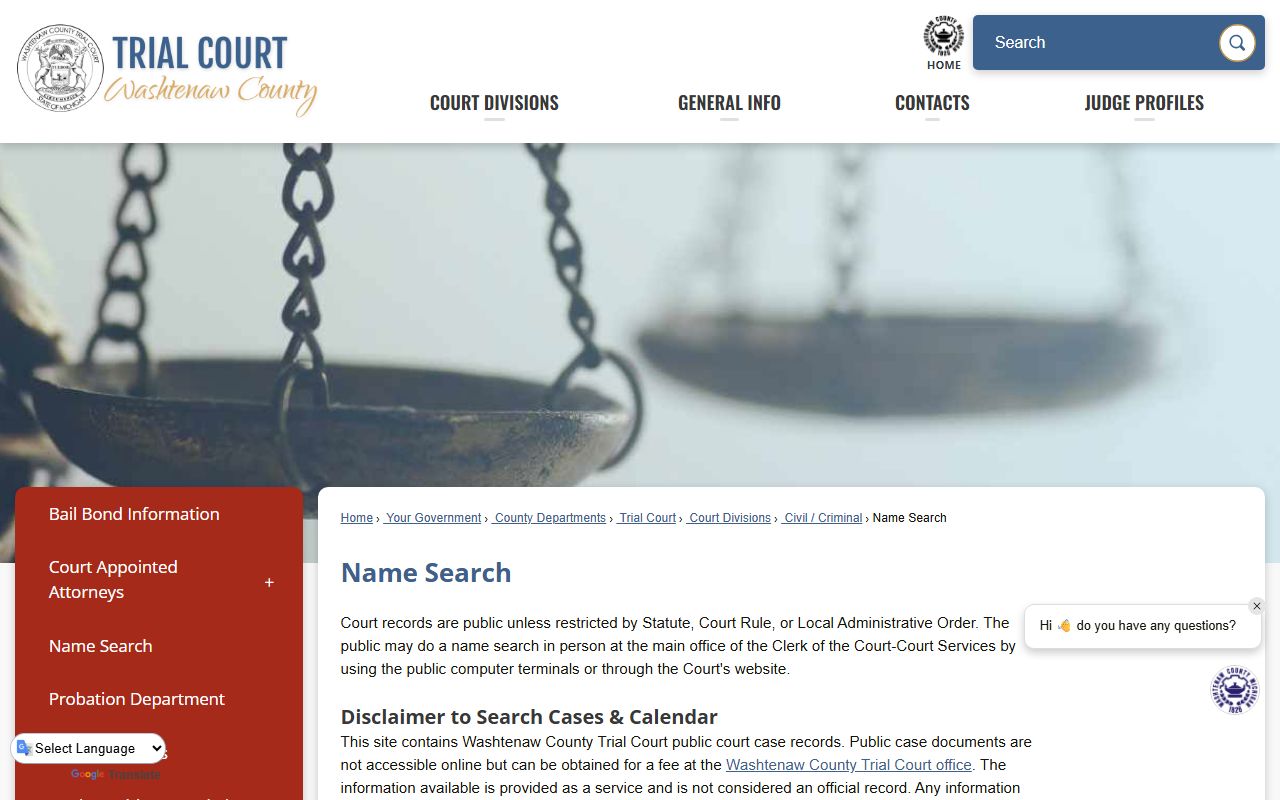
State courts handle the bulk of legal activity, including most criminal trials, contract disputes, and family law. Unlike the unified federal system, state case searches are often decentralized. Some states offer a "Statewide Search" portal, while others require users to search at the county or circuit level. For example, a search for a property dispute in Florida requires accessing the specific County Clerk of Court’s website, whereas Maryland utilizes a more centralized "CaseSearch" application.
Administrative and Special Courts
Certain cases exist outside the standard civil/criminal hierarchy. These include immigration courts, tax courts, and workers' compensation boards. Searching these records often requires visiting specialized agency websites rather than general judicial portals.
Prerequisites for a Successful Case Search
A successful search depends on the quality of the initial data. Searching with broad terms like "John Smith" in a major metropolitan area will yield thousands of results, many of which are irrelevant. To narrow the results, gather as much of the following information as possible:
- Full Legal Name or Business Entity Name: Ensure correct spelling. Middle initials or suffixes (Jr., III) are critical for disambiguation.
- Case Number: This is the most precise identifier. It typically includes the year of filing, the court location code, the case type (e.g., CV for Civil, CR for Criminal), and a unique sequential number.
- Jurisdiction: Knowing whether the case is at the municipal, county, state, or federal level prevents wasted effort in the wrong database.
- Date Range: Limiting a search to a specific window (e.g., 2020–2026) significantly reduces noise in the search results.
Step-by-Step Process for Conducting a Search
Step 1: Identify the Correct Portal
Start by determining the court level. If the case involves a federal crime or a federal agency, go to the PACER website. For state matters, search for the "[State Name] Unified Judicial System" or the "[County Name] Clerk of Court."
Step 2: Account Registration and Verification
While indices are often free to browse, viewing detailed dockets or downloading PDF documents usually requires an account. As of 2026, most jurisdictions require a verified email address. Some systems, particularly federal ones, may require a credit card on file to cover per-page download fees, though many courts provide a fee waiver for low-volume users.
Step 3: Execute the Search
Enter the primary identifier (name or case number). If using a name search, look for "Advanced Search" options to filter by:
- Role: Plaintiff, Defendant, Respondent, or Petitioner.
- Case Status: Open, Closed, or Archived.
- Attorney Name: Searching by the representing counsel can help find cases when the party name is common.
Step 4: Interpret the Docket
The docket is the chronological log of everything that has happened in the case. Each entry represents a filing (a motion, an order, a transcript). When reviewing the docket, look for "Disposition" or "Judgment" entries to find the final outcome.
| Search Type | Scope | Common Identifiers | Access Cost |
|---|---|---|---|
| Federal (PACER) | National (US) | Case #, SSN (last 4), Party Name | Per-page fee (usually $0.10) |
| Statewide Portal | State-level | Party Name, DOB, Driver’s License | Varies (often free index) |
| County Clerk | Local/Municipal | Party Name, Address, Case Type | Usually free; fees for copies |
| Third-Party Aggregators | Multi-jurisdiction | Broad keywords, Company Name | Monthly subscription |
Access Limitations and Privacy Restrictions
Not all court records are available for public case searches. Statutory protections and judicial orders can restrict access to sensitive information.
Sealed and Expunged Records
A judge may order a case "sealed" if it involves trade secrets, sensitive national security information, or the protection of a victim's identity. Furthermore, "expunged" records—primarily in criminal law—are legally erased or hidden from public view after a certain period or upon successful completion of a diversion program. These will not appear in a standard case search.
Confidential Case Types
Certain categories of law are almost always restricted or redacted:
- Juvenile Records: Most proceedings involving minors are closed to the public.
- Family Law: While the existence of a divorce or custody case may be public, specific financial affidavits or child custody evaluations are often restricted.
- Mental Health Proceedings: Records involving involuntary commitment or competency are strictly confidential.
Redaction Protocols
In 2026, automated redaction software is standard. Even in public filings, sensitive data such as Social Security numbers, bank account numbers, and the names of minor children are typically obscured (e.g., "XXXX-XX-1234").
Professional vs. Manual Search Methods
For individuals, a manual search through government portals is usually sufficient. However, businesses and legal professionals often require more robust tools.
Manual Government Portals
Pros: Most accurate and up-to-date; direct from the source; lowest cost. Cons: Time-consuming; inconsistent interfaces across different counties; limited cross-jurisdictional capabilities.
Third-Party Aggregators and AI Tools
Services like Westlaw, LexisNexis, or specialized background check platforms aggregate data from thousands of courts. In 2026, these tools use AI to link "John Q. Smith" in New York to "John Quincey Smith" in California, providing a unified litigation profile. These are expensive but vital for comprehensive due diligence.
Troubleshooting Common Issues
"No Records Found"
If a search returns no results, consider the following:
- Name Variations: Try searching with just the last name and the first initial. The system may have the middle name as part of the first name field.
- Jurisdiction Error: You may be searching in the civil database for a criminal matter.
- Phonetic Spelling: Some older systems utilize "Sounds Like" search features; if available, enable this to account for clerical typos.
"Access Denied"
This usually occurs if a case is in a "Stayed" status or if the document contains restricted information. If you believe a record should be public, you may need to file a formal request for access with the Clerk of Court.
The Cost of Transparency: Fees and Estimates
While the right to access records is fundamental, the infrastructure costs are often passed to the user.
- Indexing: Searching the list of cases is almost always free.
- Viewing Documents: Digital copies typically cost between $0.10 and $2.00 per page.
- Certified Copies: If you need a document for official use (e.g., proving a name change or a criminal record for an employer), you must pay for a "Certified Copy," which involves a clerk's seal. These fees generally range from $10 to $50.
Frequently Asked Questions
Can I search for a case without the other party knowing?
Yes. Performing a case search on a public portal is an anonymous activity. The court does not notify the parties involved that their records have been viewed, unless you are requesting specific physical files that require a signed logbook at the clerk’s office.
How far back do online case records go?
This depends entirely on the jurisdiction's digitalization history. Most major metropolitan areas have records going back to the late 1990s or early 2000s. For records older than 30 years, you may need to contact the court’s archives or a historical society to access microfiche or paper files.
Why does a case show as "Disposed" when it isn't finished?
In legal terminology, "Disposed" often means the court has reached a final decision or the case has been moved off the active docket. It does not always mean the parties have completed their obligations (like paying a judgment). If there is an appeal, the case may show as "Disposed" in the lower court while being "Active" in the appellate court.
Are "Case Search" and "Background Check" the same thing?
No. A case search is a component of a background check. A background check typically aggregates case searches with credit reports, employment history, and social media analysis. A case search is specifically limited to judicial records.
Can I remove my own name from a case search?
Generally, no. Court records are public. Unless you can prove the information is legally inaccurate or you qualify for an expungement under state law, the record remains public to preserve the transparency of the judicial system.
Practical Recommendation for Next Actions
If you are beginning a case search today, start by identifying the specific county and state where the individual resides or where a business is headquartered. Access the Official Clerk of Court website for that specific jurisdiction to avoid the fees and potential inaccuracies of third-party "public record" websites. For any federal matter, ensure your PACER account is active, as it remains the definitive source for national litigation. If the search is for a high-stakes reason—such as employment or legal defense—consider consulting a licensed private investigator or a legal professional who has access to high-tier aggregated databases to ensure no records have been missed due to jurisdictional fragmentation.
Professional Advice Limitation: This guide provides information on accessing public records and is not legal advice. Laws regarding record access and privacy vary by jurisdiction. For specific legal questions regarding the status of a case or the implications of a record, consult a qualified attorney.