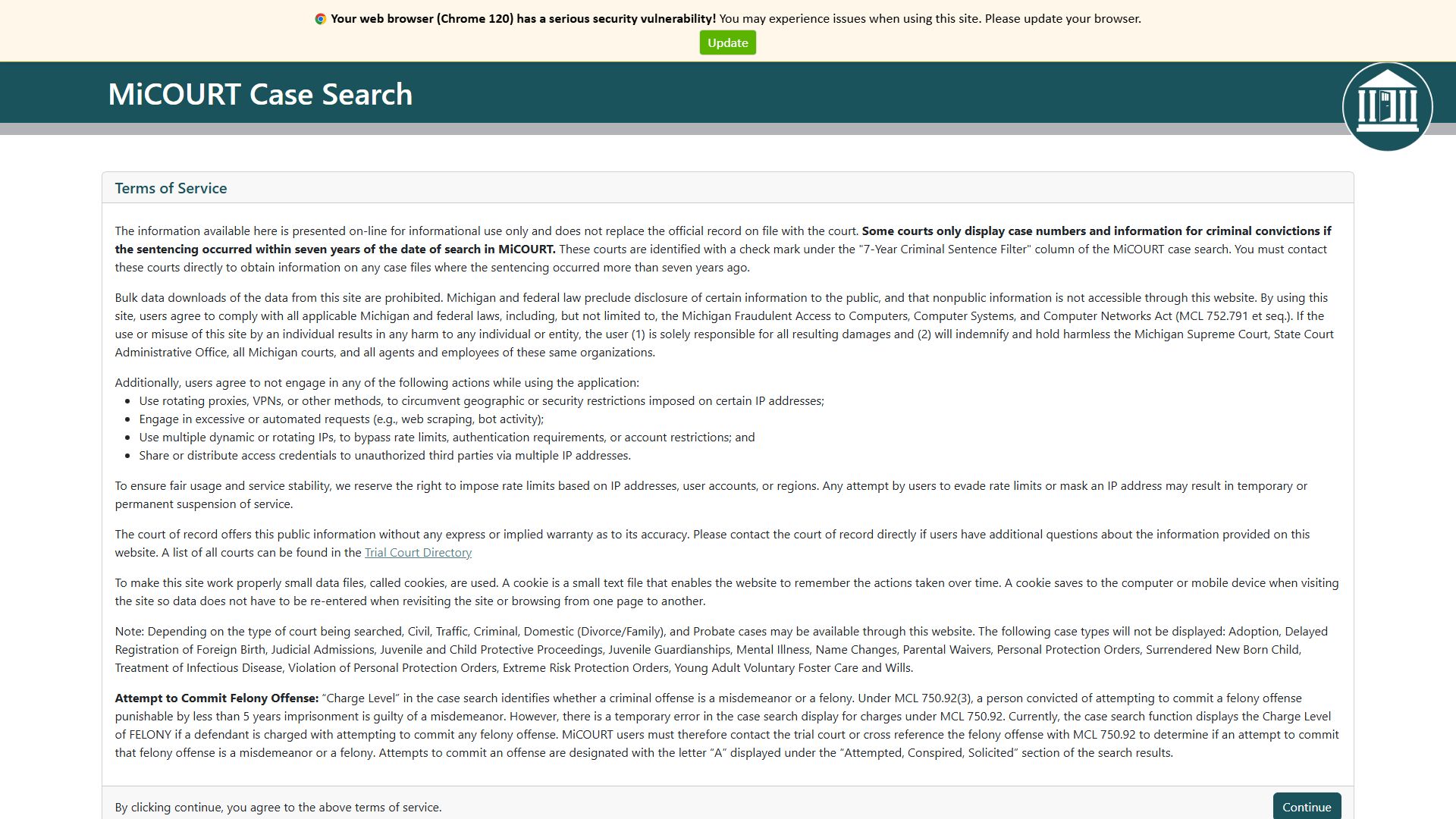
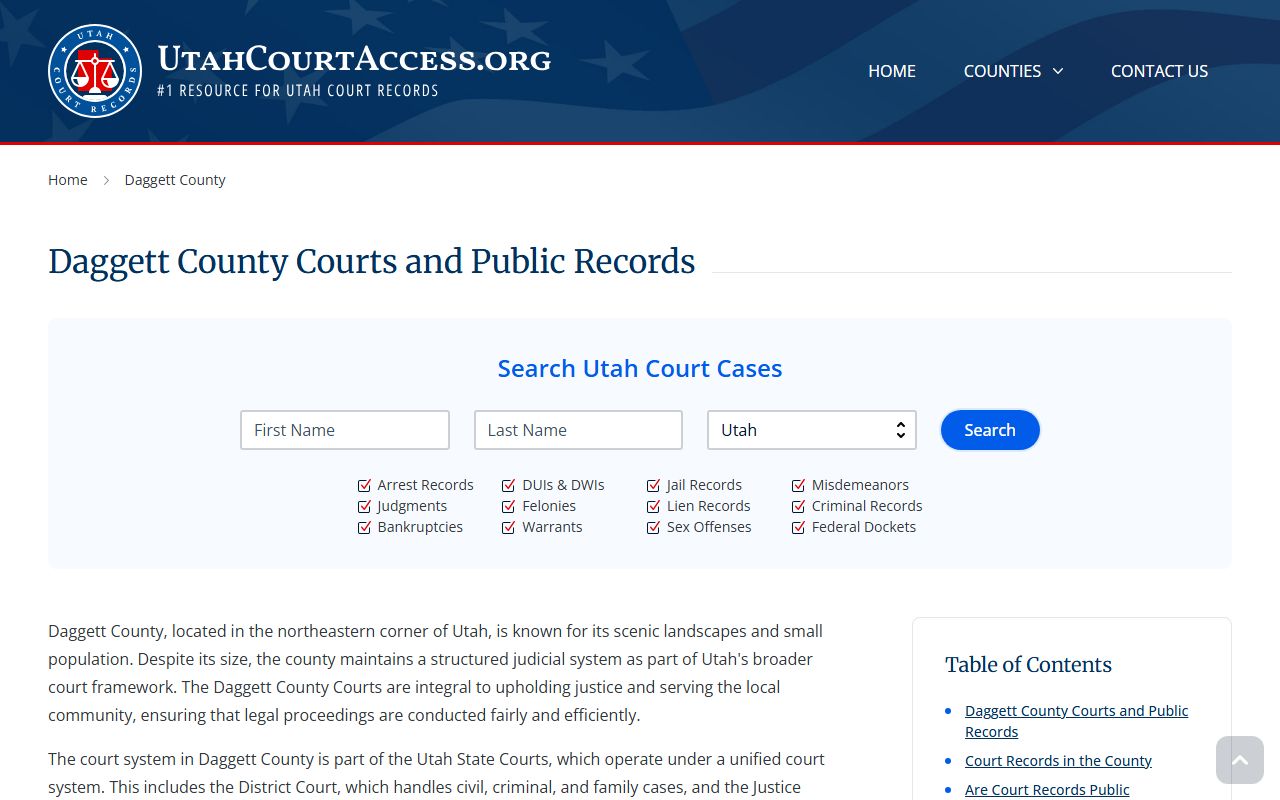
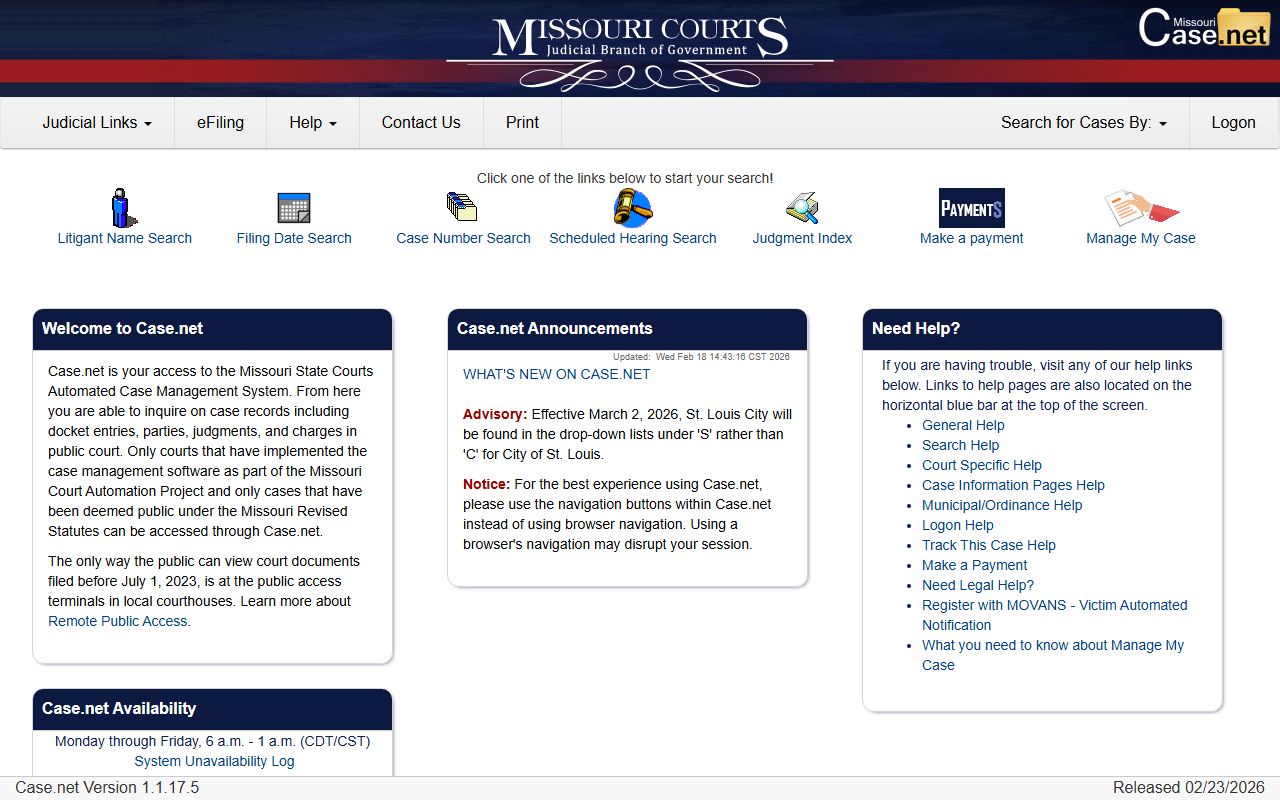
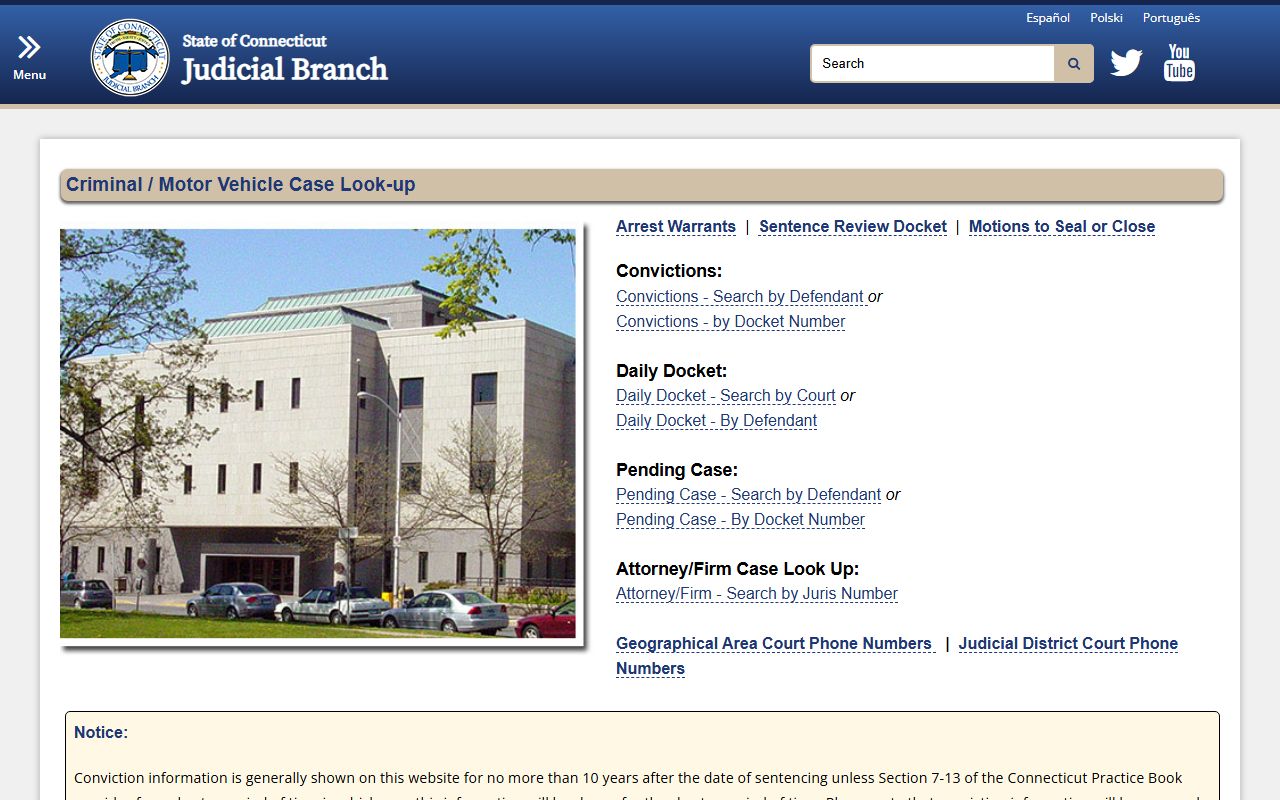
A case search is the process of accessing public judicial records to track the progress, history, or outcome of legal proceedings. Most jurisdictions provide online portals where users can search by party name, case number, or attorney to view dockets, hearing dates, and filed documents in civil, criminal, and traffic matters.
In 2026, the transparency of the judicial system relies heavily on digital access. Whether you are a legal professional performing due diligence, a journalist investigating a story, or a private citizen checking the status of a personal legal matter, understanding how to navigate case search tools is essential. This guide explores the mechanics of search portals, the differences between state and federal systems, and the practical steps required to retrieve accurate legal information.
Understanding the Scope of a Case Search
A case search provides a window into the "docket," which is the official summary of proceedings in a court of law. It is important to distinguish between a case search and a background check. While a background check is a comprehensive report often used for employment, a case search is a direct query of court records.
Types of Records Available
Public access generally covers four primary categories of litigation:
- Criminal Cases: Records of arrests, indictments, pleas, and sentencing. These searches reveal if an individual has been charged with a felony or misdemeanor.
- Civil Cases: Disputes between individuals or organizations, such as breach of contract, personal injury, or property disputes.
- Family Law: Divorce, child custody, and support cases. Note that in many jurisdictions, sensitive family law details are redacted or sealed to protect minors.
- Traffic and Ordinance Violations: Minor infractions like speeding tickets or building code violations.
Public vs. Sealed Records
Not every legal matter is accessible through a standard case search. Judges may "seal" a case to protect sensitive information, trade secrets, or the identity of victims and minors. Additionally, cases that have been "expunged" or "shielded" will not appear in a public search. If a search yields no results for a known incident, it is often due to these privacy protections or the case being handled in a specialized court, such as a juvenile tribunal.
Federal vs. State Case Search Systems
The American judicial system is bifurcated into federal and state levels, each maintaining its own independent database. Knowing which system to use is the first step in a successful search.
Federal Records: PACER
The Public Access to Court Electronic Records (PACER) system is the centralized portal for all federal appellate, district, and bankruptcy courts.
- Coverage: Cases involving federal laws, disputes between residents of different states exceeding a certain dollar amount, and bankruptcy filings.
- Access: PACER requires an account. While searching is relatively straightforward, the system often charges a small fee per page or per search, though these fees are often waived if the user stays below a specific quarterly threshold.
- Searchability: Users can search the National Index or specific districts.
State and Local Portals
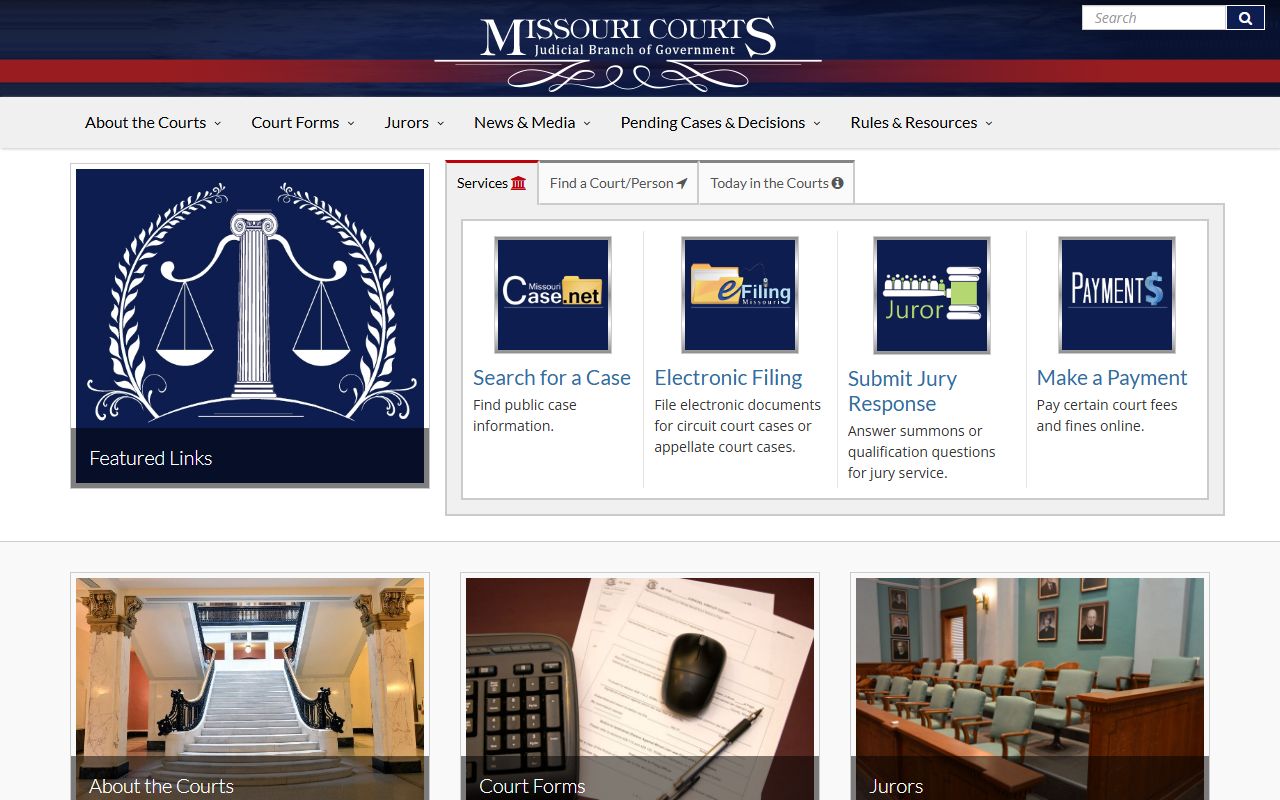
Each state maintains its own repository, often managed by the State’s Administrative Office of the Courts. For example, the Maryland CaseSearch portal is a widely used free resource that provides records from both District and Circuit courts.
- Variability: Some states offer a single, unified search engine for all counties, while others (like California or Texas) may require you to search individual county clerk websites.
- Cost: Many state portals are free for basic docket viewing, though obtaining certified copies of documents typically incurs a fee.
How to Conduct an Effective Case Search
Successful retrieval of information depends on the precision of the data entered. Most portals use "exact match" or "starts with" logic, meaning a typo can result in zero findings.
Prerequisites for Searching
Before beginning, gather as much of the following information as possible:
- Full Legal Name: Middle names or initials are critical for narrowing down results in common names (e.g., "John Smith").
- Case Number: This is the most accurate way to search. Case numbers usually follow a specific format, such as
2026-CV-001234, indicating the year and the type of case. - Date of Birth (DOB): Often required in criminal searches to distinguish between individuals with the same name.
- Jurisdiction: Knowing the specific county or city where the filing occurred prevents searching through irrelevant databases.
Step-by-Step Search Process
- Identify the Portal: Determine if the case is state or federal. Use official government websites ending in
.govto ensure data integrity. - Select Search Criteria: Choose between "Person," "Business," or "Case Number."
- Use Filters: Narrow your results by "Case Type" (e.g., Civil vs. Criminal) or "Date Range" to filter out historical records that are no longer relevant.
- Review the Docket: Once you find the case, look at the "Entries" or "Actions." This chronological list shows every motion filed, every hearing held, and every order signed by the judge.
- Analyze Party Details: Verify addresses and attorney information to ensure the record belongs to the correct individual.
Comparing Case Search Platforms
The following table compares the typical features of the three main ways to access court records in 2026.
| Feature | Federal (PACER) | State Portals (e.g., Maryland/Florida) | Third-Party Aggregators |
|---|---|---|---|
| Primary Use | Federal crimes, bankruptcy, multi-state civil. | State crimes, traffic, local civil, family law. | Background checks, multi-state name searches. |
| Cost | Per-page/search fees (with waivers). | Often free for basic searches. | Subscription or one-time report fee. |
| Data Freshness | Real-time updates. | Near real-time to 24-hour delay. | May have significant delays. |
| Document Access | Full PDF downloads available for a fee. | Varies; some require in-person pickup. | Usually provides summaries only. |
| Authentication | Required (Verified Account). | Usually not required for basic view. | Account often required. |
Interpreting Search Results and Terminology
Court dockets are written in specialized legal terminology. Understanding these terms is vital to interpreting what a case search actually tells you about a person’s legal status.
- Affidavit: A written statement confirmed by oath, often used as evidence.
- Disposition: The final settlement of a matter. Common criminal dispositions include "Guilty," "Not Guilty," or Nolle Prosequi (the prosecutor has decided to drop the charges).
- Stay: A court order that temporarily stops a judicial proceeding.
- Summons: An official notice that a legal action has been filed against a person and they are required to appear.
- Warrant: An authorization issued by a judge for an arrest or search. If a case search shows an "Active Warrant," the individual is currently sought by law enforcement.
Common Obstacles in Case Searching
Even with the correct tools, users often encounter hurdles that prevent them from finding the information they need.
Name Variations and Aliases
Many individuals appear in court records under nicknames, maiden names, or aliases. In criminal matters, law enforcement often records the name provided at the time of arrest. If a search for "Robert Jones" fails, try "Bob Jones" or check for middle name variations.
Jurisdictional Silos
A common mistake is searching a state-level portal for a federal crime. For example, a drug trafficking case investigated by the FBI will likely be in the federal PACER system, not the local county case search. Similarly, specialized courts like Housing Court or Workers' Compensation boards may maintain their own separate databases.
Redaction and Privacy Laws
In 2026, privacy regulations have become more stringent. Social Security numbers, bank account digits, and the names of minor children are almost always redacted from public view. If a document is listed but not viewable, it may be because it contains "Protected Identifying Information" (PII).
The Role of Third-Party Search Tools
Many companies aggregate court data into a single searchable interface. While these tools are convenient for searching across multiple states simultaneously, they come with caveats. These databases are not the "official" record. They may contain outdated information or errors introduced during the data-scraping process.
For legal purposes, such as verifying a judgment for a loan or checking a criminal record for employment, one should always rely on the official government portal. Third-party sites are best used as a starting point to identify which jurisdictions might hold relevant records.
Troubleshooting and Technical Support
If you encounter technical issues while using a case search portal, consider the following:
- Browser Compatibility: Many older court systems are optimized for specific browsers. If a "Search" button isn't working, try switching from a mobile device to a desktop or using a different browser.
- Site Maintenance: Court databases often undergo maintenance during late-night hours or weekends.
- Data Entry Errors: Ensure there are no extra spaces before or after the name. Ensure the "Date Range" is wide enough; if a case was filed ten years ago, a search limited to the last five years will fail.
Legal and Ethical Considerations
While case searches provide public information, the use of this data is subject to laws like the Fair Credit Reporting Act (FCRA). If you are using court records to make decisions about hiring, housing, or credit, you must follow specific legal procedures, including obtaining the individual's consent in some contexts. Using public records to harass, stalk, or intimidate individuals is illegal and can lead to criminal charges.
Disclaimer: This article is for informational purposes only and does not constitute legal advice. Laws regarding public records and case searches vary by jurisdiction and are subject to change. For specific legal inquiries, consult with a qualified attorney or the clerk of the relevant court.
Frequently Asked Questions
Can I see who has searched for my name on CaseSearch?
No. Most official government case search portals do not track or reveal who has queried a specific name. These systems are designed for public transparency, and searches are generally anonymous unless you are logged into a professional account that requires tracking for billing purposes.
Why does a case show up as "Closed" but still appear in the search?
A "Closed" status simply means the court has reached a final judgment or the matter has been otherwise resolved. It does not mean the record is removed. Public records remain accessible for historical and transparency reasons unless they are specifically ordered to be expunged or shielded by a judge.
Is there a fee to search for cases online?
It depends on the jurisdiction. Many state-level portals offer free searches for docket information. However, federal records (PACER) and some specialized state systems may charge a small fee per search or per page of the document viewed. Obtaining a "certified" or "exemplified" copy of a record almost always requires a fee paid to the Clerk of Court.
What if I find an error in my own case record?
If a case search reveals incorrect information—such as a wrong disposition or a misspelling—you must contact the Clerk of the Court where the case was heard. You may need to file a formal motion or provide documentation to have the clerical error corrected in the official record.
How far back do case search records go?
Most modern digital portals contain records from the mid-1990s or early 2000s to the present. For records older than the digital transition, you may need to visit the courthouse in person to search physical archives, microfilm, or ledger books.
Final Recommendations for Users
To perform the most accurate case search in 2026, always start with the official state or federal judiciary website. Use the "Advanced Search" features to input as much data as possible, including date ranges and case types, to filter out irrelevant results. If you are conducting a search for a formal purpose, such as a legal proceeding or a professional background check, ensure you obtain certified copies of the records directly from the court clerk to guarantee their authenticity.
For those looking to clear their own records, the first step is often a self-search to identify what is visible to the public, followed by a consultation with a legal professional to discuss expungement or shielding options available in your specific jurisdiction.