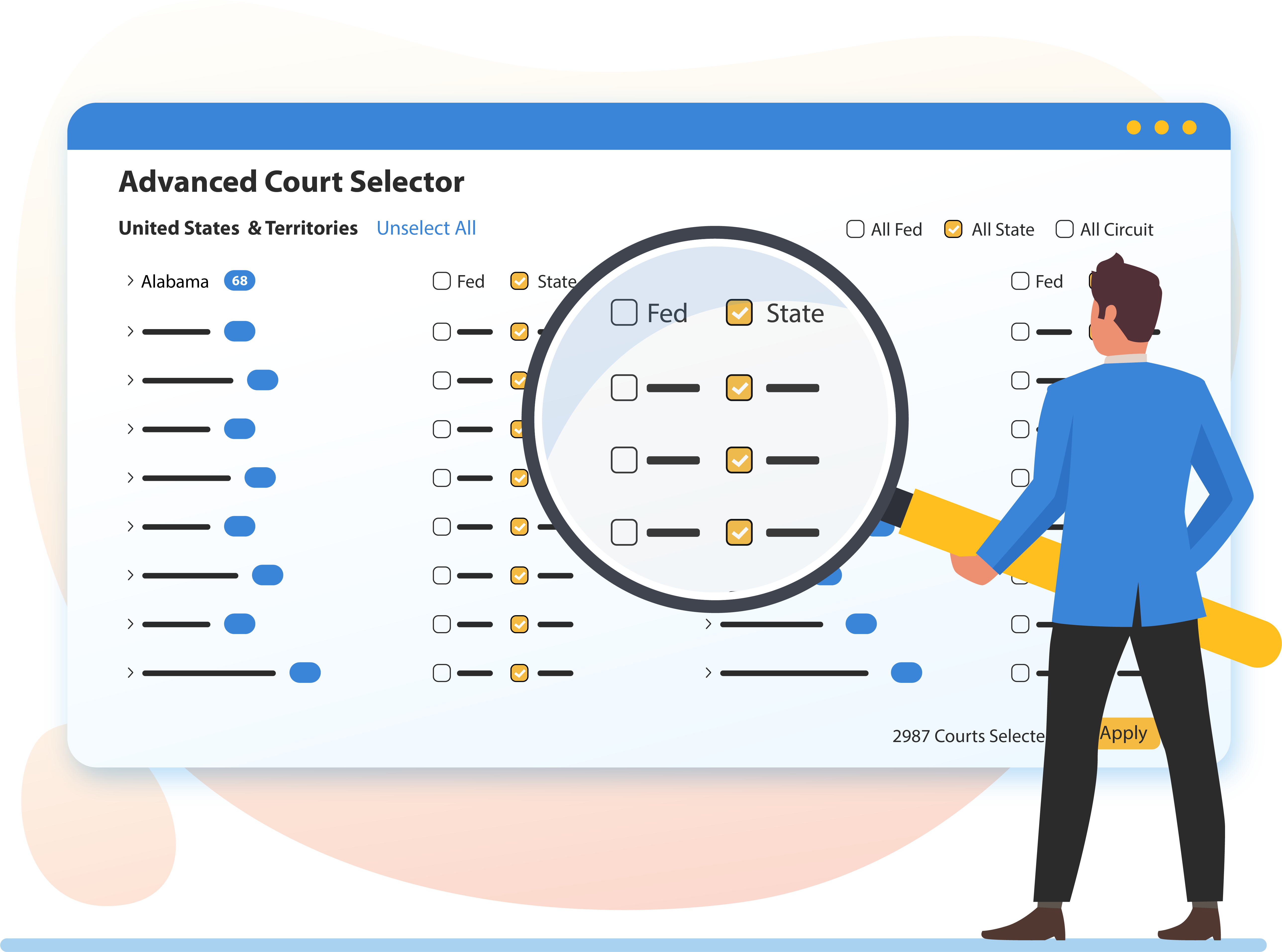
A case portal is a secure online platform that provides centralized access to legal records, court filings, and case status updates. Used by attorneys, litigants, and the public, these portals facilitate the electronic filing of documents, payment of court fees, and real-time tracking of judicial proceedings across federal, state, and local jurisdictions.
The digital transformation of the legal system has reached a pinnacle in 2026, where the "case portal" is no longer just an optional convenience but the primary infrastructure for justice. Whether you are a pro se litigant (representing yourself), a legal professional, or a curious member of the public, understanding how to navigate these digital gateways is essential for transparency and efficiency. This guide explores the mechanics, requirements, and best practices for using a case portal effectively.
The Evolution and Functionality of the Case Portal
A case portal serves as a digital mirror of the physical courthouse. In the past, accessing a file required a physical trip to the clerk’s office, manual searching of paper archives, and paying for photocopies. Today, case portals provide a high-velocity environment where documents are uploaded, stamped, and served within seconds.
The primary function of a case portal is docket management. A docket is a chronological log of every action taken in a legal case, from the initial complaint to the final judgment. By logging into a portal, users can see a live feed of these entries. This transparency ensures that all parties are aware of upcoming deadlines, recent motions filed by opposing counsel, and orders issued by the judge.
Furthermore, these portals have integrated e-filing systems. E-filing allows legal documents to be submitted to the court electronically, eliminating the need for couriers or certified mail. These systems often include automated validation tools that ensure documents meet specific court rules regarding file size, format (typically searchable PDF), and signature requirements. By 2026, most jurisdictions have mandated e-filing for all represented parties, with limited exceptions for individuals without reliable internet access.
Primary Types of Case Portals
Depending on the nature of the legal matter and the jurisdiction involved, you may need to access different types of portals. Navigating the correct one is the first step in successful case management.
Federal Court Portals (PACER)
The Public Access to Court Electronic Records (PACER) system remains the standard for the United States federal court system. It provides access to case and docket information from federal appellate, district, and bankruptcy courts. PACER is a centralized service, though each court maintains its own specific database. Users can search by case number, party name, or even specific filing dates across the entire national network.
State and County Portals
State court systems are more fragmented. Many states have moved toward unified systems, such as the Odyssey portal used in many jurisdictions, while others maintain county-specific platforms. State portals often handle a wider variety of cases than federal ones, including family law (divorce/custody), small claims, traffic violations, and probate matters.
Attorney and Client Portals
Private law firms often provide their own version of a case portal for their clients. These are distinct from court portals. A law firm's portal is a secure space where a client can view their specific case documents, communicate with their lawyer via encrypted messaging, and review billing statements. These tools are designed to improve attorney-client communication and provide a higher level of privacy for sensitive legal strategies.
Essential Prerequisites for Accessing a Case Portal
Before you can effectively use a case portal, there are several technical and administrative prerequisites you must meet. These requirements vary between jurisdictions but generally follow a standard framework.
- Account Registration: Most portals require a verified user account. For public access, this might only require an email address. For e-filing, the court may require proof of bar membership (for attorneys) or a "pro se" registration for individuals.
- Identity Verification: In 2026, security protocols such as Multi-Factor Authentication (MFA) are mandatory. Some portals may also use third-party verification services to confirm your identity before granting access to sensitive or non-public records.
- Payment Method: While searching for cases is sometimes free, downloading specific documents usually incurs a fee. You will likely need to link a credit card or a government deposit account to your profile. Federal PACER fees currently operate on a per-page or per-search basis, though many users stay under the quarterly waiver threshold.
- Software Requirements: Modern portals are browser-based, but they often require the ability to view and generate PDF/A (archival) documents. You should ensure your browser is updated to the latest version to support the encryption standards required for secure legal transactions.
Navigating the Portal: Common Features and Tools
Once logged in, the interface of a case portal can be overwhelming due to the volume of information. Understanding the standard layout can help you find what you need quickly.
The Docket Sheet
The docket sheet is the "table of contents" for a legal case. Each entry is numbered and includes a date, a brief description of the document or event, and often a hyperlink to the actual PDF file. When reviewing a docket, look for "Minute Entries," which are brief summaries of court proceedings where no formal written order was issued.
Search Filters
Advanced search filters allow you to narrow down thousands of cases. You can typically filter by:
- Case Type: Civil, Criminal, Family, or Probate.
- Case Status: Open, Closed, or Stayed.
- Party Role: Plaintiff, Defendant, Petitioner, or Respondent.
- Judge: Searching for cases assigned to a specific judicial officer to understand their ruling patterns.
Notification Settings
One of the most powerful features of a case portal is the ability to set up Notice of Electronic Filing (NEF) alerts. When a new document is filed in a case you are tracking, the system sends an automated email. This ensures that you are never surprised by an opponent's motion or a judge's sudden order.
Comparing Popular Case Portal Systems
Different software providers power the portals used across the United States and abroad. The following table compares the most common systems encountered in 2026.
| Portal System | Primary Jurisdiction | Key Features | User Focus |
|---|---|---|---|
| PACER | U.S. Federal Courts | National search, appellate/district/bankruptcy coverage. | Legal Researchers, Attorneys |
| Odyssey (Tyler Tech) | State & County Courts | Integrated e-filing, public access kiosks, mobile-friendly. | Public, Attorneys, Clerks |
| NYSCEF | New York State Courts | High-volume document handling, specific to NY rules. | NY Practitioners |
| eCourt | Various Local Courts | Simplified interface, focused on small claims and traffic. | General Public |
| File & ServeXpress | Private/Specialized | Specialized for complex multi-district litigation. | Large Law Firms |
Security and Privacy in the Digital Courtroom
Privacy is a significant concern within any case portal. While the principle of "open courts" suggests that all records should be public, there are strict rules regarding what information can be displayed online.
Redaction Requirements
In 2026, most case portals utilize AI-driven tools to flag unredacted sensitive information. However, the ultimate responsibility for redaction lies with the filer. Specifically, Social Security numbers, financial account numbers, names of minor children, and home addresses in certain types of cases must be redacted (blacked out) before a document is uploaded. Failure to do so can result in sanctions or the document being "stricken" from the record.
Sealed Documents and Protective Orders
Not everything in a case portal is viewable by the public. Documents containing trade secrets, sensitive medical information, or details regarding ongoing criminal investigations are often "Sealed." When a document is sealed, the docket entry will still appear, but the link to the PDF will be restricted to authorized parties and court personnel only. A "Protective Order" is the legal mechanism used to designate which documents should remain confidential.
Troubleshooting Common Portal Issues
Despite the advancements in legal technology, users frequently encounter hurdles when using a case portal. Addressing these issues promptly is vital, especially when facing a filing deadline.
- Login and Credential Failures: If you are locked out, check if your MFA token has expired. Many legal portals now require a fresh biometric or hardware key authentication every 30 days.
- Payment Processing Errors: Portals often fail to process filings if the linked credit card is near its expiration date or has been flagged for a security hold. Always maintain a backup payment method in your profile.
- Document Upload Failures: The most common reason for an upload failure is a file that is too large or contains "active content" like macros or embedded videos. Ensure your PDF is "flattened" and optimized for web viewing.
- Inaccessible Documents: If a document link is broken, it may be because the clerk has not yet "accepted" the filing. In many systems, a document is not viewable by the public until a human clerk reviews it for procedural compliance.
Future Trends: The Case Portal in late 2026
As we move through 2026, several trends are reshaping how we interact with case portals. Predictive Search is becoming standard, where the portal suggests relevant cases or statutes based on the document you are currently viewing. Additionally, Virtual Hearing Integration has become seamless; many portals now include a "Join Hearing" button directly on the docket entry for a scheduled motion, connecting the user to a secure video conferencing suite.
Blockchain technology is also being piloted in some jurisdictions to create an immutable "chain of custody" for digital evidence. This ensures that the document you download from the portal is the exact, unaltered version that was originally filed, providing an extra layer of security against digital tampering.
Frequently Asked Questions
Can I use a case portal to look up someone's criminal record for free? While many state and local portals allow you to search for case names for free, viewing the actual documents or detailed histories often requires a small fee. Some jurisdictions provide public kiosks at the physical courthouse where access is free, but remote online access is frequently monetized to fund the court's IT infrastructure.
What should I do if I find incorrect information on a case portal? Information in a case portal is pulled directly from court records. If you believe there is a factual error (such as a misspelled name or an incorrect hearing date), you must contact the Clerk of Court for that specific jurisdiction. Only the clerk or a judge’s order can amend an official docket entry.
Are all court cases available on a case portal? No. Cases involving juveniles, certain family law matters, and cases that have been legally expunged or sealed by a judge will not appear in public searches. Additionally, very old cases (pre-2000s) may only be available in physical archives and have not yet been digitized.
How do I find a case number if I only know the person's name? Most portals have a "Smart Search" or "Party Search" function. Enter the last name followed by a comma and the first name. To narrow the results, you can often add a date range for when the case was likely filed. Note that common names may return hundreds of results, so having a middle initial or a birth year is helpful.
Is an electronic signature on a portal-filed document legally binding? Yes. Under the Electronic Signatures in Global and National Commerce (ESIGN) Act and various state equivalents, electronic signatures used within authorized court portals carry the same legal weight as a physical "wet" signature on paper.
Practical Recommendations for Users
If you are using a case portal for the first time, start by creating your account well in advance of any legal deadlines. Familiarize yourself with the "Local Rules" of the court, as these often contain specific instructions on how they expect documents to be formatted for their specific portal.
For those tracking a high-stakes case, consider using an automated docket tracking service that integrates with the portal to provide mobile push notifications. This ensures you are informed of developments the moment they occur, rather than relying on manual checks. Finally, always download and save a local copy of any document you pay to view; portals often charge you every time you click the link, and having a local archive will save you significant costs over the duration of a long legal proceeding.