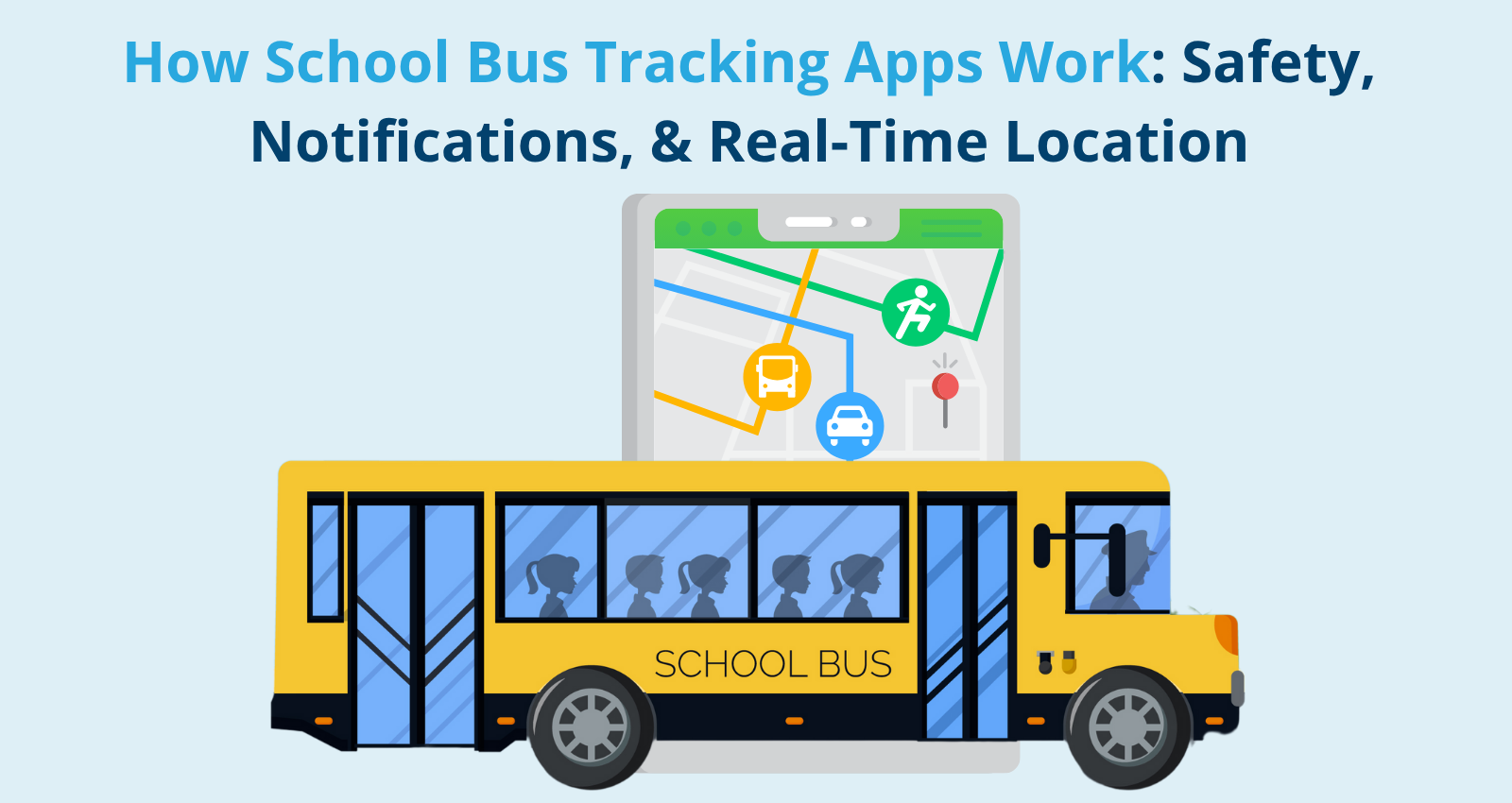
A bus tracker is a digital tool that provides real-time location data, estimated arrival times, and route updates for public transit vehicles. By utilizing GPS technology and cellular networks, these systems bridge the gap between transit agencies and commuters, eliminating the guesswork of waiting at a station.
Public transportation forms the backbone of urban and regional mobility, yet waiting for a delayed bus in inclement weather has long been a frustrating experience for millions of daily commuters. Modern transit technology has transformed this routine hurdle. A bus tracker empowers passengers with live data, allowing them to optimize their daily commutes, reduce anxiety, and make informed travel decisions. Whether accessed through municipal mobile applications, third-party mapping software, or digital station signage, understanding how these systems operate and how to leverage them effectively can completely change your relationship with public transit.
Understanding the Technology Behind Bus Tracking
Modern bus tracking is not magic; it relies on a robust integration of hardware, software, and telecommunications infrastructure. At the core of every tracking system is Global Positioning System (GPS) hardware installed directly on the transit fleet.
The Hardware Layer: GPS and Telematics
Every tracked bus carries an on-board computer unit integrated with a GPS receiver. This unit continuously calculates the vehicle's precise geographical coordinates—latitude, longitude, altitude, and speed—via satellite networks. Alongside GPS, modern buses often utilize cellular gateways to transmit this telemetry data back to the transit agency’s central server. Some agencies also deploy Automatic Vehicle Location (AVL) systems, which combine GPS with dead reckoning and wheel-sensors to maintain positioning accuracy even inside urban canyons or tunnels where satellite signals might temporarily degrade.
The Software Layer: Data Processing and APIs
Once the raw coordinates reach the transit agency’s servers, backend software processes the data against scheduled timetable databases. This engine calculates whether a bus is running ahead of schedule, on time, or delayed. Many transit agencies publish this processed data through Application Programming Interfaces (APIs). Utilizing standardized data formats such as the General Transit Feed Specification (GTFS) and GTFS-Realtime, developers can pull live positional and schedule updates into consumer-facing applications seamlessly.
| Tracking Technology | Core Function | Primary Benefit | Limitation |
|---|---|---|---|
| GPS / AVL | Determines real-time vehicle coordinates | High positioning accuracy | Subject to satellite obstruction in deep urban canyons |
| Cellular Telematics | Transmits telemetry data to central servers | Continuous, real-time updates | Susceptible to network dead zones and cellular congestion |
| GTFS-Realtime API | Standardizes data for consumer apps | Universal compatibility across third-party maps | Dependent on agency server uptime and feed frequency |
| Automated Passenger Counters (APCs) | Measures vehicle capacity and crowd levels | Informs riders of available space | Adds hardware complexity and maintenance overhead |
Primary Categories of Bus Trackers
Navigating public transit options requires choosing the right tool for your specific journey. Bus trackers generally fall into three distinct categories, each offering unique features and user experiences.
Official Transit Agency Applications
Most municipal transit authorities and regional transportation districts develop and maintain their own proprietary mobile applications. These apps are tailored specifically to the local network, offering the highest fidelity regarding local fare structures, service alerts, zone changes, and agency-specific announcements.
- Advantages: Direct access to official announcements, accurate localized alerts, and integration with local smart-card payment systems.
- Disadvantages: Cumbersome if you travel across multiple municipal boundaries, as you may need to download a different app for every city or transit district you visit.
Third-Party Mapping and Navigation Software
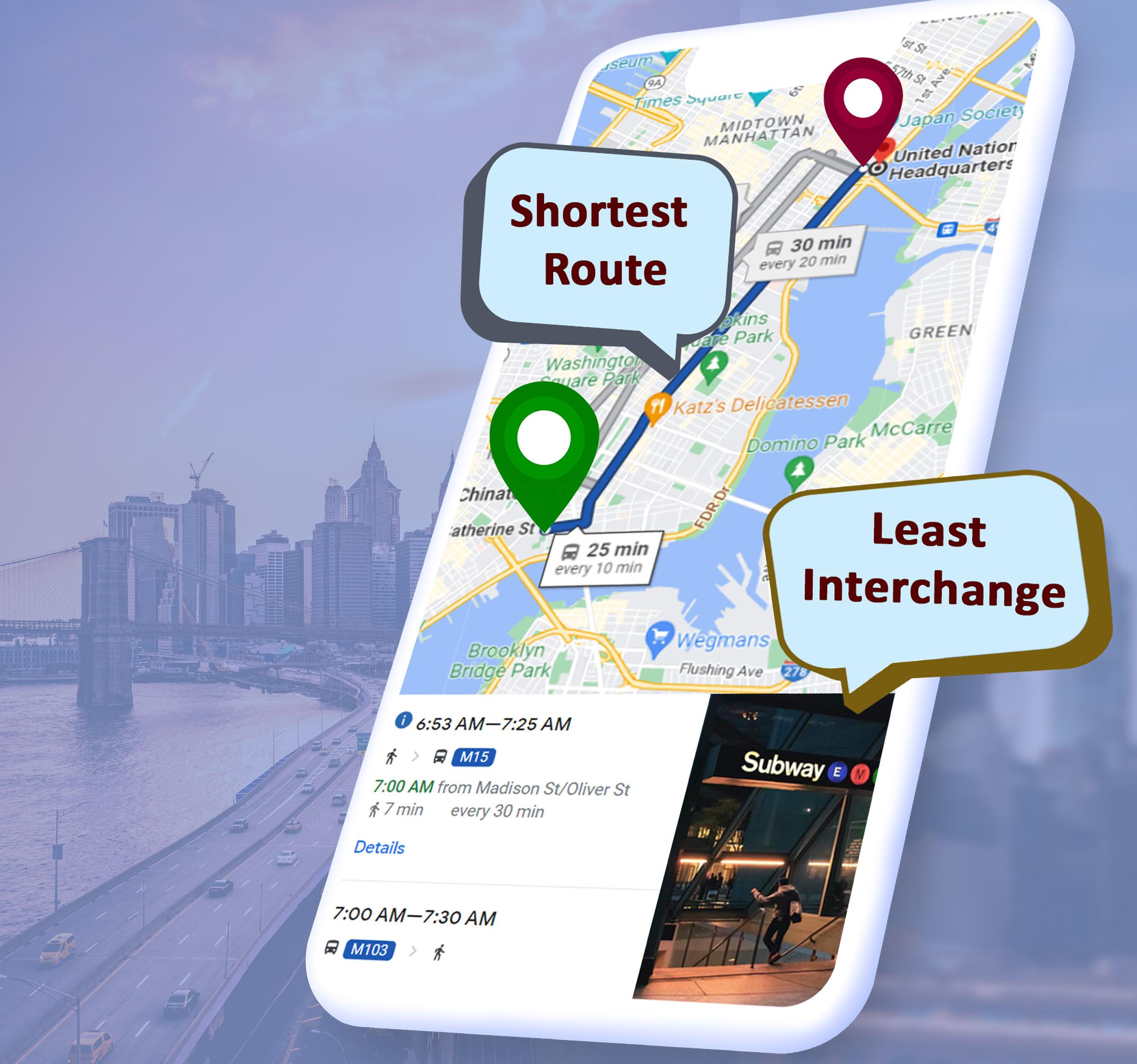
Global mapping platforms and independent developers offer universal apps that aggregate transit data from thousands of agencies worldwide. Software such as Google Maps, Apple Maps, Citymapper, and Moovit act as centralized hubs for multi-modal travel.
- Advantages: Seamless cross-city utility, comprehensive multi-modal routing (combining buses, trains, walking, and ride-shares), and polished user interfaces.
- Disadvantages: Occasional synchronization lags between local agency servers and third-party data aggregators.
Station-Based Digital Signage and SMS Trackers
For commuters without smartphones or those standing directly at high-volume transit hubs, physical infrastructure provides critical live updates. Many stops feature electronic LED or LCD countdown clocks driven by the same real-time feeds. Additionally, many systems allow users to text a specific stop code to a designated phone number to receive an automated text message reply with the next arrival times.
How to Use a Bus Tracker Effectively for Your Daily Commute
Leveraging a bus tracker requires more than simply opening an app and looking at a moving icon on a map. Developing a strategic approach ensures you spend less time waiting and more time moving efficiently.
1. Identify Your Stop and Route Designation
Before tracking begins, confirm your exact route number or name and the specific direction of travel. Many corridors serve buses traveling in opposite directions from stops positioned mere feet apart. Double-check the stop ID number displayed on the physical bus shelter pole, as entering this ID into an app yields the most precise arrival data.
2. Monitor Headway Rather Than Exact Timers
Real-time arrival estimates fluctuate due to unpredictable urban traffic congestion, road construction, and passenger boarding volumes. When a tracker indicates a bus is "5 minutes away," understand that this is a dynamic prediction. Experienced commuters monitor vehicle headway—the time spacing between consecutive buses on the same route—to gauge overall route reliability rather than stressing over a single countdown timer.
3. Establish a Departure Buffer
Relying entirely on a real-time tracker to time your exit from your front door is risky. Network latency, sudden traffic clearing that causes a bus to run ahead of schedule, or fast-boarding conditions can cause you to miss your ride. Establish a comfortable buffer by aiming to arrive at the stop two to three minutes before the tracker's estimated arrival window.
Evaluating Pros and Cons of Real-Time Transit Tracking
While real-time tracking has revolutionized urban mobility, it is essential to understand the practical limitations inherent in the technology.
Advantages of Real-Time Tracking
- Reduced Perceived Wait Times: Knowing exactly when a bus will arrive significantly lowers the psychological stress and anxiety associated with uncertainty.
- Optimized Decision-Making: If a tracker shows a severe delay, commuters can pivot to alternative routes, walking paths, or different modes of transportation before leaving home or work.
- Enhanced Accessibility: Live tracking aids passengers with mobility challenges, allowing them to minimize time spent standing exposed to harsh weather conditions.
Limitations and Technical Challenges
- Ghost Buses: Occasionally, tracking systems display vehicles that have gone out of service or lost GPS connectivity, leading to phantom arrivals that never materialize.
- Network Latency: Cellular dead zones, lagging server updates, or poor municipal infrastructure can cause a tracker to freeze, showing outdated positional data.
- Crowding Blind Spots: Traditional trackers show vehicle location, but unless paired with Automated Passenger Counters (APCs), they cannot tell you whether the approaching bus is completely packed or has plenty of empty seats.
Troubleshooting Common Bus Tracker Issues
When your transit tracking app fails to load or displays contradictory information, a systematic troubleshooting approach can quickly resolve the problem.
Resolving App Freezing and Location Errors
- Check Location Permissions: Ensure your mobile device allows the tracking app to access your GPS location. Without device-level location access, the app cannot pinpoint nearby stops.
- Refresh the Data Feed: Force-close the application or pull down to manually refresh the feed to clear cached server data.
- Verify Cellular Connectivity: Transit trackers rely on continuous internet access. If your data connection drops inside a subway transfer station or dense concrete corridor, the map will fail to update.
Dealing with Discrepancies Between App and Reality
If the app states a bus is arriving in one minute, but the physical stop remains empty, check for active service advisories within the application. Unreported accidents, police activity, or sudden route diversions often disrupt schedules faster than automated backend servers can recalculate new arrival projections. In these instances, rely on the official municipal Twitter/X feeds or emergency alert banners within the app interface.
Frequently Asked Questions About Bus Trackers
Do all bus tracking applications require an internet connection?
Yes. Real-time bus trackers require an active cellular data or Wi-Fi connection to download live positional feeds and update map interfaces. However, some apps allow you to download static offline schedule timetables, though real-time tracking will be unavailable without internet access.
Why does a tracked bus suddenly disappear from the map?
A bus may disappear if the vehicle completes its route, experiences a hardware failure in its GPS or cellular transmitter, or switches off its tracking unit during a driver shift change or depot return.
Are bus trackers completely free to use?
Official transit agency apps and major third-party navigation tools like Google Maps and Apple Maps are entirely free to download and use. Some third-party apps may display advertisements or offer optional premium subscriptions for ad-free experiences, but core tracking functionality remains free.
How accurate are real-time bus arrival predictions?
Accuracy varies based on the sophistication of the transit agency's infrastructure and current traffic conditions. Most systems achieve high accuracy within 10 to 15 minutes of a bus reaching a given stop, but predictions farther out are subject to sudden traffic shifts.
Can I track bus capacity or crowding levels in real-time?
Many modern transit apps now integrate crowd-sourcing data and automated passenger sensor feeds to display whether a bus has many seats available, limited seating, or is standing-room only, though this feature varies significantly by city.
Next Steps for Commuters
To make the most of your daily transit routine, download your local transit authority’s official app alongside a reputable multi-modal navigation platform. Bookmark your most frequently used stops, enable push notifications for service alerts on your primary routes, and always maintain a modest time buffer to ensure a smooth, stress-free journey.