A case lookup is the process of searching official judicial databases to retrieve information regarding past or ongoing legal proceedings. By using specific identifiers such as a case number or a party's name, individuals can access dockets, filed documents, and court dates. Most public court records are accessible online through federal portals like PACER or various state-level judicial websites.
The ability to perform a case lookup is a fundamental aspect of the "open courts" principle in the United States and many other jurisdictions. This transparency ensures that the public can monitor the judicial system, verify the status of litigation, and conduct due diligence for professional or personal reasons. However, navigating the fragmented landscape of various court systems—ranging from federal appellate courts to local municipal departments—requires an understanding of where these records live and how to search for them effectively.
Understanding Case Lookup and Public Record Access
A case lookup serves as a bridge between the private actions of litigants and the public nature of the law. In 2026, nearly every jurisdiction in the U.S. has transitioned to electronic filing systems, making digital case lookups the standard method for information retrieval. When you perform a lookup, you are typically accessing the court docket, which is a chronological log of all actions, filings, and hearings associated with a specific case.
While most records are public under the Freedom of Information Act (FOIA) or state-equivalent "Sunshine Laws," it is important to distinguish between public and confidential information. Records involving juveniles, certain family law matters, or cases that have been formally sealed or expunged by a judge are generally not available through a standard case lookup.
Furthermore, a case lookup is distinct from a comprehensive criminal background check. While a background check aggregates data from multiple sources to assess an individual's history, a case lookup is a targeted search into a specific judicial record. It provides the "source of truth" for what occurred during a specific legal dispute or criminal prosecution.
Essential Information Required for a Successful Search
Before initiating a search, you must gather specific data points to narrow down the results. Because court databases handle millions of records, generic searches often yield too many "false positives."
Case Numbers: The Gold Standard
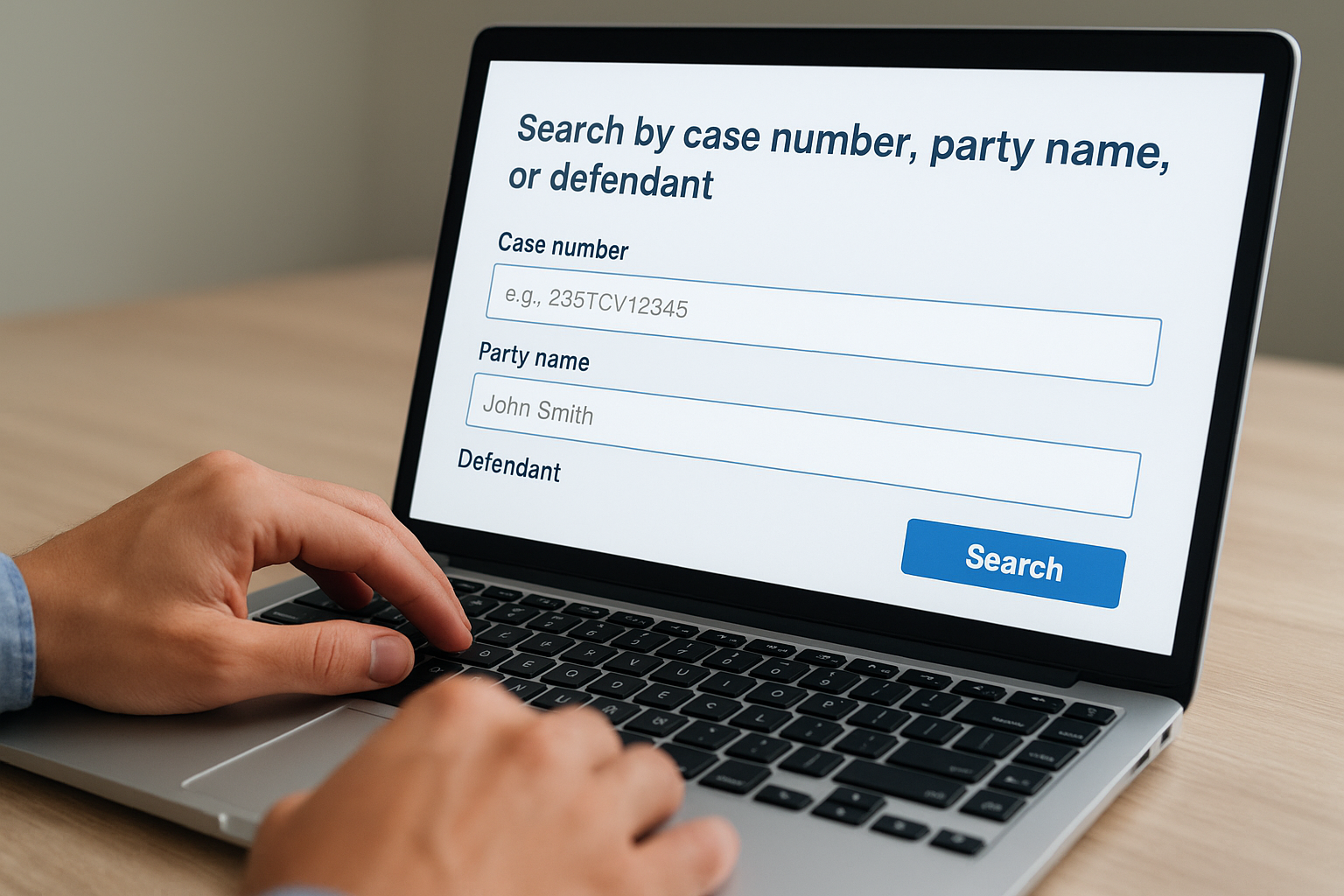
The most efficient way to perform a lookup is with a case number (also known as a docket number). This alphanumeric code is unique to each filing and typically includes the year of filing, the type of case (e.g., "CR" for criminal, "CV" for civil), and a sequential identification number. Using a case number bypasses the ambiguity of common names and takes you directly to the relevant file.
Party Names and Business Entities
If the case number is unknown, you can search by the names of the Plaintiff (the party filing the suit) or the Defendant (the party being sued). For criminal cases, the "Plaintiff" is usually the "State," "People," or "United States," so you must search using the defendant's full legal name. When searching for businesses, ensure you use the correct legal entity name rather than a "Doing Business As" (DBA) name, as court filings usually reflect the official corporate registration.
Jurisdiction and Court Tier
You must know where the case was filed. Legal matters are handled at different levels:
- Federal Courts: Bankruptcy, civil rights violations, federal crimes, and interstate disputes.
- State Courts: General civil litigation, family law, probate, and most criminal matters.
- Local/Municipal Courts: Traffic violations, small claims, and local ordinance infractions.
Navigating Federal Court Records: Using PACER in 2026
For any case filed in a U.S. District Court, U.S. Bankruptcy Court, or U.S. Court of Appeals, the primary tool is PACER (Public Access to Court Electronic Records). As of 2026, PACER remains the centralized gateway for federal case lookups, though it has undergone significant UI updates to improve mobile accessibility and search speed.
To use PACER, users must create an account. While the system is technically "pay-per-page," the Administrative Office of the U.S. Courts maintains a policy where fees are waived if a user’s quarterly usage remains below $30. This makes the system effectively free for the average citizen or infrequent researcher.
When searching PACER, you can use the U.S. Party Case Index, which allows for a nationwide search across all federal jurisdictions. This is particularly useful when you are unsure which specific district a federal case was filed in. Once a case is located, you can view the docket report, which lists every motion, order, and judgment entered by the court. To view the actual PDF of a filed document, you must typically pay a small per-page fee (capped at a maximum price per document).
For more information on federal filings, visit the official PACER portal.
State and Local Case Lookup Methods
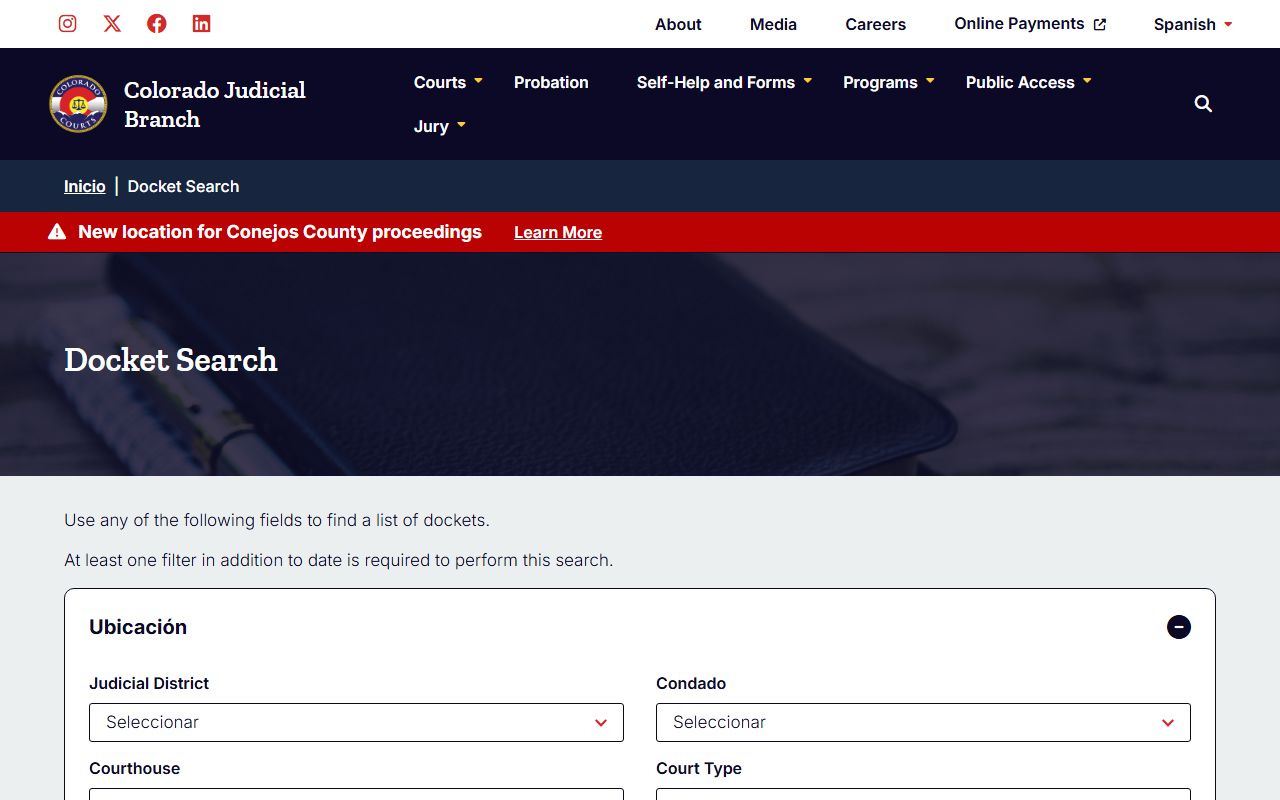
State court systems are decentralized, meaning there is no single website to look up every state case in the country. Instead, each state's Administrative Office of the Courts (AOC) manages its own database.
Centralized State Portals
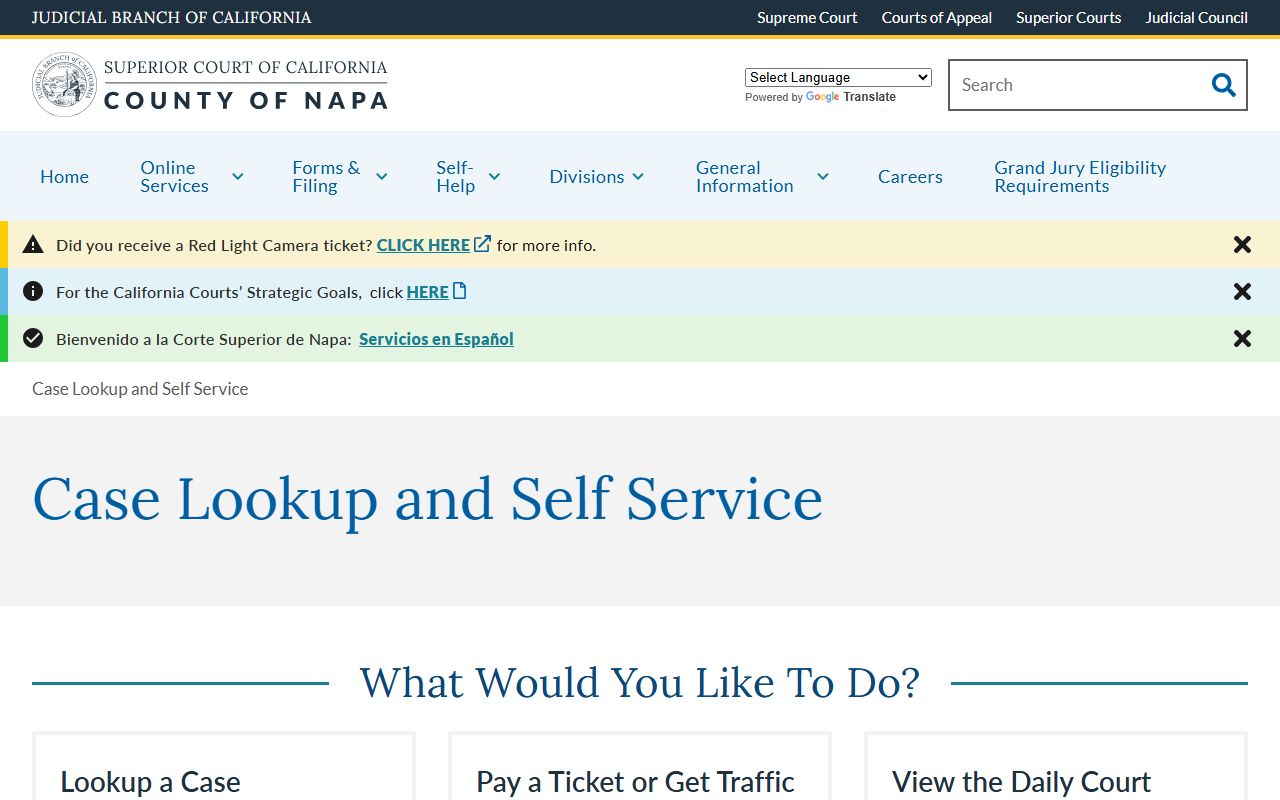
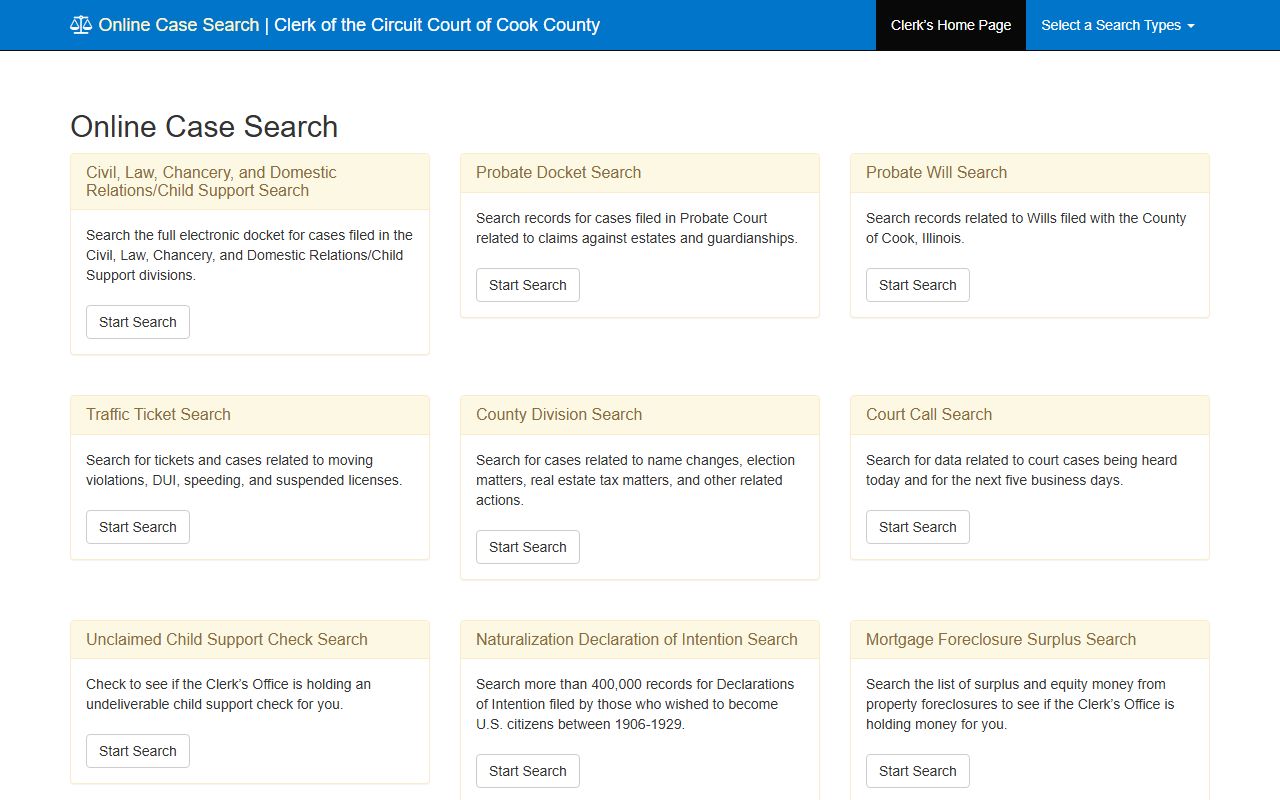
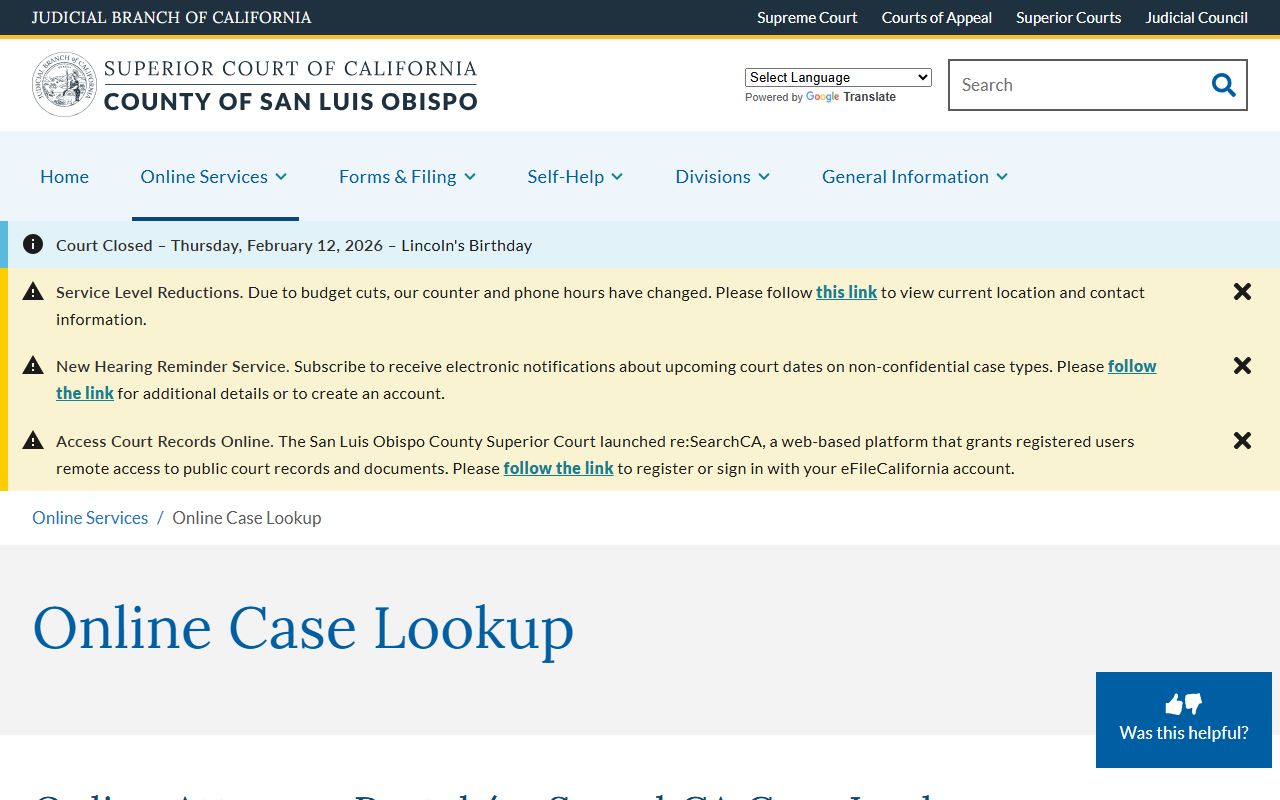
Many states, such as New York, California, and Florida, offer centralized "WebCivil" or "WebCrim" portals. These allow you to search multiple counties simultaneously. For instance, New York's eTrack system provides a proactive notification service where users can "track" a case and receive email updates whenever a new document is filed or a court date is rescheduled.
County-Level Searches
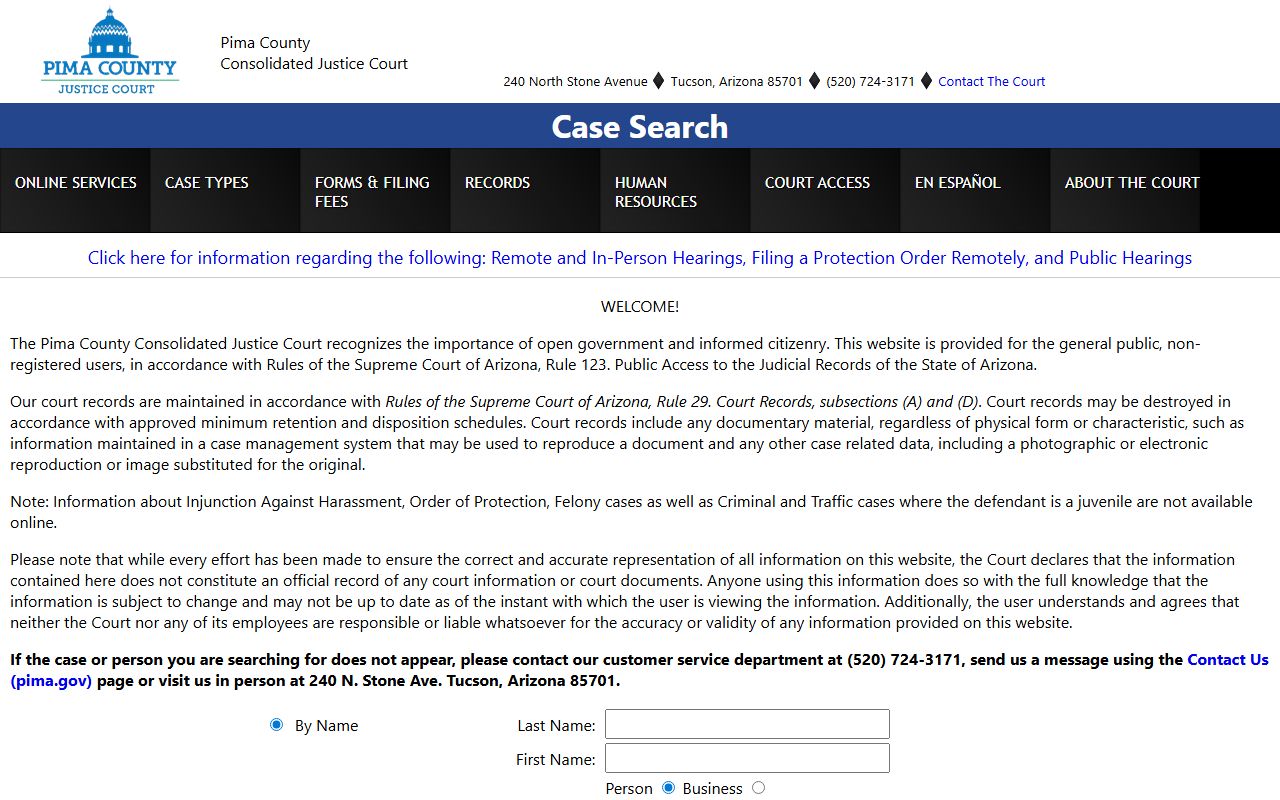
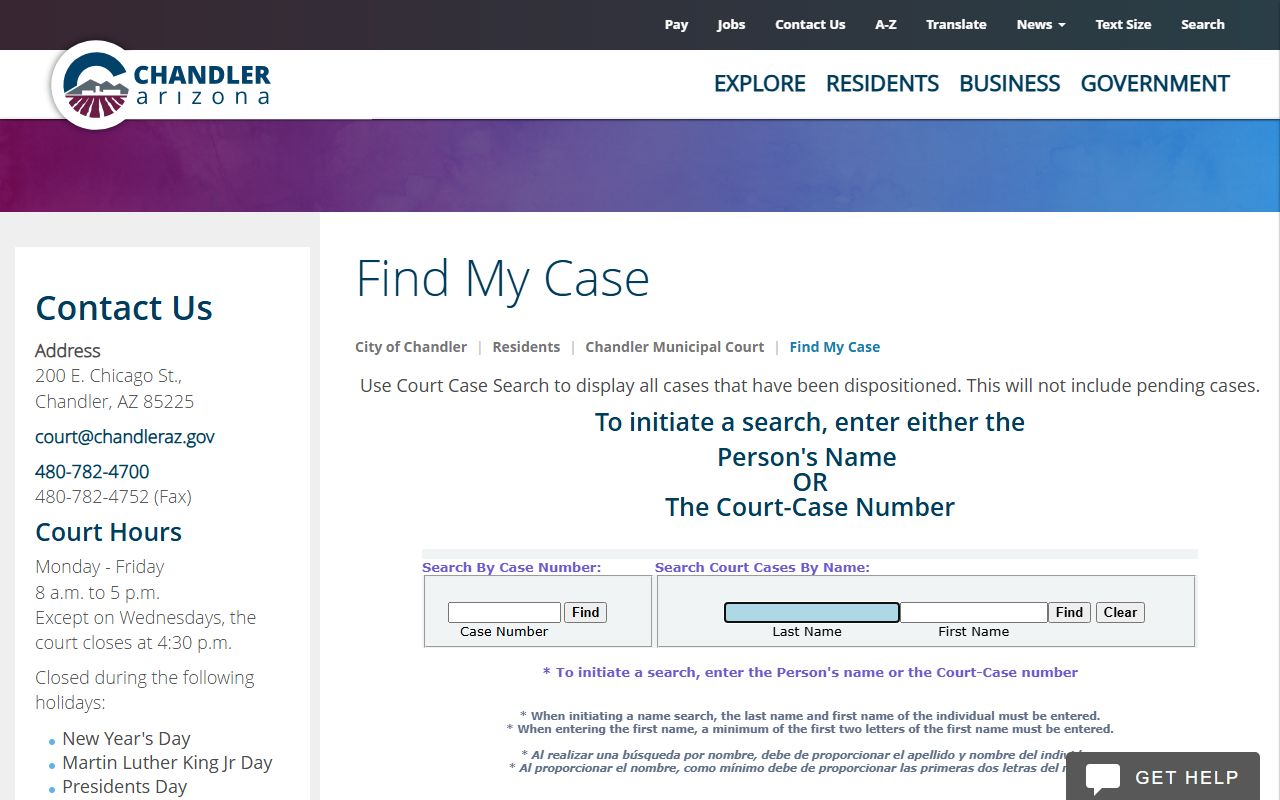
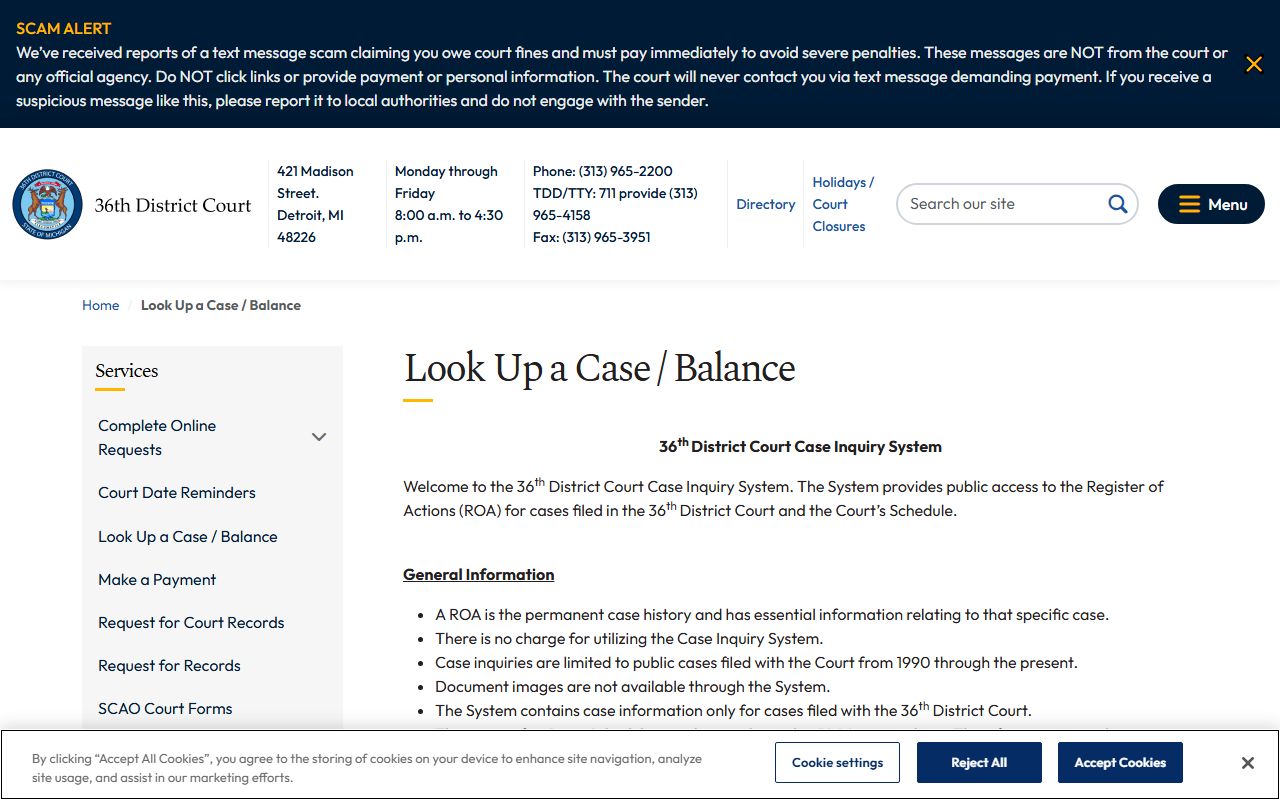
In states without a unified electronic filing system, you must visit the website of the Clerk of the Court for the specific county where the case was heard. These local databases are often the most detailed but may have varying levels of technical sophistication. Some counties may require you to visit the courthouse in person to use a public access terminal if their records have not yet been fully digitized for remote access.
Comparison of Case Lookup Systems
The following table outlines the differences between the primary types of case lookup platforms available in 2026.
| System Type | Jurisdiction | Typical Use Case | Access Cost |
|---|---|---|---|
| PACER | Federal (U.S.) | Bankruptcy, Federal Crimes, Patents | $0.10/page (waived under $30/qtr) |
| State AOC Portals | State-wide | Felonies, Large Civil Suits, Appeals | Generally Free to Search |
| County Clerk Sites | Local County | Evictions, Misdemeanors, Divorce | Free (Search); Fee (Copies) |
| Municipal Portals | City/Town | Traffic Tickets, Building Codes | Free |
| Third-Party Aggregators | Multi-Jurisdiction | Background Checks, Legal Research | Subscription-based |
Step-by-Step Guide: How to Perform a Case Lookup Online
Performing a case lookup is a systematic process. Following these steps ensures you find the correct information while minimizing costs.
- Identify the Jurisdiction: Determine if the case is Federal, State, or Local. If it involves a federal law or parties from different states (with high dollar amounts), check PACER first. Otherwise, look at the state court system.
- Locate the Official Portal: Avoid third-party "people search" sites that charge high fees for publicly available data. Use the official
.govwebsite for the relevant court clerk. - Enter Search Criteria: Start with the case number if available. If searching by name, use the "Wildcard" feature (often an asterisk
*) if the portal supports it, to account for spelling variations (e.g., "Sm*th" for Smith or Smyth). - Filter by Date or Case Type: If the name search returns too many results, filter by the "File Date" to narrow the window.
- Review the Docket: Once the case is found, open the docket. Look for the "Status" or "Disposition" field to see if the case is active, dismissed, or closed.
- Download Necessary Documents: If you need proof of a judgment or the specifics of a complaint, download the relevant PDF. Note that "certified copies" required for official legal use often cannot be downloaded and must be ordered through the mail for a separate fee.
Understanding Search Results: Common Legal Terms
When reviewing a case lookup, you will encounter legal jargon that defines the status of the proceedings. Understanding these terms is crucial for interpreting the data correctly.
- Pro Se: Indicates that a party is representing themselves without an attorney.
- Stay: A court order that temporarily stops a judicial proceeding.
- Disposition: The final settlement of a matter; the "result" of the case (e.g., Guilty, Dismissed, Settled).
- Affidavit: A written statement confirmed by oath or affirmation, often filed as evidence.
- Summons: An official notice that a legal action has been commenced and requiring a person to appear in court.
- Motion to Dismiss: A formal request for the judge to throw out the case because of a legal deficiency.
Privacy, Expungement, and Restricted Records
Not all information is visible in a case lookup. Even in the digital age of 2026, privacy protections are strictly enforced.
Redaction is the process where sensitive information—such as Social Security numbers, bank account details, and the names of minor children—is obscured from public view. Courts often require litigants to file "redacted" versions of documents for the public docket while providing unredacted versions to the judge and opposing counsel.
Expungement and Sealing are legal processes that remove a case from public view. If a case has been expunged, a lookup will return "No Records Found," as if the case never existed. This is common in criminal cases where the defendant was acquitted or completed a diversion program. If a case is "Sealed," it still exists in the system but can only be accessed by authorized personnel (such as law enforcement or the parties involved) via a court order.
Troubleshooting Common Search Issues
It is common to encounter hurdles when performing a case lookup. If your search yields no results, consider the following troubleshooting steps:
- Check Different Jurisdictions: A crime might be prosecuted in a neighboring county, or a civil suit might be filed in the defendant's home state rather than where the incident occurred.
- Verify Name Spelling: Legal records are sensitive to spelling. Even a missing middle initial can sometimes cause a search to fail in older databases.
- Accounting for Delays: There is often a "processing lag" between when a document is filed at the courthouse and when it appears on the public website. This can range from a few hours to several days.
- Search for Aliases: In criminal cases, look for "AKA" (Also Known As) entries, as individuals may be booked under a maiden name or a different legal alias.
Practical Recommendations
If you are performing a case lookup for a significant legal or professional reason, always prioritize official government sources over third-party aggregators to ensure data accuracy. For those tracking an ongoing case, utilize "Notification" or "Alert" features offered by many modern court portals to stay informed of changes in real-time. Finally, remember that while a case lookup provides the facts of what was filed, it does not provide legal context; if you are unsure of the implications of a court filing, consult with a qualified legal professional to interpret the findings correctly.
Frequently Asked Questions
Can I look up someone’s case for free?
In most instances, yes. Searching for a case and viewing the basic docket (the list of events) is typically free on state and local court websites. However, viewing or downloading the actual PDF documents (like the complaint or the final judgment) may require a fee. On the federal PACER system, fees are waived if you incur less than $30 in charges per quarter.
Why can't I find a specific case online?
There are several reasons a case might not appear: it may be a juvenile case, it might have been sealed or expunged, or you may be searching in the wrong jurisdiction. Additionally, very old cases (prior to the 1990s) may not have been digitized and may only exist in physical archives at the courthouse.
Is a case lookup the same as a background check?
No. A case lookup is a search for a specific legal record in a specific court. A background check is a broader search that aggregates data from multiple sources, including credit bureaus, driving records, and multiple court jurisdictions. A case lookup is more targeted and provides the specific details of a single legal matter.
How often are court records updated?
Most modern courts in 2026 update their online portals within 24 to 48 hours of a filing. However, some smaller municipal courts may take longer. If a case is currently in trial, updates may appear daily as new motions and orders are processed.
Can I see evidence like photos or videos in a case lookup?
Generally, no. Most online case lookup portals only provide access to text-based legal documents (PDFs). Evidence such as physical exhibits, photographs, or video recordings usually requires an in-person request at the clerk's office or a specific motion to the court to view "discovery" materials, which are often not part of the public docket.